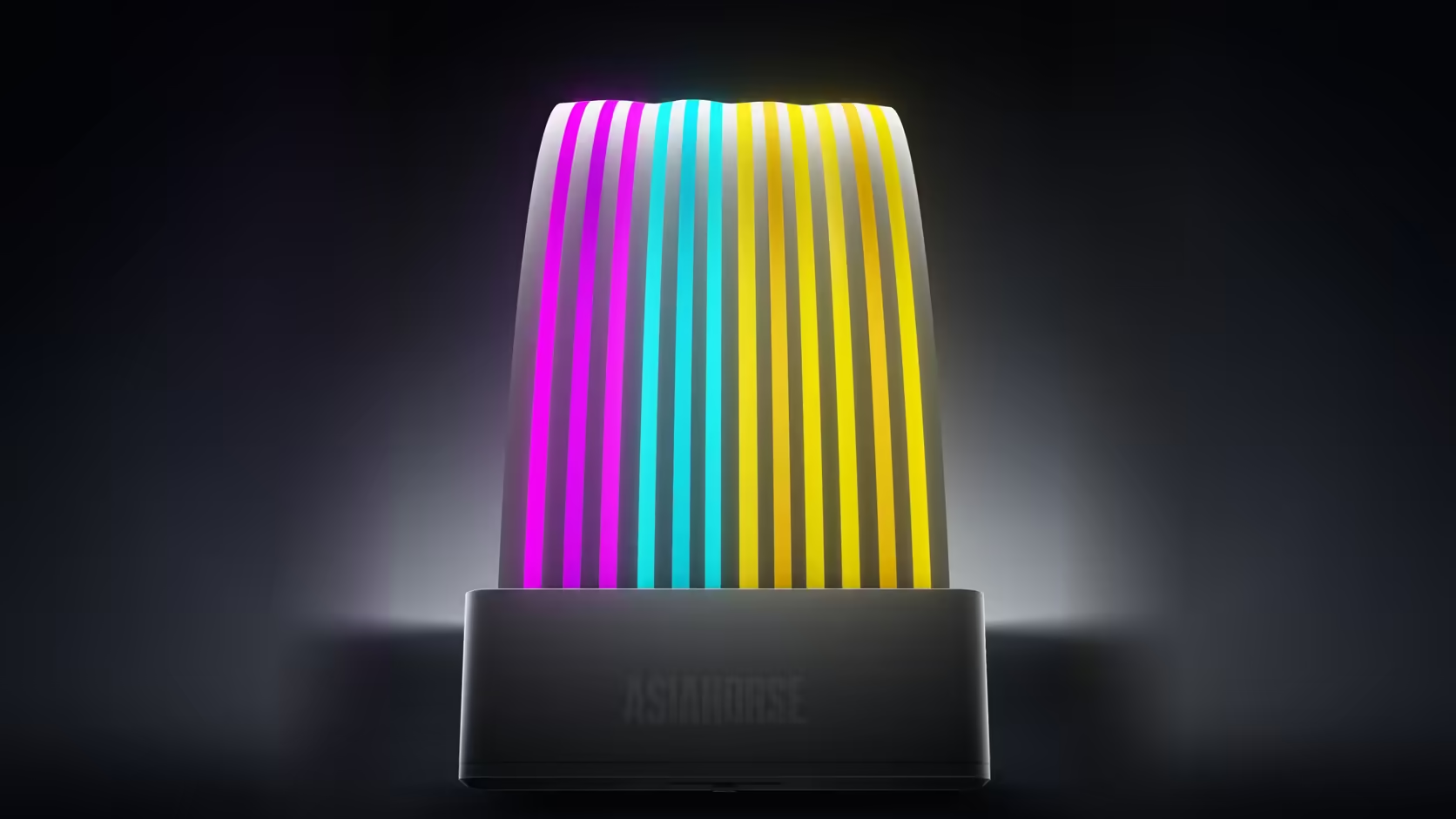
AsiaHorse sells two genuinely different approaches to the same basic idea of dressing a power cable, and comparing the Aurora Learn ARGB PSU Cable Cover against the brand's standard cover kit is really a comparison between two philosophies rather than simply two products at different prices.
Quick Answer
Aurora Learn brings its own controller, a remote and a dedicated SATA connection into the build, while the standard AsiaHorse cover kit instead runs straight from a single board header for both its feed and its sync signal. One approach adds genuine control and additional hardware to place; the other adds simplicity with nothing extra to find room for. Whether spare headers or spare physical space is the more pressing constraint in a given build is really what decides between them, rather than either option being objectively better.
🎛️ What the standard kit does differently
One connection handles everything
A single 5V 3-pin header supplies both power and the sync signal for the standard kit, with no controller box and no power supply SATA lead needing a place found for it anywhere behind the tray.
✨ What Learn genuinely adds in return
A preset library accessible from a physical remote, complete independence from board headers, and 108 LEDs packed into a single cover, compared with 81 in the standard kit's board cover and 80 in its graphics cover combined across a pair.
🔧 Comparing installation difficulty directly
Learn requires more planning
Positioning a controller, running a SATA lead, and finding room behind the tray for a physical box adds genuine steps that the standard kit simply skips entirely.
The standard kit installs in fewer steps
One thin lead to a single header is essentially all the standard kit needs once its shells are clipped into place over the relevant cables.
🎯 Matching the right product to the right build constraint
A build with no free addressable header genuinely favours Learn, since its controller draws SATA power and drives the cover with zero board involvement required at all. A build that is instead short on physical space behind the tray tends to favour the standard kit, since it introduces no separate control box competing for that same limited area.
💰 How the pricing actually compares between them
The standard kit is R699 for a two-piece set covering both runs, while each individual Learn cover runs R599 with its full controls already included in that price.
🔀 Could the two ranges be mixed within one build?
Nothing technically prevents combining them, though running two genuinely separate lighting arrangements side by side is worth thinking through properly before committing to buying both at once.
🧩 Where each range tends to make the most sense
A build already leaning on board sync
If every other lit part of the build, including anything picked from a case lighting range, is already synced through board software, the standard kit slots into that same ecosystem with the least additional complexity, since it was designed around a header connection from the outset.
A build with genuinely no headers left
Where the board's addressable headers are already committed elsewhere, Learn's independence from that entire system is less a nice-to-have and more the deciding factor, since the standard kit simply cannot run without one.
🧮 A worked example to make the decision concrete
A builder with one free SATA connector but zero spare addressable headers has effectively no decision to make at all, since only Learn can physically run in that build. A builder with the reverse situation, headers to spare but a case with almost no room behind the tray, is pushed just as firmly toward the standard kit instead, which makes the choice far less subjective than it first appears once the actual constraints of a specific case and a specific motherboard are laid out side by side rather than argued about in the abstract. Writing down the actual free SATA count and the actual free header count before browsing either range turns what can feel like a values-driven choice, simplicity against control, into a straightforward exercise in matching parts to the numbers already sitting in front of you.
🤔 A question worth asking before deciding
Rather than picking a range first and working around its requirements, listing what the build actually has spare, whether that is header capacity or physical space behind the tray, tends to produce a more reliable answer than starting from either product's marketing.
🛒 Buying for the build you actually have, not the one you plan to have
It is tempting to buy for a future upgrade, choosing Learn now because a header-hungry addition is planned for next year, or choosing the standard kit because space feels tight only in the current case. Both ranges are inexpensive enough that buying for the build genuinely in front of you, rather than one still on a wish list, is usually the more sensible approach, since either product can simply be replaced later if the constraints that shaped the original decision change.
Frequently Asked Questions
What does the standard cover kit do differently from Learn?
It draws both its power feed and its sync signal from one 5V 3-pin header, with no controller box or SATA lead to place.
What does the Learn range add in exchange for the extra setup?
A preset library on a physical remote, independence from board headers, and 108 LEDs per cover versus 81 and 80 across the standard pair.
Which of the two is genuinely simpler to install?
The standard kit, since a single thin lead to one header is all it needs once its shells are clipped into place.
Which suits a build with no free addressable header left?
Learn does, because its controller draws power from SATA and drives the cover entirely without needing any board involvement at all.
And which suits a build genuinely short on physical space?
The standard kit tends to fit better there, since it adds no control box competing for the same limited area behind the tray.
How do the two ranges actually compare on price?
The standard kit is R699 for two covers, while each individual Learn cover is R599 with its full controls already included.
Can products from the two ranges be mixed in one build?
Nothing prevents it, though running two separate lighting arrangements side by side is worth thinking through before buying into both.
Weighing Aurora Learn against the standard cover kit?
Check Evetech's power supply range to plan whichever approach suits your build's real constraints.