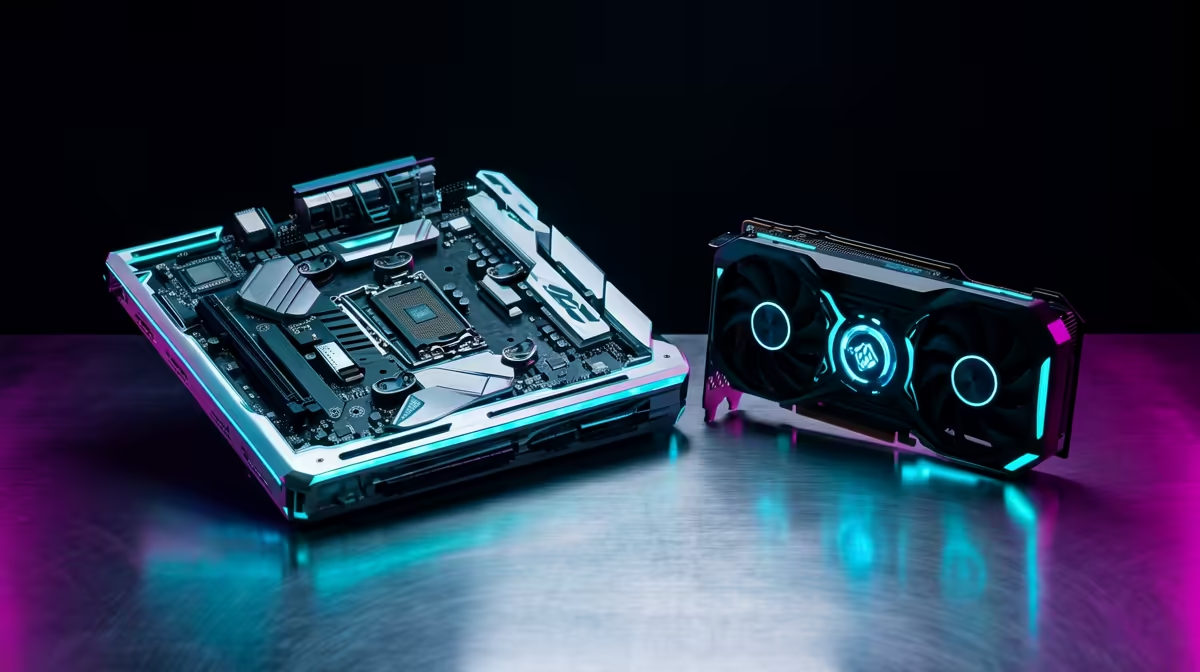
Stuttering frames in the middle of a tense firefight in Cape Town? It’s a uniquely South African frustration. You’ve invested in a powerful graphics card, but your performance is still choppy. The culprit might be a silent saboteur: a CPU bottleneck. This happens when your processor can't keep up with your GPU, leaving your expensive graphics card waiting for instructions. This guide is your checklist to help you avoid CPU bottlenecks and unlock your rig's true potential. 🚀
What is a CPU Bottleneck, Really?
Imagine your PC is a fast-food kitchen. The GPU is the master chef, ready to cook up stunning visuals at lightning speed. The CPU is the person taking the orders. If the order-taker is slow, the chef is left standing around with nothing to do, no matter how skilled they are. That’s a CPU bottleneck in a nutshell. Your powerful GPU's potential is wasted because the CPU can't feed it data fast enough, leading to inconsistent frame rates and annoying stutters.
Your Pre-Build Checklist to Avoid CPU Bottlenecks
Building a balanced rig from the start is the smartest way to avoid CPU bottlenecks. It’s not about buying the most expensive parts; it’s about buying the right parts that work together in harmony.
1. Match Your CPU and GPU Tiers
This is the golden rule. Pairing a top-of-the-line RTX 4090 with an entry-level Core i3 is a recipe for disaster. As a general guide for a smooth gaming experience:
- Entry-Level Gaming: Pair an Intel Core i3/i5 or AMD Ryzen 3/5 with a GPU like the RTX 3050 or RTX 4060.
- Mid-Range Sweet Spot: An Intel Core i5/i7 or AMD Ryzen 5/7 CPU is a perfect match for GPUs like the RTX 4060 Ti or RTX 4070 SUPER.
- High-End Performance: For 4K gaming with an RTX 4080 SUPER or 4090, you'll need a powerful Intel Core i7/i9 or an AMD Ryzen 7/9 to keep up.
2. Consider Your Gaming Goals 🎯
What you play and how you play it matters immensely.
- High Refresh Rate (1080p): Playing competitive titles like Valorant or CS2 at 240Hz? This is extremely CPU-intensive. You'll need a processor with strong single-core performance to push those high frames.
- High Resolution (1440p/4K): Gaming at higher resolutions shifts the workload more onto the GPU. While a balanced CPU is still crucial, the graphics card becomes the primary performance driver.
Quick Check: The Task Manager Test
Suspect a bottleneck in your current rig? Open Task Manager (Ctrl+Shift+Esc) on a second monitor while gaming. If your CPU usage is consistently maxed out at 100% while your GPU usage is sitting well below 90%, you've likely found your bottleneck.
3. Don't Forget Supporting Components
Your processor is only one part of the equation.
- RAM Speed: Fast RAM allows your CPU to access data quicker. For AMD Ryzen CPUs especially, faster DDR5 memory can provide a noticeable performance uplift.
- Motherboard: A cheap motherboard with poor power delivery (VRMs) can throttle a high-end CPU, creating a bottleneck before the signal even leaves the socket. Ensure your motherboard is rated to handle your chosen processor.
Choosing the Right Team: Intel or AMD?
Today, both sides offer incredible gaming performance, so you can't really go wrong. The key is finding the right chip for your budget and use case. For many gamers, the latest generation of Intel Core processors offers fantastic single-threaded speed, which is vital for high frame rates. On the other hand, AMD's X3D chips, with their massive L3 cache, are gaming beasts that often pull ahead in simulation and strategy titles.
Ultimately, the best way to avoid a CPU bottleneck is to plan your build carefully. By matching your components and considering your gaming habits, you create a balanced system where every part can perform at its peak. ⚡
Build a Balanced Rig Today
Ready to build a PC without the performance headaches? Browse our massive range of CPU processors for performance that leaves lag in the dust.