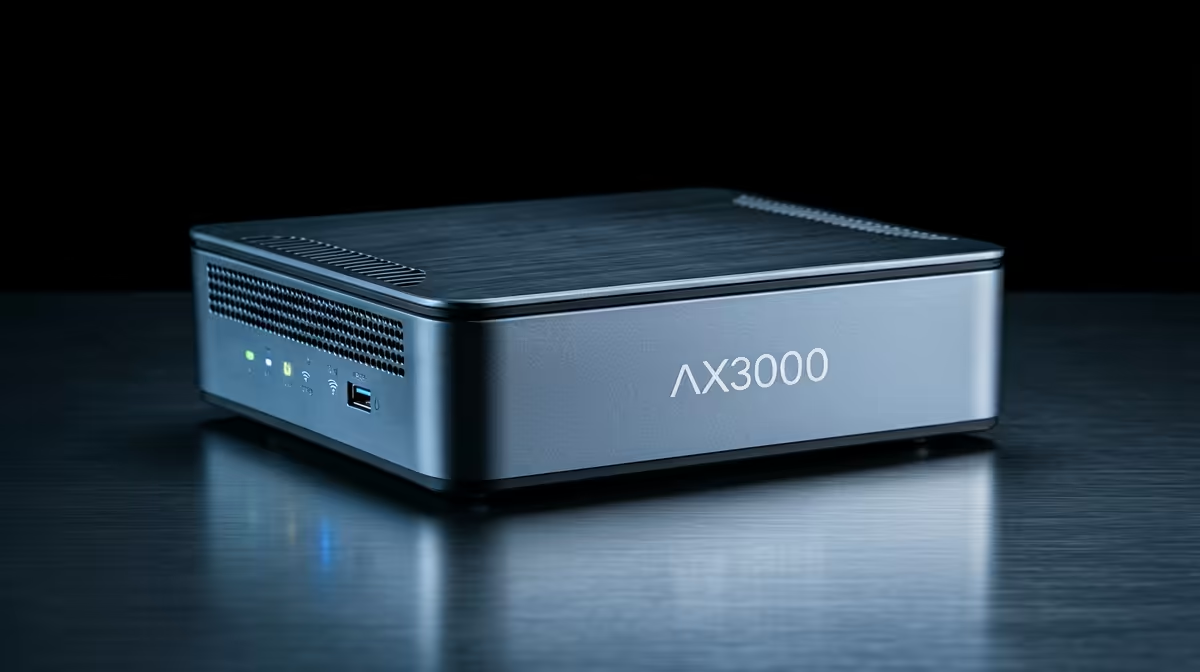
AX3000 Wi‑Fi 6 Range Extender Specs: What Do They Mean for You? (and why gamers should care) 🚀
If you’ve ever been kicked out of a ranked match because “the Wi‑Fi is having a moment”… you’re not alone. That’s why AX3000 Wi‑Fi 6 range extenders have become a popular buy. But the specs can feel like marketing soup. Let’s decode what the AX3000 Wi‑Fi 6 range extender specs mean for your ping, your coverage, and your sanity.
AX3000 Wi‑Fi 6 Range Extender Specs: The numbers, explained plainly 🔧
“AX3000” is a shorthand that bundles performance expectations. In practice, it refers to a combined theoretical Wi‑Fi speed target across bands, not the real-world speed you’ll always get.
Here’s how to interpret the spec without getting fooled:
AX = Wi‑Fi 6… what you get at home
Wi‑Fi 6 (802.11ax) is built for better performance when multiple devices share the air. That can mean smoother streaming, faster downloads, and more stable behaviour in busy households (think: kids on tablets, someone on Netflix, and you trying to finish a GTA Online heist).
3000… why “the number” isn’t your actual internet speed
Your AX3000 extender’s “3000” is not the same as your ISP speed. Your fibre or LTE line may be 100 Mbps, 500 Mbps, or 1 Gbps. The extender only helps distribute your connection over Wi‑Fi, subject to signal strength and interference.
“Range” is really about signal quality
In real homes, range is less about maximum distance and more about how many walls and floors the signal has to cross. A good placement can beat a “bigger number” extender every time.
AX3000 Wi‑Fi 6 Range Extender Specs: Coverage tips that actually work ⚡
If you buy an extender and just plug it in wherever you have a socket… you’ll likely be disappointed. Instead, treat placement like part of your setup.
Find the “dead zone edge”, not the dead zone centre
Place the extender where the main router still has a reliable signal, then extend beyond that point. If the extender connects to a weak signal, it can amplify a problem.
Use an Ethernet backhaul when possible (big stability win)
Some setups allow using Ethernet between router and extender. If yours supports it, this often gives more consistent performance than relying purely on Wi‑Fi backhaul. The stability matters for gaming and work calls.
For more on the bigger picture of expanding your wireless network, start here:
AX3000 Wi‑Fi 6 Range Extender Specs: Gaming performance checklist for South African homes 🎮✨
Gamers typically care about three things: latency, jitter, and how the connection behaves when the network is busy.
Look for Wi‑Fi 6 features that help under load
Wi‑Fi 6’s improvements are most noticeable when there are multiple devices or when you’re battling interference. That’s common in neighbourhoods with many routers on the same streets.
Don’t forget device support
If your gaming laptop or console only supports Wi‑Fi 5 (or older), you won’t fully benefit from Wi‑Fi 6 advantages. That doesn’t make the extender useless, but the “AX3000 Wi‑Fi 6” label won’t translate to peak gains.
Test your result the same way every time
Do quick tests right after setup:
- Run a speed test on your device while standing in the “previously bad” spot.
- Launch a game or voice call and check stability over 10 to 15 minutes.
- If it’s still inconsistent, move the extender by 1 room, not 10 metres.
When you should consider a new router instead
Sometimes the best upgrade is not an extender. If your router is old, weak, or overloaded, an extender can only do so much.
AX3000 Wi‑Fi 6 Range Extender Specs: Common mistakes (and what to do) 🧠
Here are a few patterns we see when people set up wireless gear at home in SA:
Mistake 1: Using an extender on the wrong band
Many extenders will have band options (2.4 GHz vs 5 GHz). The best choice depends on distance. Longer distances often favour 2.4 GHz for penetration, while closer range benefits from faster 5 GHz behaviour.
Mistake 2: Forgetting about your Wi‑Fi adapter
If your PC or laptop uses an older Wi‑Fi adapter, your throughput and stability can be capped.
Mistake 3: Not checking the setup category
Evetech stocks a range of wireless networking products. Choosing the right category can prevent a frustrating “it’s not compatible” situation.
Productivity Pro Tip ⚡
When you set up an extender, walk around with your phone and watch the Wi‑Fi signal level. Place the extender where the router’s signal is strong enough to stay consistent. Then re-test in your “gaming spot”. A small placement change can beat spending extra money.
AX3000 Wi‑Fi 6 Range Extender Specs: How to choose the right one for your place ✅
Use the specs as guidance, not the final decision. Here’s a simple selection method:
- Start with your layout: rooms, walls, and floor changes matter more than spec-sheet theatre.
- Check device compatibility: ensure your gaming PC, console, or phone can benefit from Wi‑Fi 6.
- Prioritise stable backhaul if available: Ethernet backhaul (when supported) tends to deliver calmer connections.
- Choose the right type: extender vs mesh vs new router depends on your coverage issues.
If you want a quick path to the right product category first, the Evetech range extenders section is a solid place to start:
Ready to Find Your Perfect Match?
The Mac vs Windows debate is complex, but for maximum power, choice, and value in South Africa, Windows is hard to beat. Explore our massive range of laptop specials and find the perfect machine to conquer your world.