Quick Answer
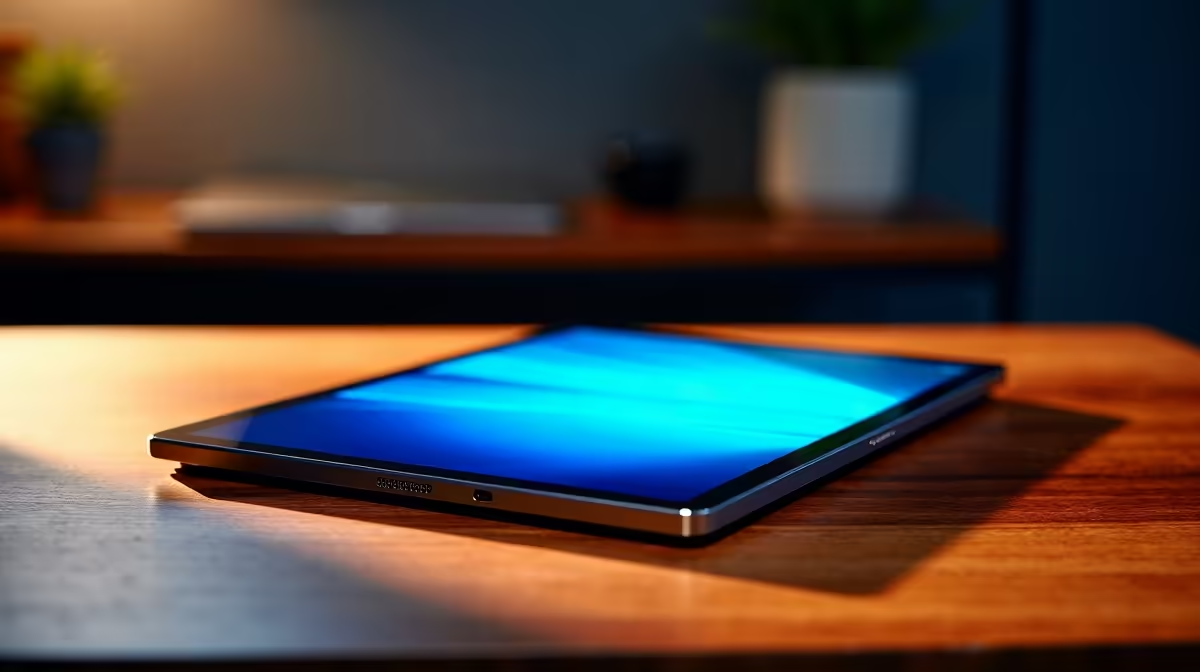
The best commute-friendly tablet for SA students in 2027 is a mid-range Android tablet in the R4,000–R8,000 range at Evetech — lightweight (400–550g), with a 10–11 inch display for reading PDFs and annotating lecture notes. Paired with a Bluetooth keyboard (~R400–R800), it covers most student use cases for less than the cheapest laptop.
Tablets vs Laptops for SA Student Commuters
For students commuting via Gautrain, MyCiTi, or taxi in Cape Town or Johannesburg, tablets offer distinct advantages:
- Weight: A 10-inch tablet at 450g is half the weight of the lightest laptop
- Battery: 8,000–10,000 mAh tablet batteries last 10–14 hours on screen time
- One-hand hold: Tablets can be used standing in a moving taxi or train without a surface
- Cost: Entry mid-range tablets start at R3,500 vs R8,000 for the cheapest capable laptop
Limitation: tablets run mobile apps, not desktop software. For students who need Microsoft Office desktop, MATLAB, AutoCAD, or coding IDEs, a tablet is insufficient as a primary device.
What SA Students Use Tablets For in Transit
- PDF reading and annotation (Adobe Acrobat, Xodo, LiquidText)
- Google Docs and Slides via mobile app
- Watching recorded lecture videos offline
- Blackboard and Moodle mobile apps
- Voice memos and note-taking apps
Key Specs for a Student Commuter Tablet
- Display: 10–11 inch, 1200p or higher — critical for reading text-heavy PDFs
- RAM: 6GB minimum — 4GB multitasks poorly with Chrome and Office apps open
- Storage: 128GB — downloaded lecture videos fill up fast
- Stylus support: A must for annotation — look for active stylus compatibility
- Battery: 8,000+ mAh for all-day commute use
FAQ
Can a tablet replace a laptop for a SA university student?
For most arts, humanities, and commerce first-year students, a tablet with keyboard can handle 70–80% of coursework. Engineering, computer science, and accounting students need a full laptop for specialised software (AutoCAD, Eclipse, Caseware).
What is a good tablet budget for SA students in 2027?
R4,000–R6,000 at Evetech covers mid-range Android tablets with 6–8GB RAM, 128–256GB storage, and active stylus support. Add R400–R800 for a foldable Bluetooth keyboard to make it a full writing device.
Does a tablet work on SA university Wi-Fi networks?
Yes — modern tablets support Wi-Fi 6 and WPA3, compatible with campus networks at Wits, UCT, UKZN, and TUT. Download the relevant campus VPN or library access app to use licensed academic resources on campus.
lecture PDFs to the tablet's local storage before commuting — campus Wi-Fi is often congested during peak lecture times, and having materials offline ensures you can annotate during transit without waiting for downloads.