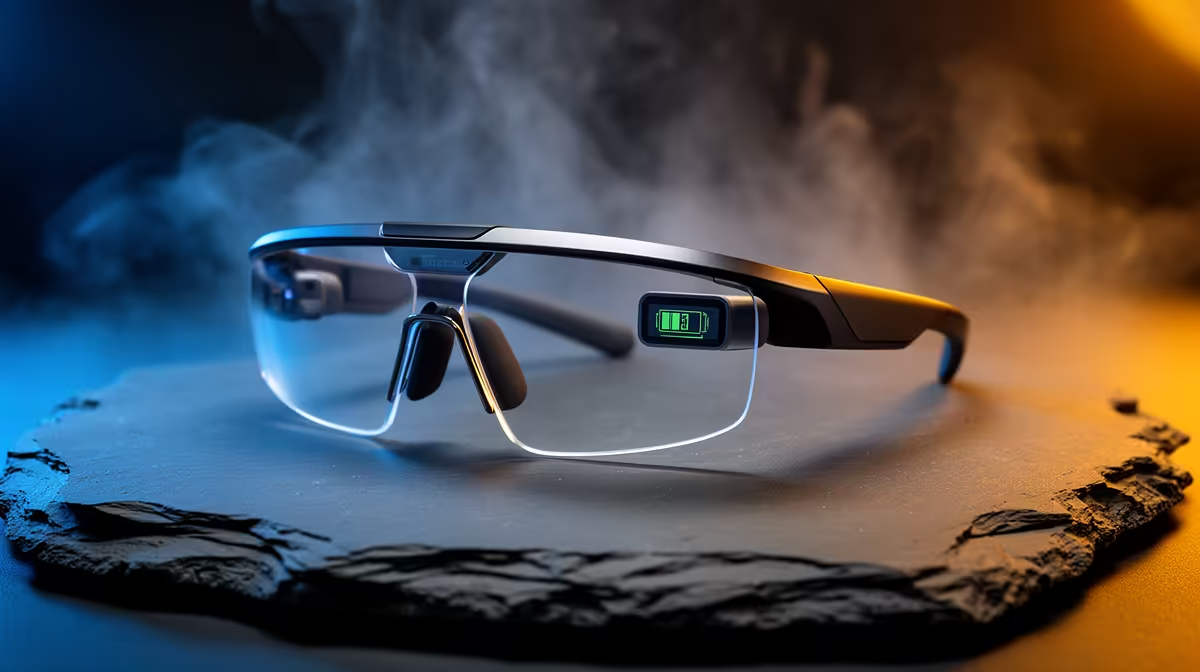
Choosing AR glasses often comes down to weighing two specs against each other, and battery versus use cases is a common pairing that confuses buyers. The honest answer is that it depends on how you intend to use them, since most AR glasses draw power from your host device anyway, changing what battery even means here.
Quick Answer
Use cases matter more than battery for most AR glasses, because many models are powered by your phone or laptop and have no significant battery of their own. Decide what you will do with them, watch media, work, or game, then check the host device's battery, not the glasses'. Models around R6,500 to R9,500 differ more in display and use-case fit than in any onboard battery.
Most AR glasses borrow the host's battery
A key fact that reframes this comparison is that many AR glasses, like display-focused models around R6,500 to R9,500, draw power from the connected phone, laptop or dedicated unit rather than a large internal battery. So the battery that matters is your host device's, not the glasses'. This means use cases, what you actually do with them, weigh more heavily, because the glasses' own battery is often a minor or non-existent factor. Understanding this stops you over-prioritising a spec that may not apply.
Let the use case drive the choice
Since battery is often the host's concern, decide the use case first: a portable second screen for work and study, a private big-screen for media on the go, or a gaming display. Each points to different display, comfort and field-of-view priorities. A model that fits your main use case well will serve you better than one chosen for a battery figure that the glasses may not even have. So define the use, then pick the glasses whose display and fit suit it, and treat power as a host-device question.
Where battery does enter the equation
Battery becomes relevant for AR glasses with significant onboard compute and their own battery, or when you plan long untethered sessions, where the host device's battery limits you. For media on a flight, your phone or a power bank's capacity decides runtime. So plan power around the host: carry a power bank for long use. The glasses' own battery rarely decides the purchase, so weigh use-case fit first and handle runtime through the device that drives them.
FAQ
Does battery or use case matter more in AR glasses?
Use case, for most models. Many AR glasses draw power from your phone or laptop and have little battery of their own, so decide what you will do with them and check the host device's battery instead.
Do AR glasses have their own battery?
Often not a significant one. Display-focused models draw power from the connected device, so the host's battery is what limits runtime. Only glasses with onboard compute carry a meaningful internal battery.
How do I plan power for AR glasses?
Plan around the host device. For long untethered media use, carry a power bank, since the phone or laptop driving the glasses sets the runtime. The glasses' own battery rarely decides the purchase.
glasses for your main use case first, then plan power around the host device that drives them. For long untethered sessions, a power bank matters more than any battery figure on the glasses.