Building a high-end workstation in South Africa is a massive investment. You spend thousands of ZAR expecting flawless rendering. Yet... nothing kills productivity faster than a blue screen during a massive Premiere Pro export. If you are facing random crashes, tweaking your system is essential. Let us explore the best BIOS and memory settings for stable DDR5 performance on a creator PC.
Why High-Speed RAM Needs Manual Tuning ⚡
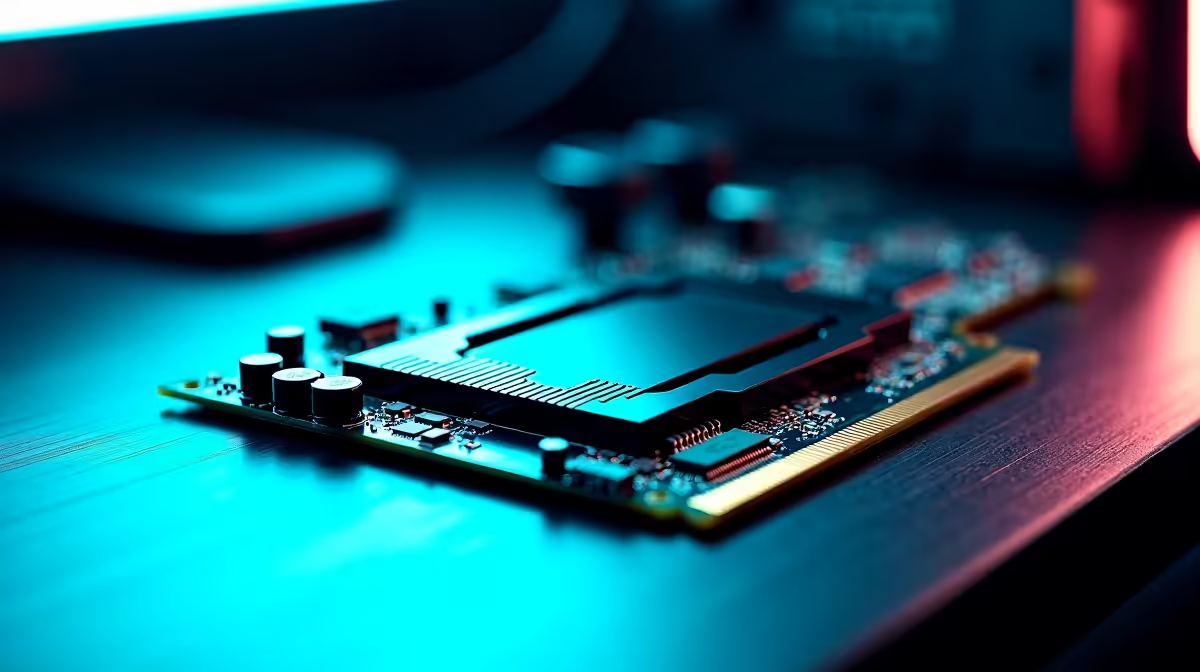
DDR5 brings incredible bandwidth to the table, which is perfect for scrubbing through 4K footage. However... pushing frequencies past 6000MHz can severely stress your system's memory controller. Video editing, 3D rendering, and CAD software demand absolute stability over peak frame rates. Your foundation matters immensely here. Pairing top-tier RAM with robust motherboards ensures better power delivery and cleaner signal integrity. A cheap board will often struggle to maintain high DDR5 frequencies under heavy creator workloads... leading to corrupted files and missed deadlines.
Activating XMP or EXPO Profiles Safely
Most users simply enable XMP or EXPO in the BIOS and hope for the best. For a creator PC, this is just the starting point. When you install new memory kits, the motherboard defaults to slower JEDEC base speeds. Enabling the built-in profile boosts performance significantly... but it sometimes pushes voltages too high or tightens sub-timings aggressively. If your system is unstable during demanding tasks, try manually dropping the frequency down by 200MHz. Keeping the profile timings while lowering the clock speed slightly is a proven trick to optimise reliability.
BIOS Update Pro Tip 🔧
Always update your motherboard BIOS to the latest stable version before tweaking RAM settings. Manufacturers constantly release microcode updates that drastically improve DDR5 compatibility and stability.
Fine-Tuning Voltages for Heavy Renders
Stability often comes down to precise voltage control. For DDR5 memory, your VDD and VDDQ voltages are absolutely crucial. Most 6000MHz memory kits run happily at 1.35V. If you experience crashes during long Blender renders, a tiny bump to 1.37V might resolve the issue without causing overheating. Remember to monitor your temperatures... DDR5 can get surprisingly hot under sustained load. If manual BIOS tuning sounds too risky or time-consuming, you can always rely on expertly configured gaming PC deals. Our technicians have already stress-tested these exact BIOS parameters for you.
Stress Testing Your Creative Workstation 🚀
Never assume your system is completely stable just because it boots into Windows. Creators need absolute certainty before starting a client project. Run memory testing tools like MemTest86 or Karhu RAM Test overnight. A single error means your current setup is not viable for professional work. Time is money... and losing hours of unsaved work costs significantly more than buying premium components. If your current rig simply cannot handle the heat of modern DDR5 speeds, it might be time to browse our latest specials for a much-needed hardware upgrade.
Ready to Build Your Dream Workstation?
Achieving the perfect balance of speed and stability takes the right hardware. Whether you need high-speed RAM or a complete system overhaul, we have the best prices in South Africa. Explore our massive range of PC components and build a machine that never lets you down.