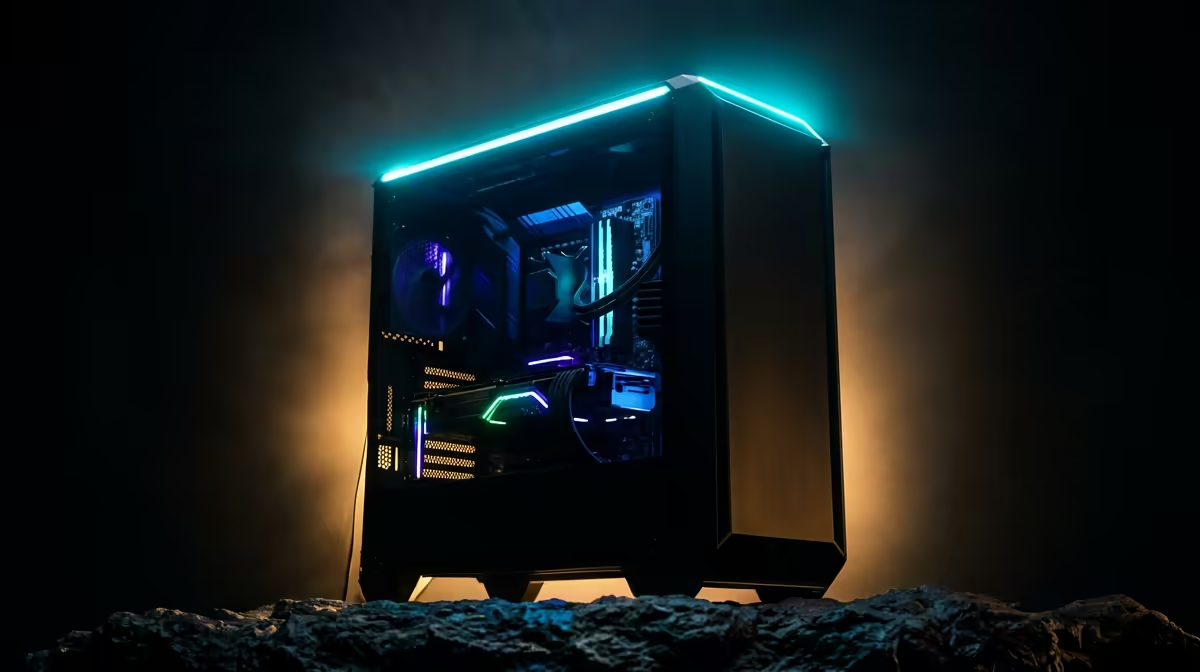
You’re in the final circle. The tension is electric. You line up the perfect shot… and your screen goes black. The familiar groan echoes through the house. For South African gamers, this isn't just an inconvenience; it's a mission-ending, rank-dropping disaster. But what if your rig was built to withstand the dark? It’s about smart choices that keep you in the game.
Reliable Everyday Performance
It’s not about having the most powerful parts, but the smartest and most efficient ones. When the power grid is unreliable, efficiency is your new superpower. ⚡
The Unsung Hero: Your Power Supply Unit (PSU)
Your PSU is the heart of your PC. During a power cut, it’s the first line of defence, especially when paired with a UPS. An inefficient PSU wastes energy as heat, demanding more from your backup power source.
Look for a PSU with an 80 Plus rating—Bronze at a minimum, but Gold is the sweet spot for efficiency and value. A high-quality, 80 Plus Gold PSU can be over 90% efficient at a typical load. This means less wasted power, a lighter burden on your UPS battery, and more precious minutes to finish your match and save your progress.
CPU & GPU: The Power-Sipping Powerhouses
Modern processors and graphics cards are incredibly powerful, but they can also be power-hungry. The key is to find the balance between performance and power consumption (measured in TDP, or Thermal Design Power).
- Processors (CPU): A top-tier chip is great, but a mid-range CPU often provides fantastic gaming performance with significantly lower power draw. Exploring the latest power-efficient Intel-based systems can reveal options that don't compromise on speed. Similarly, many of the latest AMD Ryzen gaming PCs are celebrated for their incredible performance-per-watt.
- Graphics Cards (GPU): This is typically the most power-hungry component. Newer generations, like NVIDIA’s 40-series, often include massive efficiency gains over their predecessors. An RTX 4060, for example, can deliver amazing 1080p or 1440p performance while drawing far less power than an older, top-end card.
Your Backup Power Strategy: Beyond the PC
Even the most efficient gaming PC is useless without a reliable backup power source. This is where your external strategy comes into play. Your goal is to create a seamless transition from grid power to backup power, giving you enough time to either finish your game or shut down safely.
UPS Sizing Made Simple 🔋
To choose the right UPS, you need to know your PC's power draw. A simple way is to use an online PSU calculator. Enter your components, and it will estimate your peak wattage. Add your monitor's wattage (usually 30-60W). Aim for a UPS with a VA rating that gives you a comfortable buffer over your total wattage. This ensures you get at least 5-10 minutes of runtime.
Uninterruptible Power Supply (UPS)
A UPS is non-negotiable for any serious gamer in South Africa. It’s a device with a built-in battery that instantly kicks in when the power cuts. This prevents the sudden shutdown that can corrupt your data or damage components.
When choosing a UPS, consider:
- Capacity (VA/Watts): It must be rated high enough to support your PC, monitor, and router.
- Runtime: How long will it power your setup? Five minutes is enough to save and shut down. Ten minutes might be enough to clutch the win.
For those who work and play from the same machine, investing in a robust power solution is critical. In fact, many principles of building a reliable gaming rig overlap with what makes for a great stable workstation PC, where uptime is everything.
Pre-Built vs. DIY: The Smart Choice for SA
While building your own PC is a rewarding experience, buying a pre-built machine from experts has a distinct advantage in the an unexpected outage era. At Evetech, we balance our builds carefully, ensuring the PSU, CPU, and GPU are a perfect match for stable, efficient performance. We ensure that our builds with cutting-edge PCs featuring NVIDIA GeForce graphics are paired with PSUs that can handle them reliably.
This removes the guesswork, so you get a machine that’s optimised from day one. Whether it’s one of our high-performance rigs powered by AMD Radeon GPUs or an Intel-based beast, you can be confident the components work in harmony. ✨ Don't let Eskom dictate your K/D ratio.
Ready to Build a More Reliable Gaming Pc?
A power cut shouldn't mean "Game Over". With the right hardware and a smart backup plan, you can keep playing through anything.