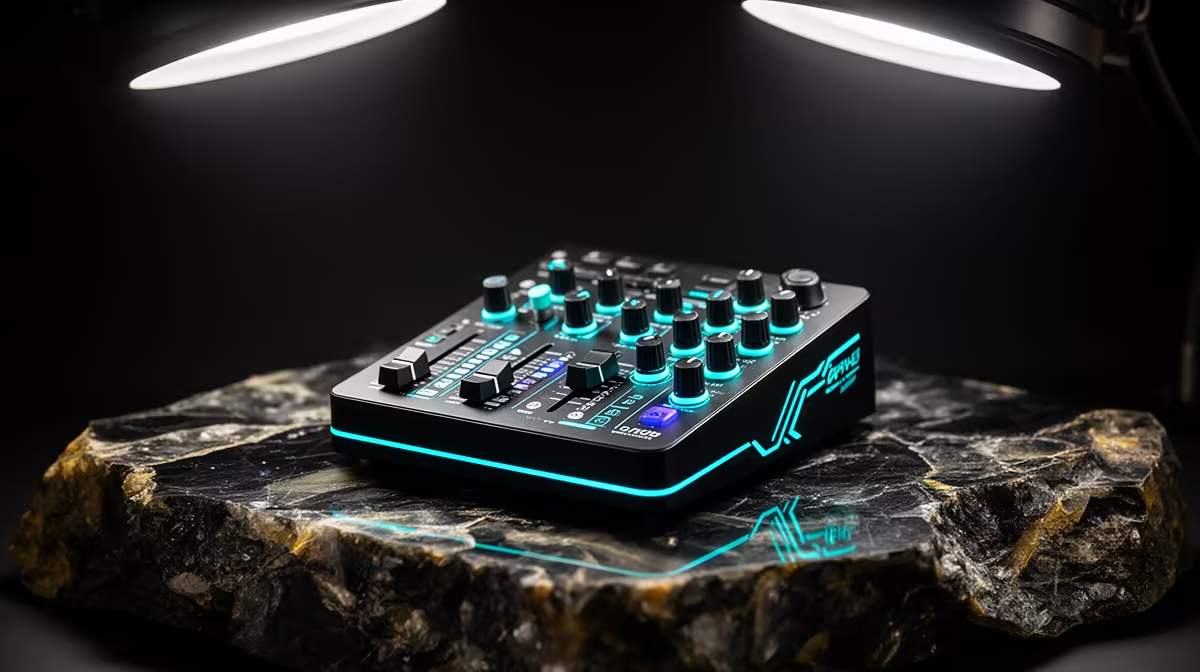
A medical student should choose a podcast mixer only after defining the show, guest count and audio route. The device has no academic value by itself. It becomes useful for interviews, several microphones, phone or remote guests, independent headphone feeds or live sound cues. No mixer model or price is verified in the supplied facts.
Sketch every input and output
List microphones, headphones, music playback, remote callers and the computer connection. Decide whether recording happens to software, removable storage or both. Test a ten-minute conversation in the actual room and listen for echo, clipping, fan noise and monitoring delay. Ensure the chosen mixer has supported drivers for the current operating system.
The NearStream USB/XLR microphone is factpack-verified at R676. The HyperX SoloCast 2 USB microphone appears at R690. The ASUS ExpertBook P1503 laptop is listed at R9,858. These reference products do not establish a complete multi-guest setup. Confirm ports, input compatibility, stands and software before buying.
Obtain informed consent before recording anyone, and never discuss identifiable patient information. Keep release forms, raw audio and edits in approved protected storage. Use headphones, set gain before an interview and preserve a simple backup capture where appropriate. Buy a mixer when the signal diagram requires its inputs or routing. For a solo study podcast, one well-positioned USB microphone and a quiet room may be clearer, cheaper and easier to operate.
Building a student podcast desk? > Compare verified laptops and microphones with Evetech around the signal diagram.