




IPS vs VA for Strategy and Sim Games in SA
IPS vs VA for strategy and sim games should be judged by fit, not a single winner. Compare compatibility, latency, capacity, upgrade path, cost planning, and South African setup needs.
Read moreDiscover the best laptops for video editing in South Africa and the design secrets that power them. We reveal the crucial specs—from advanced cooling systems to colour-accurate screens—that make a real difference in your workflow. Stop guessing and start creating! 💻✨
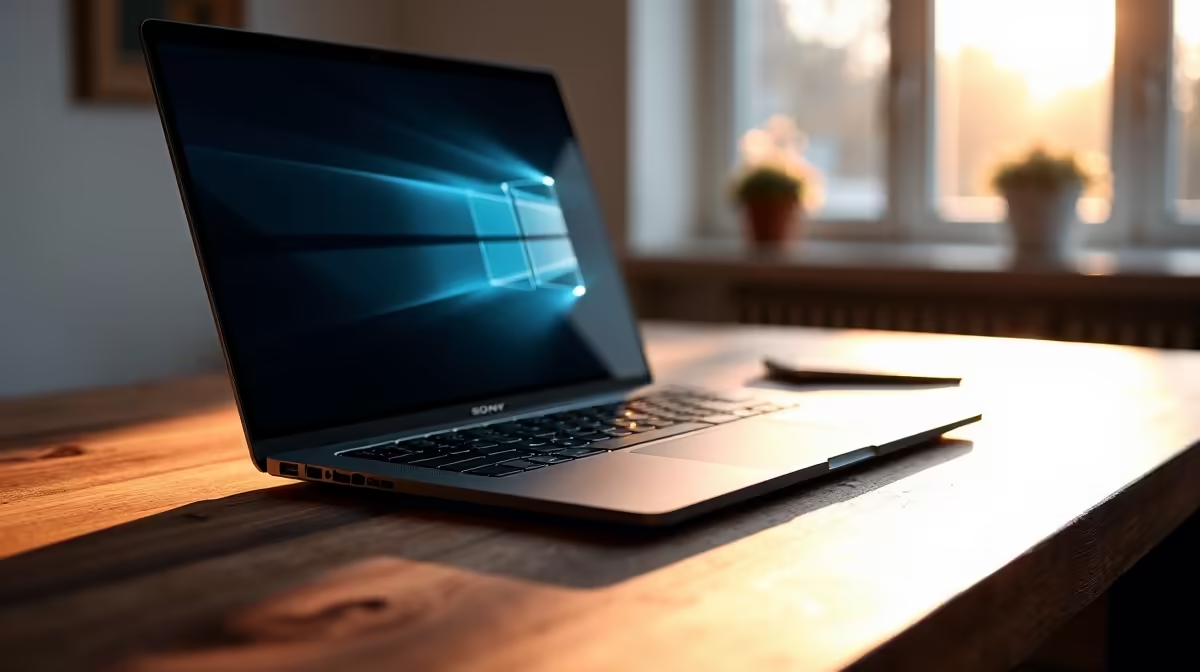
Staring at a stuttering timeline, waiting an eternity for a 4K render to finish… sound familiar? For South African creators, finding the right portable powerhouse can be a mission. You need more than just raw speed; you need a balanced system that handles massive files and complex effects without breaking a sweat. This guide unpacks the essentials, helping you find the best laptops for video editing in ZA and turn your creative vision into reality. 🎬
Forget marketing jargon. A truly great video editing laptop is a symphony of four key components working in perfect harmony. Getting the balance right is the secret to a smooth, efficient workflow, whether you're cutting a short film or a new YouTube video.
The CPU is the director of your entire operation. For video editing, more cores and higher clock speeds mean faster encoding, decoding, and rendering. When you're scrubbing through a 4K timeline or applying multiple effects, a powerful CPU prevents frustrating lag.
The big question is often Intel or AMD. Both offer incredible performance. High-end Intel Core i7 or i9 processors provide immense single-core speed, which is great for application responsiveness. Meanwhile, AMD's Ryzen 7 and Ryzen 9 CPUs often pack more cores, giving them an edge in heavily multi-threaded tasks like final rendering. It’s a tough choice, but you can explore our curated selections of powerful Intel laptops on special to see what fits your budget.
While the CPU directs, the GPU does the heavy lifting. A dedicated graphics card (like NVIDIA's GeForce RTX series or AMD's Radeon RX series) accelerates everything from playback and effects processing to the final export. Software like DaVinci Resolve and Adobe Premiere Pro heavily leverages the GPU's CUDA cores or OpenCL capabilities. This is why many of the best gaming laptop deals also happen to be fantastic video editing machines. ✨
Think of RAM as your digital workbench. The more you have, the more clips, effects, and applications you can work with simultaneously without your system slowing down. For 1080p editing, 16GB is a solid starting point. But if you're working with 4K footage or complex motion graphics, 32GB (or even 64GB) is highly recommended to ensure smooth performance.
On Windows, use the free PowerToys app and its FancyZones utility. It allows you to create custom screen layouts, which is perfect for video editing. You can snap your timeline to the bottom, your preview window to the top right, and your media bins to the left, creating a perfectly organised workspace on a single display.
Speed here is non-negotiable. A fast NVMe (Non-Volatile Memory Express) SSD is essential. It drastically reduces project load times, makes searching through footage instant, and ensures smooth playback of high-bitrate files. An ideal setup for a video editing laptop in South Africa is a primary NVMe SSD for your operating system and software, and a second large SSD for your active project files and cache.
The core components are vital, but the best laptops for video editing in ZA also nail the details that directly impact your final product.
Ultimately, choosing a video editing laptop is an investment in your creativity and efficiency. Whether you lean towards the multi-core prowess found in the latest AMD laptops on special or the raw power of an Intel-based system, the right machine will feel less like a tool and more like a creative partner.
Ready to Find Your Perfect Match? The Mac vs Windows debate is complex, but for maximum power, choice, and value in South Africa, Windows is hard to beat. Explore our massive range of laptop specials and find the perfect machine to conquer your world.
For 1080p editing, 16GB of RAM is a good starting point. However, for smooth 4K video editing, we strongly recommend 32GB or even 64GB to avoid performance bottlenecks.
Yes, gaming laptops are often excellent for video editing. They typically feature the powerful GPUs, fast CPUs, and advanced cooling systems crucial for handling demanding video files.
Both are vital. The CPU handles encoding and software responsiveness, while the GPU accelerates rendering, effects, and playback. A balanced system with a strong GPU is ideal.
Look for a screen with high colour accuracy (at least 99% sRGB), good brightness (300+ nits), and a high resolution (Full HD minimum, 4K preferred) for precise colour grading.
While MacBooks are popular, powerful Windows laptops from brands like MSI, ASUS, and Gigabyte offer incredible performance, often at a better price-to-performance ratio.
Video editing pushes components hard, generating heat. An effective cooling system prevents thermal throttling, ensuring your laptop maintains peak performance during long renders.
IPS vs VA for strategy and sim games should be judged by fit, not a single winner. Compare compatibility, latency, capacity, upgrade path, cost planning, and South African setup needs.
Read more
Gen 5 NVMe SSD guide for Bloemfontein gamers should be shortlisted around the job it must do. South African buyers should compare capacity, speed, thermals, and motherboard support, warranty path, and upgrade room before treating any pick as best.
Read more
Skip the RTX 5070 if your first-time builder budget needs better balance. Better SA picks can free room for the right CPU, PSU, case, monitor, storage, and cooling while still giving a strong first gaming PC experience this year in South Africa.
Read more
RTX 5080: weighing the pros and cons for SA should be shortlisted around the job it must do. South African buyers should compare GPU tier, VRAM, cooling, and PSU headroom, warranty path, and upgrade room before treating any pick as best.
Read more
Core i5-13400F gives South African PC builders a capable mid-range CPU choice with clear limits. Check its gaming fit, discrete GPU requirement, LGA1700 platform costs, and upgrade path before locking in your parts list.
Read more
Pros and cons of the Wi-Fi 7 routers for SA should be shortlisted around the job it must do. South African buyers should compare WiFi standard, coverage, latency, and device support, warranty path, and upgrade room before treating any pick as best.
Read more
Steam content servers unreachable needs a download-path check, not an immediate reinstall of every game. Restart the client, inspect download settings and compare another connection when practical. Clearing the download cache is separate from deleting installed games.

Keychron G6 HE has built-in and swappable battery versions with different weights. The product brief lists 42g and 46g respectively, each with a 3g tolerance. Choose by grip and battery preference before treating one headline weight as universal.

Corsair HS80 v2 MAX supports 2.4GHz wireless and Bluetooth. Its maximum battery figures use RGB-off conditions and differ by connection. Check microphone routing, comfort and the exact device support before assuming every wireless mode behaves alike.

Windows taskbar notification badges can be shown or hidden in Taskbar behaviours. This changes the small app indicators, not the underlying messages. Choose a calmer desktop while keeping a deliberate routine for checking important conversations and app updates.
Windows taskbar notification badges can be shown or hidden in Taskbar behaviours. This changes the small app indicators, not the underlying messages. Choose a calmer desktop while keeping a deliberate routine for checking important conversations and app updates.

Windows USB device in use can mean a program still has the drive open. Finish transfers and close files before retrying ejection. Better performance caching requires safe removal; a replacement drive is not the first fix for an open-file warning.

Windows Nearby Sharing not working starts with feature, Bluetooth and visibility checks on both PCs. My devices only depends on matching Microsoft accounts. Test a small harmless file before buying networking hardware or changing your home router.

Windows hardware reserved RAM is different from memory used by applications. Compare installed memory with firmware detection and the usable amount before buying modules. Reservations and reporting limits vary by system; no universal setting restores every byte.
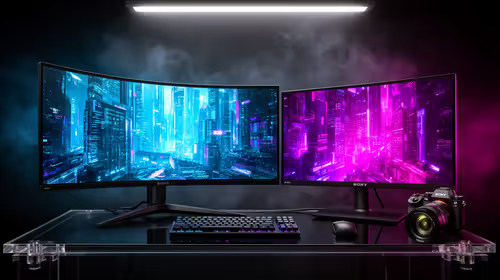
32:9 Super-ultrawide Or Dual-monitor Setup should be judged by your current setup, workload, and upgrade path. SA buyers should compare compatibility, likely gains, support, and timing before changing hardware.
IPS vs VA for strategy and sim games should be judged by fit, not a single winner. Compare compatibility, latency, capacity, upgrade path, cost planning, and South African setup needs.
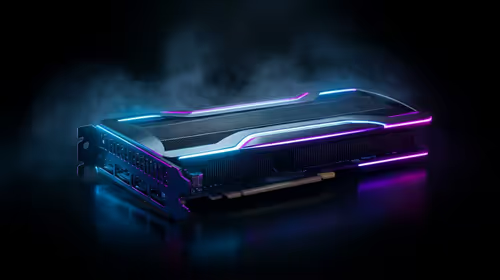
RTX 5090 for Horizon Forbidden West at 1440p should be judged by settings, CPU balance, drivers, and display goals. Use this as cautious SA build planning, not a fixed frame-rate promise or live benchmark claim.
Gen 5 NVMe SSD guide for Bloemfontein gamers should be shortlisted around the job it must do. South African buyers should compare capacity, speed, thermals, and motherboard support, warranty path, and upgrade room before treating any pick as best.