Quick Answer
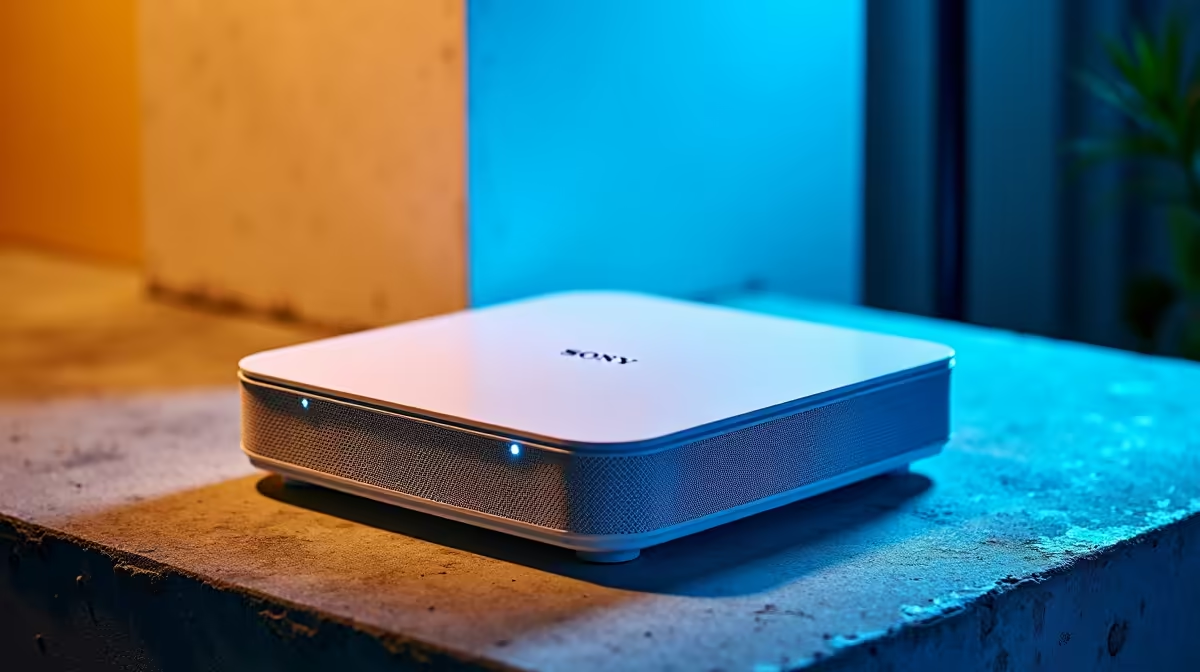
For Roodepoort remote workers, the TP-Link Deco XE75 (Wi-Fi 6E, 2-pack ~R4,500) is the recommended mesh system — it covers 370 m², handles 200+ devices, and maintains a dedicated 6 GHz backhaul so video call bandwidth is never competing with household streaming. Budget buyers on a 100 Mbps Openserve plan can save with the Deco M4 3-pack at ~R2,100.
Roodepoort Home Sizes and Recommended Node Counts
Roodepoort areas like Northcliff, Florida, and Wilgeheuwel feature homes ranging 200–350 m². Match your mesh node count to home size:
- Small (under 200 m²): 2-node Wi-Fi 6 kit — Deco M5 2-pack (~R2,800) or ZenWiFi AC (CT8) 2-pack
- Medium (200–370 m²): Deco XE75 2-pack (~R4,500) — covers dead zones in back rooms and garden offices
- Large (370 m²+): Deco XE75 3-pack (
R6,200) or Netgear Orbi RBK863S 2-pack (R11,000)
Wi-Fi Specs That Matter for Remote Work
For stable video calls on Zoom or Teams, target a mesh kit with OFDMA and at least 4,804 Mbps on the 5 GHz band. The Deco XE75 delivers this with a 4,804 Mbps 5 GHz channel and a separate 4,804 Mbps 6 GHz backhaul. MU-MIMO allows the router to communicate with 4 devices simultaneously instead of sequentially, reducing call jitter during peak household internet use at 18:00–21:00.
Fibre Compatibility in Roodepoort
Roodepoort has Vumatel fibre in Northcliff and Weltevreden Park, and Openserve coverage across most suburbs. The Deco XE75 and ZenWiFi XT8 both support WAN speeds up to 1 Gbps, which covers all current residential fibre tiers. For Roodepoort areas where fibre hasn't reached yet, Rain 5G home broadband connects via the same WAN port on the primary node.
FAQ
How do I fix Wi-Fi dead zones in a large Roodepoort double-storey home?
Add a second mesh satellite node on the upper floor, approximately halfway between the primary router and the dead zone. The Deco XE75 uses 6 GHz backhaul between nodes, which penetrates one floor slab reliably. Avoid placing nodes in cupboards or behind TV units as this reduces backhaul range by up to 40%.
Is Wi-Fi 7 worth buying for Roodepoort remote workers now?
Not unless you're on a 1 Gbps symmetrical fibre plan with 8+ simultaneous 4K streams. Wi-Fi 7 kits start at ~R8,500 for a 2-pack; the real-world benefit over Wi-Fi 6E for standard remote work is minimal. Wi-Fi 6E at ~R4,500 is the better value choice for most Roodepoort buyers today.
Can I use a mesh system with a backup LTE router in Roodepoort?
Yes — the primary mesh node in Router mode can use a USB LTE dongle or a secondary WAN port on supported kits (Deco XE75 supports USB 3.0 sharing). This provides automatic failover to mobile data if your fibre line goes down during a client call.
Deco or ZenWiFi primary node near your home office desk rather than the main entrance — this ensures the strongest 5 GHz or 6 GHz signal reaches your work laptop directly, not bounced through satellite nodes.