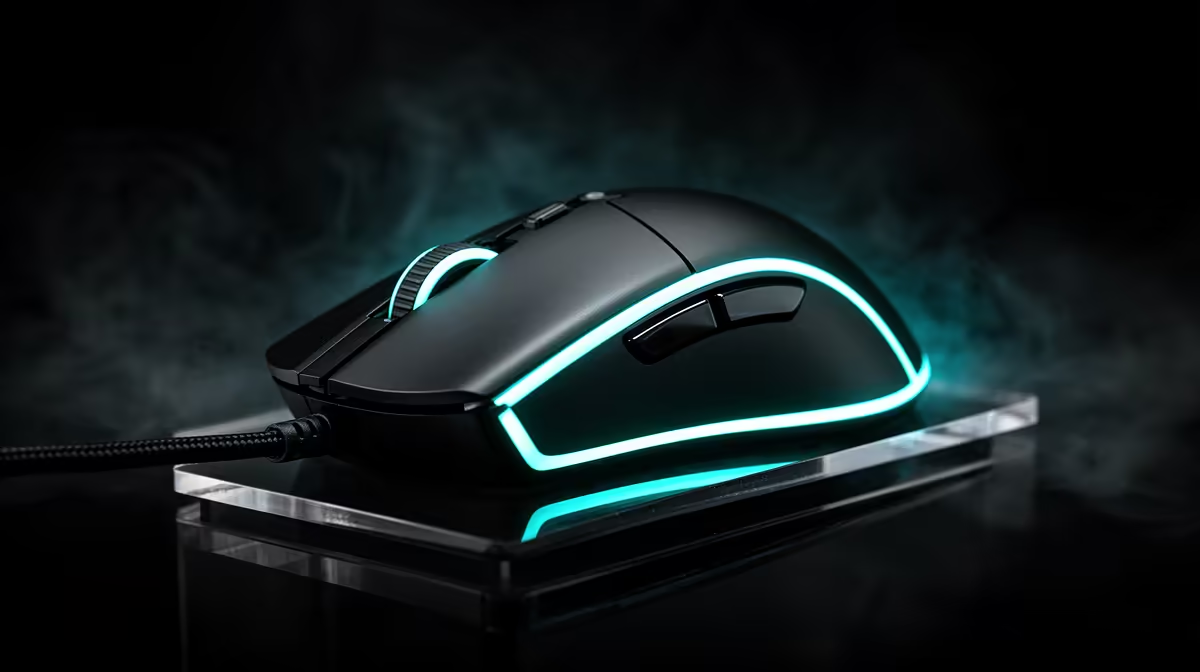
Drag clicking is as much about button surface and technique as the mouse sensor. A grippy shell, broad main buttons and switches that register the rapid vibration make high CPS easier. The same technique can wear coatings and switches, so the best mouse is one you can control without abusing the hardware.
Quick Answer
Choose a light gaming mouse with separate broad buttons, a textured or grip-friendly surface and firmware that lets you check debounce behaviour. Shape still comes first: your fingers need a stable angle for the drag. Confirm the game or server rules before using high CPS in competitive play.
What drag clicking asks from a mouse
The finger or nail moves across the button while friction creates tiny releases and contacts. The switch registers those repeated actuations. A glossy button can be hard to grip, while a rough coating or suitable grip tape can make the motion easier.
Concave buttons help centre the finger. A shell with buttons separate from the back can flex more predictably than one continuous piece, though design quality differs. Lighter switch tension can reduce fatigue and accidental missed movement.
Debounce settings affect whether rapid signals are accepted or filtered. Lower values can increase CPS but may also expose unwanted double clicks. Use supported software settings and keep a stable normal-click profile for other games.
Browse the gaming mouse range and mice buyers currently favour. Compare exact button design and firmware rather than assuming every lightweight esports mouse supports the same clicking behaviour.
Shape decides whether the technique is repeatable
Hand size and grip style determine finger angle. A long low mouse can suit fingertip control, while a taller shell may support the palm during extended Minecraft sessions. The button needs enough length for the drag path.
Test normal aiming before specialised clicking. A mouse that produces high CPS but cramps the wrist or makes the sensor hard to control is a poor competitive tool.
Weight matters less than balance. A slightly heavier mouse with centred weight can feel steadier during repeated clicks. A front-heavy cable or stiff cord can pull the aim; a flexible cable or wireless design removes that drag.
Side shape and grip tape help maintain control. Add tape only where it does not block button movement or cover openings. Replace it when adhesive begins to move.
Sensor performance still matters in Minecraft PvP
A modern sensor should track cleanly at the DPI and polling rate you use. High CPS cannot rescue spin-outs or an unstable wireless link. Keep the receiver close and away from noisy USB 3 devices when possible.
Polling rate above the system's useful limit can add CPU load without improving the game. Start at a common stable rate, then test. Consistency is more useful than a large specification.
Use a mousepad with enough room and a surface you can control. The drag-click button texture and pad texture solve different problems. A fast pad can help movement, while a control pad can steady aim.
Protect the switches and your hand
Drag clicking creates many actuations. Switch life is rated under test conditions and does not promise a lifespan under every technique. Keep proof of purchase and read the product terms; deliberate physical wear may be treated differently from a fault.
Stop when a button changes sound, sticks or begins producing normal-use double clicks. Lower debounce settings can make a borderline switch look worse, so return to defaults during diagnosis.
Take breaks and keep the wrist neutral. A high CPS number is not worth finger or forearm pain. Relax the grip and practise short controlled runs rather than holding tension through a long session.
Clean the shell with a dry or lightly damp cloth according to the maker's guidance. Sweat and residue alter friction. Avoid liquids near the button gaps.
Test the mouse before committing
Use a click test only as a setup check, not the whole decision. Play several matches and watch aim, missed clicks and comfort. Compare the same technique at two debounce settings.
Check normal browsing and other games. The mouse should still single-click reliably, scroll cleanly and hold a charge or cable connection. Save separate profiles if the software supports them.
Confirm server rules. Some communities limit clicking methods or consider certain software settings unfair. Hardware capability does not override the rules of the game you enter.
Practise without building bad habits
Set a short session and stop when the fingertip warms or the hand starts squeezing. Drag clicking depends on controlled friction, so pressing harder after the movement breaks down tends to create strain and inconsistent counts. Dry the shell and your finger before changing tape or debounce.
Use a counter outside a live match to compare placement. Test the front and middle of the button, then record which point gives repeatable clicks without forcing the switch. Keep normal clicking comfortable as well; a mouse that only works for one technique is a poor everyday tool.
Server rules matter more than the maximum counter result. Read the current rules for automation, debounce and unusual click methods. If a technique risks a ban, use standard input. Hardware capability does not create permission.
Finally, listen for a switch whose sound or rebound changes after practice. Stop using the technique when the button sticks, double-registers during normal use or the shell flexes. Warranty terms may exclude deliberate high-impact use, so check them before turning a new mouse into a test rig.
Stop the test before the finger feels sore.
Frequently Asked Questions
Keep one ordinary clicking test in the routine. Consistent single clicks, clean release and comfortable browsing matter after the Minecraft session ends.
What mouse features help drag clicking?
Broad grippy buttons, suitable switch tension, stable firmware and a comfortable finger angle are the main features.
Do I need the lowest debounce setting?
No. Use the lowest value that remains reliable and permitted. Very low settings can expose unwanted double clicks.
Can grip tape help?
Yes. It can add friction when applied without blocking movement or openings.
Does drag clicking damage a mouse?
It can accelerate coating and switch wear because it creates many actuations and surface friction.
Is high CPS allowed on every server?
No. Check the rules for the server or competition before using the technique.
Compare gaming mice by button shape, grip and firmware, then test high CPS without sacrificing aim or comfort.