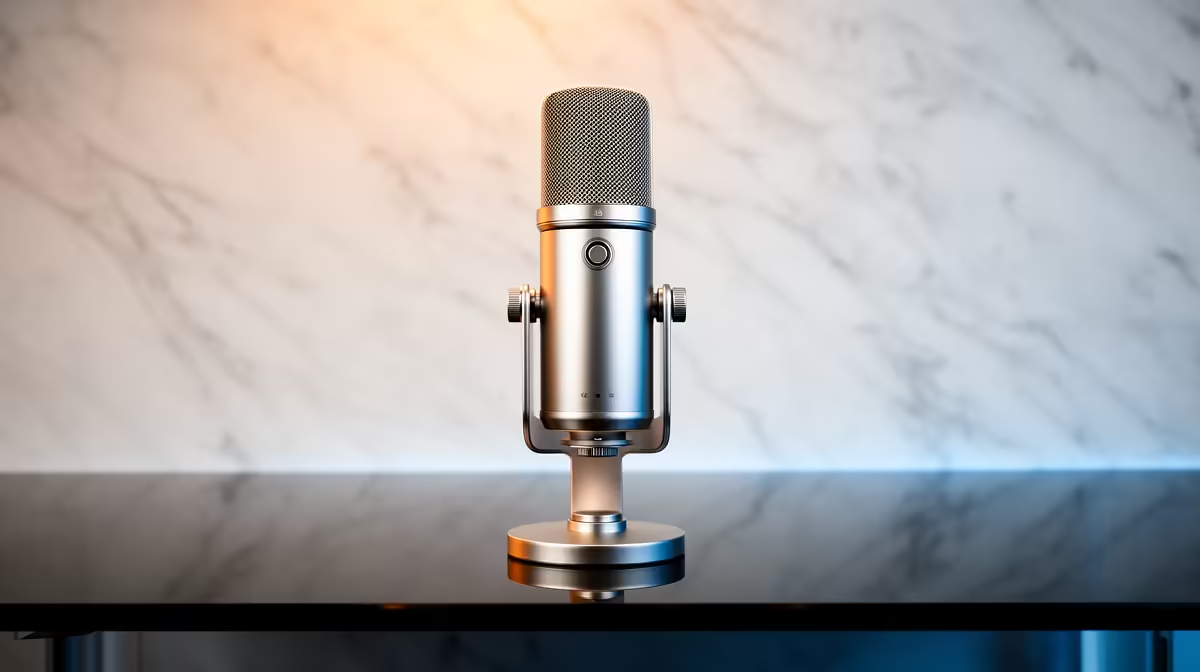
You’re in a 1v3 clutch. Your team is holding their breath, listening for every footstep... but all they hear is the CLACK-CLACK-CLACK of your mechanical keyboard. Sound familiar? For South African gamers, getting clean audio for streaming or comms is a real challenge. This guide dives into the best microphones for eliminating keyboard clatter, ensuring your voice is crisp, clear, and the only thing your teammates hear during those critical moments. 🎤
Understanding Why Your Mic Hears Everything
Before finding a solution, it helps to know the problem. Most microphones are designed to be sensitive, but some are better at ignoring sounds you don't want. The two key factors are the microphone's type and its polar pattern.
A polar pattern is the area around the mic where it "listens." A cardioid pattern is most common; it primarily picks up sound from the front and rejects it from the back. This is a great starting point for reducing keyboard noise, as you can position your keyboard behind the mic's pickup zone.
The microphone type also matters immensely.
- Condenser Mics: These are super sensitive and capture incredible detail. That's great for a studio recording, but it means they also pick up every echo, fan hum, and keyboard switch actuation in your room.
- Dynamic Mics: These are the workhorses of live radio and stage performances for a reason. They are far less sensitive and need you to be close to them. This characteristic makes them fantastic for isolating your voice and rejecting background noise like keyboard clatter.
The Best Microphones and Gear for Silencing Keyboard Noise
Achieving clean audio isn't just about one magic microphone; it's about building a smart setup. The right combination of hardware is your best defense against unwanted clicks and thumps.
Dynamic Mics: Your First Line of Defence
For most gamers struggling with keyboard noise, a dynamic microphone is the single biggest upgrade you can make. Their focused pickup pattern and lower sensitivity mean they naturally ignore sounds that aren't aimed directly at them. By speaking closely into a dynamic mic, your voice will be loud and clear, while your keyboard, positioned further away, will fade into the background. When building your setup, finding a mic that fits your budget is a great place to start, and you can explore microphones under R6000 to see what's available.
Isolate with a Boom Arm and Shock Mount
How you mount your microphone is almost as important as the mic itself. A desk stand will transfer every single vibration from your typing and mouse movements directly into the microphone. A boom arm is essential. It lifts the mic off your desk, allowing you to position it perfectly in front of your mouth and away from your keyboard. Pairing it with a shock mount, which suspends the mic in an elastic cradle, provides another layer of isolation. These accessories from top brands like CORSAIR can make a huge difference in achieving that professional, clean audio sound. ⚡
Pro Tip: Use a Software Noise Gate 🔧
Many free programs and OBS plugins offer a "Noise Gate." Think of it as a bouncer for your audio. You set a volume threshold, and any sound quieter than that—like distant keyboard clicks—is completely blocked. Only your voice, which is louder and closer to the mic, gets through!
Fine-Tuning Your Setup for Perfect Audio
Once your hardware is sorted, a few final touches can elevate your audio from good to great. These steps focus on your environment and the overall aesthetic of your gaming space.
Your room's acoustics play a role, too. Hard, flat surfaces like walls and desks reflect sound, causing echo and making background noise worse. Even simple additions like a rug, curtains, or some foam panels on the wall behind your monitor can absorb sound and clean up your audio significantly.
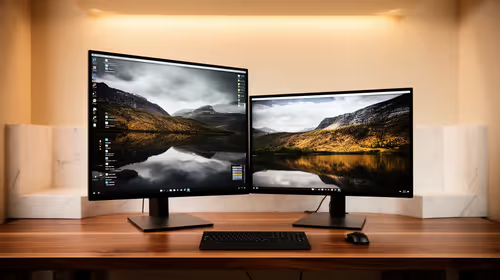
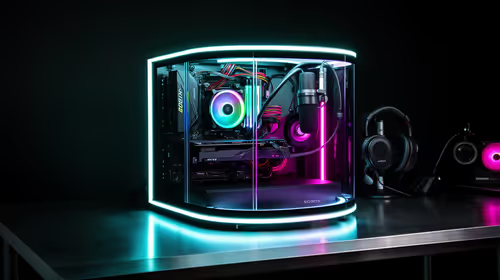
While you're perfecting your sound, don't forget your look. A professional stream or a clean gaming setup is about the complete package. Once your audio is sorted, you can complete your stream's aesthetic with customisable lighting from brands like Cololight to really make your space pop. ✨
Ready for Pro-Level Audio?
Your audience and teammates deserve to hear your voice, not your keyboard. Explore our curated selection of microphones and streaming gear to find the perfect fit for your setup. Shop our full range of streaming essentials at Evetech and make your voice heard.