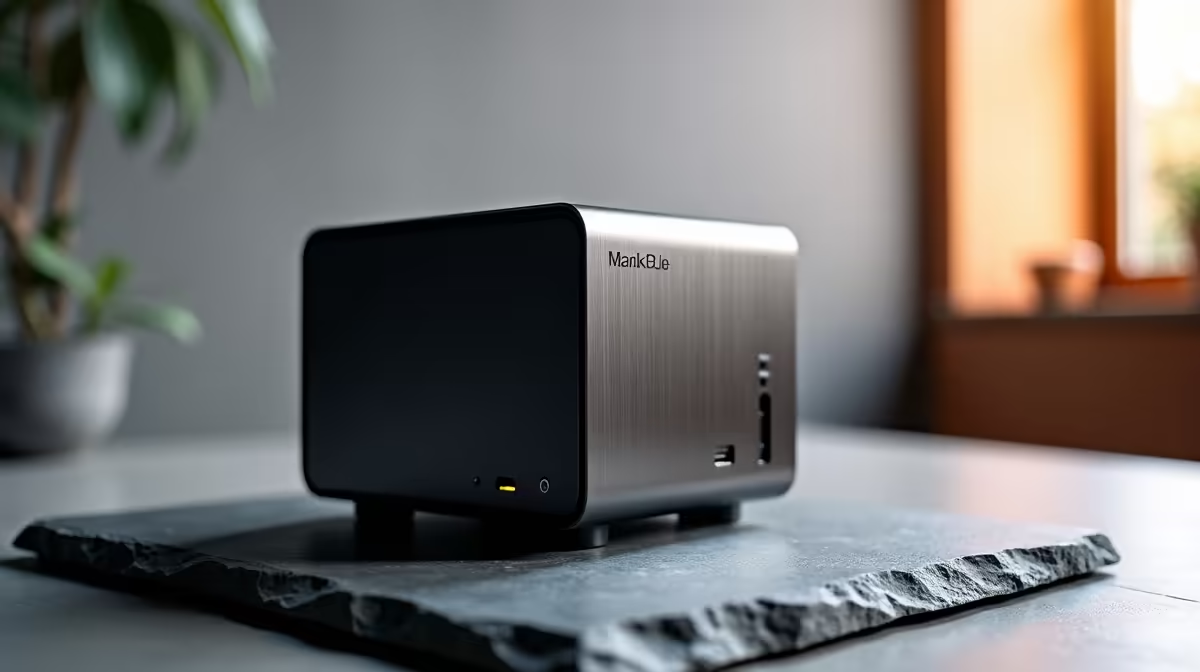
Is your dining room table starting to look more like a server room? Juggling a clunky laptop, textbooks, and a cup of coffee during remote learning is a real challenge for South African families. You need a powerful, reliable PC that doesn't eat up precious desk space or your electricity budget. Enter the MINISFORUM GK41, a compact powerhouse designed to make remote learning and working from home a breeze. 📚
Why the GK41 is Perfect for Your Study Nook
The first thing you'll notice about the MINISFORUM GK41 is its size... or lack thereof. This tiny PC is small enough to fit in the palm of your hand, meaning you can reclaim your desk for what matters: learning. But don't let its size fool you. Inside, the Intel Celeron processor and snappy solid-state drive (SSD) provide more than enough power for Zoom classes, Microsoft Teams, research, and writing essays without a single stutter.
One of its best features for us in SA? Its incredibly low power consumption. When an unexpected outage occurs, this efficient little machine can run for hours on a small UPS, keeping the learning going when the lights go out. 💡 It's a smart, affordable solution that transforms any monitor into a full-fledged desktop PC.
Unboxing and Optimising Your Space
Setting up the MINISFORUM GK41 for remote learning is as simple as it gets. Just plug in your monitor, keyboard, and mouse, connect to power, and you're ready to go. It comes with Windows pre-installed, so there's no complex setup. For the ultimate space-saving trick, you can use the included VESA mount to attach the GK41 directly to the back of your monitor. Your PC will be completely out of sight, leaving your desk wonderfully clear. It’s a fantastic introduction to the world of mini PCs and how they can declutter a workspace.
Go Wireless for a Zen Desk
To truly maximise your clean setup, pair your GK41 with a wireless keyboard and mouse combo. With no PC tower and no cables snaking across your desk, you create a focused, minimalist environment that's perfect for concentration.
Beyond the Books... A Mini Media Hub
When the school day is done, the GK41 doesn't just switch off. This compact powerhouse is also a brilliant media player. Thanks to its 4K video output, you can stream Netflix, Showmax, or YouTube directly to your TV or monitor in stunning high definition. It’s a versatile machine that offers incredible value, serving as both a dedicated study PC and a family entertainment hub. ✨ It truly stands out among our complete range of mini PCs for its balance of price and performance.
Upgrade Your Remote Learning Setup Today!
Stop fighting for desk space and give your student the reliable tool they deserve. Explore the MINISFORUM GK41 and other compact solutions at Evetech for a smarter, cleaner, and more productive study environment.