Best Outdoor Wi‑Fi 6 Access Point for Large Open Areas (That Won’t Let You Down) 📡
If you’ve ever tried to game on the patio or stream from the yard and watched your ping spike like a jump scare… you’re not alone. South African homes are built for outdoor life, but Wi‑Fi often isn’t. The good news? A proper Wi‑Fi 6 outdoor access point can blanket large open areas with steadier speeds and better reliability.
In this guide, I’ll help you choose the best option for wide lawns, garages, braai spots, and patios… with practical setup steps you can do yourself. Then, if you want to buy smart, we’ll point you to the right Evetech categories to compare.
What “Outdoor” Actually Means for Wi‑Fi 6 Coverage ✅
Before you shop, you need to understand the two things that decide success outdoors: placement and protection.
Weather ratings matter (seriously)
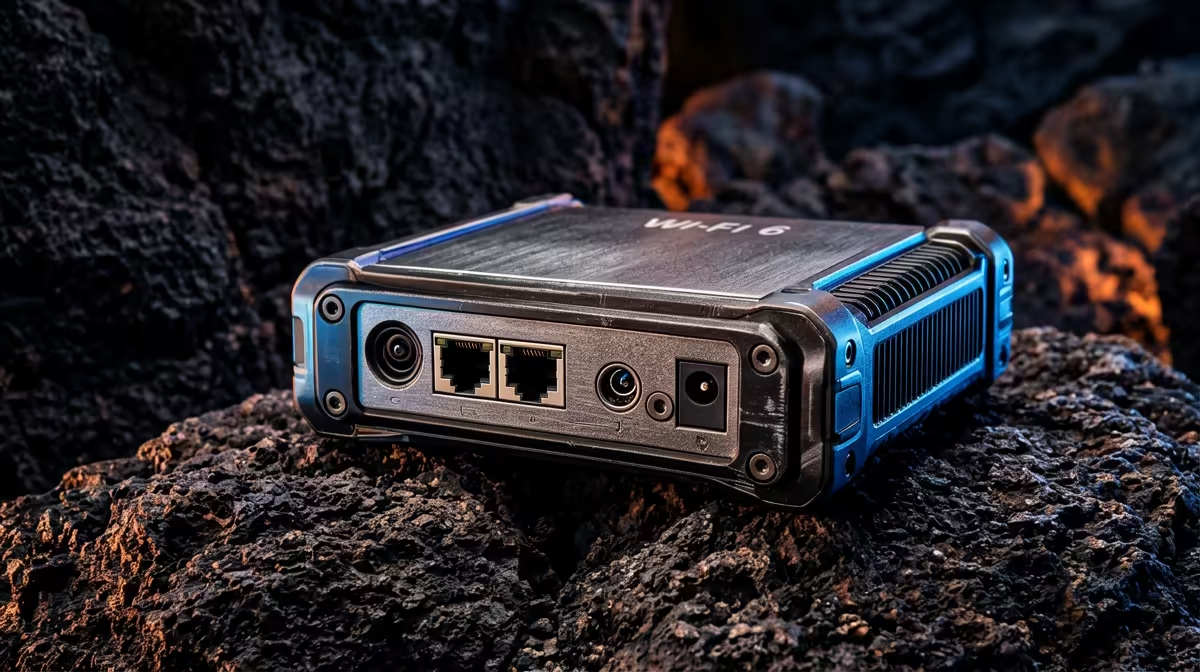
Outdoor gear should be designed to handle sun, rain, dust, and humidity. Look for an IP rating and outdoor-ready housing. Without it, an “outdoor” unit can fail early, especially in coastal and high-humidity areas.
Reliable outdoor hardware is also a comfort thing. Less worry means more time gaming.
Coverage is about antennas, height, and line of sight
For large open areas, you’ll usually get better results with:
- Higher mounting (often under the eaves or on a pole)
- Clear line of sight where possible
- Fewer walls between the access point and your devices
This is also why many gamers end up mixing technologies: one main indoor router, then an outdoor access point or extender strategically placed.
How to Choose the Best Outdoor Wi‑Fi 6 Access Point for Large Open Areas 🔧
When you’re comparing models, focus on these buying factors first.
1) Wi‑Fi 6 features that actually help
Wi‑Fi 6 (802.11ax) is built for efficiency. In real homes, that usually means:
- Better performance when lots of devices are connected
- Improved handling for devices that don’t all transmit at the same time
If your household includes gaming consoles, laptops, phones, smart TVs, IP cameras, and outdoor devices… Wi‑Fi 6 is a strong fit.
2) Speed is not the whole story
A spec sheet “gigabit” claim doesn’t guarantee real-world throughput. Outdoors, signal strength matters. If your device is far away or behind a structural wall, the best theoretical speed won’t show up.
3) Backhaul determines stability (the hidden bottleneck)
Your outdoor Wi‑Fi might still lag if the link feeding it is weak.
Two common approaches:
- Wired backhaul (best stability, fastest response)
- Wireless backhaul (works well, but can reduce throughput)
If you can run a cable, do it. If you can’t, plan placement carefully and avoid placing the outdoor unit where it has to “hear” the router through thick walls.
4) Roaming behaviour for gamers
If you’re moving between patio and house (or switching between multiple access points), roaming quality can affect your experience. Try to use the same network name (SSID) and compatible settings where possible.
Note: exact roaming behaviour depends on the controller and access point setup, so check the product’s documentation.
Setup Plan for Large Open Yards (Step-by-Step) 🚀
Here’s a practical workflow that avoids the most common mistakes.
Step 1: Pick the right mounting spot
- Mount high enough to improve coverage across the open area
- Keep it away from direct metal obstructions
- Avoid placing it directly behind a TV cabinet or near large metal panels
If you’re using a pole or bracket, aim for stability first. Loose mounting can create inconsistent alignment over time.
Step 2: Reduce interference
Outdoor environments can be crowded. To improve reliability:
- Avoid overlapping channels if your router supports automatic channel tuning
- If you have the option, prefer 5 GHz for lower latency tasks
Step 3: Enable strong security defaults
Use WPA2/WPA3 depending on your equipment support. Outdoor Wi‑Fi should never be open or poorly secured. It’s not just about privacy; it’s about keeping bandwidth for your own devices.
Step 4: Test from where you actually play
Don’t test only near the access point. Test:
- From the patio table
- Near the braai area
- From the far edge of the yard
Then adjust placement if needed.
Productivity Pro Tip 🔧
Choose a dedicated outdoor SSID for testing first. After you confirm stable signal and low latency, you can decide whether to merge SSIDs or keep them separate for cleaner roaming behaviour. This makes troubleshooting faster when the yard “feels good” but one corner still struggles.
When an Outdoor Access Point Isn’t Enough (And What to Do) ✨
Sometimes your yard is big enough that one outdoor unit won’t cover everything. If you need wider reach, you may consider a mix of solutions:
- Add an outdoor access point for coverage
- Use a range extender when cabling isn’t feasible
- Upgrade core wireless gear to ensure your system can actually feed the outdoor unit
If your main router is struggling, outdoor Wi‑Fi will suffer too. Start at the source, then expand.
Compare Options on Evetech (So You Don’t Guess) 🛒
If you’re planning this as a full setup (router plus outdoor coverage plus devices), use these Evetech sections to compare compatible gear:
Quick Checklist Before You Buy Your Outdoor Wi‑Fi 6 Unit ✅
Use this before you commit to a purchase:
- Does it specify outdoor suitability (and protection rating)?
- Can you mount it high and centrally for your open area?
- Do you have (or can you plan) a solid backhaul path?
- Are you buying only the access point, or also upgrading the main router for better handoff?
- Will your devices support Wi‑Fi 6 for best results?
Get these right, and your outdoor coverage stops feeling like a gamble… and starts feeling predictable.
Ready to Find Your Perfect Match?
If you want steady outdoor Wi‑Fi for gaming and streaming across your yard, the right kit matters. Browse Evetech’s best options, compare pricing, and build a setup that fits your space. Explore our massive range of Wi‑Fi and networking gear and get the coverage you actually need.