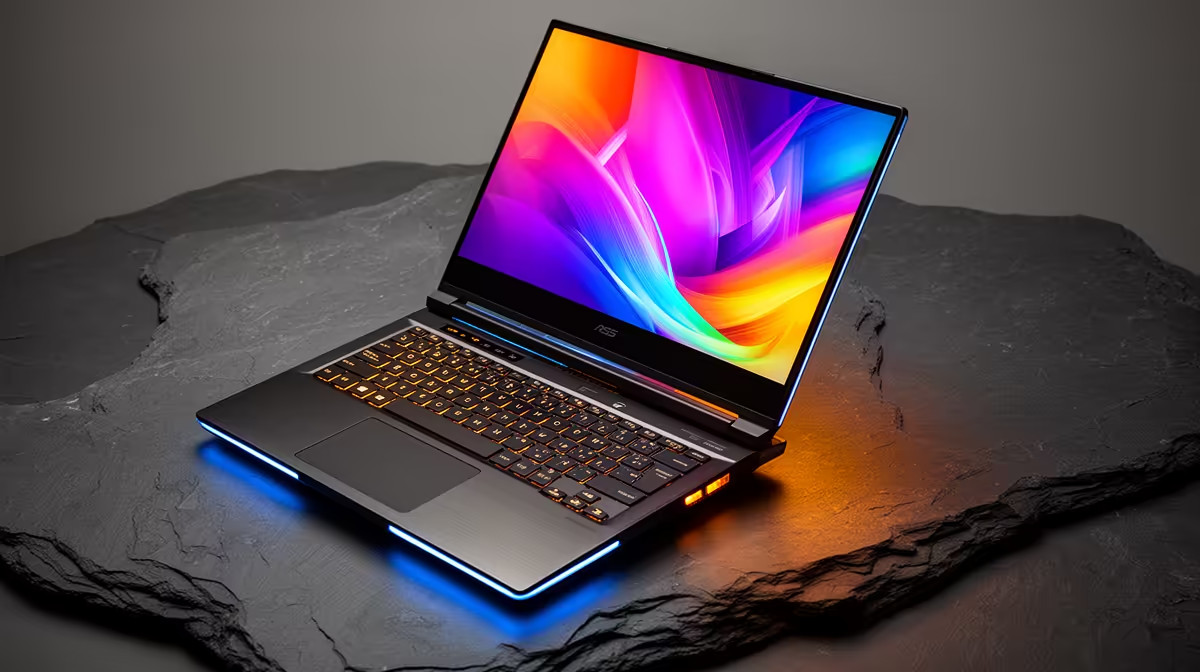
So, you've just unboxed a brand new creative powerhouse from Evetech. That sleek machine is buzzing with potential, but a powerful laptop is only half the story. To truly bring your visions to life, you need the right digital tools. But with so many options, what is the best software for graphic design laptops in SA? Whether you're a seasoned pro or just starting out, loading up the right applications is your first, most crucial step. 🎨
The Industry-Standard Toolkit
If you're aiming to work in a professional studio or with established clients in South Africa, there's one suite that reigns supreme: Adobe Creative Cloud. It's the industry benchmark for a reason. Mastering these three core applications is non-negotiable for most commercial design work.
- Adobe Photoshop: The undisputed king of photo editing and raster graphics. From retouching high-res images to creating complex digital paintings and web graphics, Photoshop is an essential.
- Adobe Illustrator: When it comes to logos, icons, and illustrations that need to scale infinitely without losing quality, Illustrator is your go-to. It's the master of vector graphics.
- Adobe InDesign: For laying out multi-page documents like brochures, magazines, and interactive PDFs, InDesign provides unparalleled control over typography and composition.
Running this powerful trio smoothly requires a capable machine. Thankfully, you don't need to break the bank, as many of the current laptop specials for sale in South Africa are perfectly optimised for the Adobe suite.
Powerful & Budget-Friendly Alternatives
Let's be real... Adobe's subscription model can be hefty, especially if you're a freelancer or student just starting out. The good news? There are incredible one-time purchase and even free alternatives that deliver professional-grade results. The best software for your graphic design laptop might just be one of these.
The Affinity suite (Photo, Designer, and Publisher) is the strongest contender, offering a shockingly powerful feature set for a single, affordable payment. They are lightweight, fast, and fully compatible with Adobe file formats. For those on a zero-Rand budget, open-source tools like GIMP (for raster) and Inkscape (for vector) are fantastic for learning the fundamentals. These applications run beautifully on modern hardware, and many of the best gaming laptop deals offer more than enough GPU power to handle them without breaking a sweat.
Pro Tip: Calibrate Your Colour ✨
Your laptop's screen might look great out of the box, but its colours aren't always accurate for print or digital work. Invest in a simple screen calibration tool like a SpyderX or Calibrite. This ensures that the colours you see on your screen are the same colours your clients and printers will see. It's a small investment that adds immense professionalism.
Specialised Software for Your Niche
Graphic design is a massive field. Once you've got the basics covered, you might need specialised tools to take your work to the next level. Your choice of software will depend heavily on your creative focus.
- UI/UX Design: Figma has become the collaborative standard for designing websites and app interfaces.
- 3D Modelling & Animation: Blender is an unbelievably powerful (and free!) open-source tool for creating everything from 3D logos to complex animations. Its rendering process, known as Cycles, loves multi-core processors, making many of the latest AMD laptops on special fantastic value for 3D artists.
- Digital Painting: While Photoshop is great, dedicated painting apps like Corel Painter or Clip Studio Paint offer superior brush engines that mimic traditional media.
Matching Your Laptop to Your Workflow
Ultimately, the best software for your graphic design laptop depends on your work. A vector artist using Illustrator will prioritise a CPU with strong single-core performance, something many Intel laptops on special excel at. On the other hand, a 3D artist using Blender will need a powerful graphics card (GPU) and plenty of RAM. Understanding your primary applications helps you choose a machine that won't hold you back. 🚀
Ready to Find Your Perfect Creative Powerhouse?
The right software needs the right hardware to shine. For maximum power, choice, and value in South Africa, a well-specced Windows laptop is tough to beat. Explore our massive range of laptop specials and find the perfect machine to bring your designs to life.