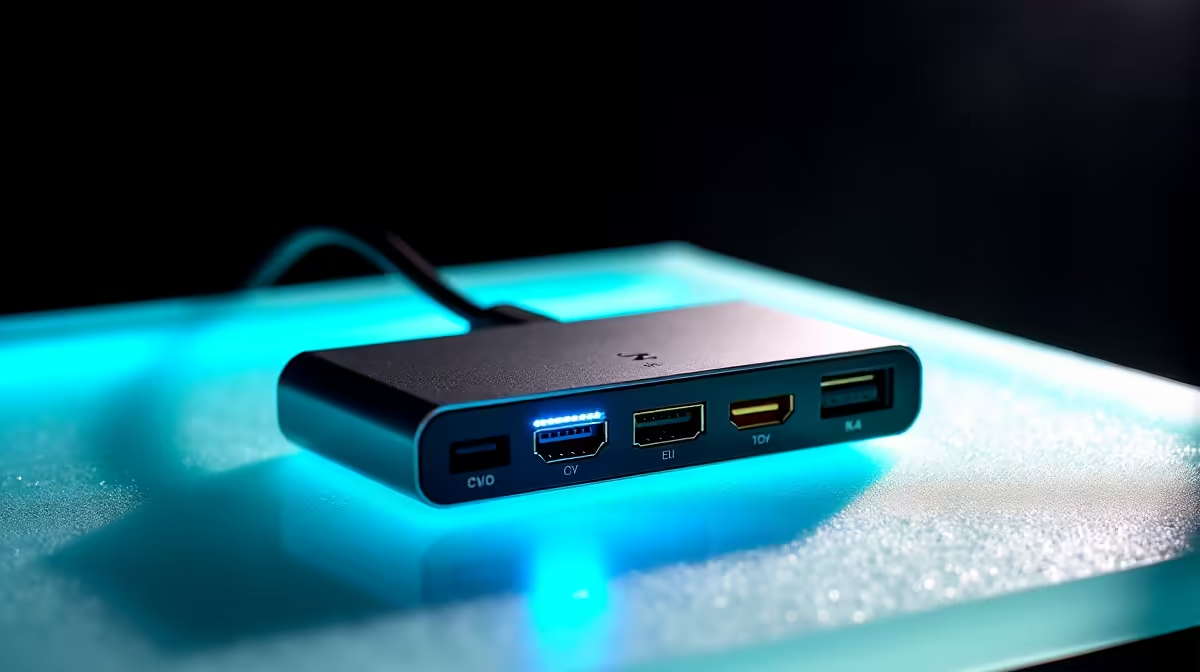
Tired of that tangled mess of cables behind your desk? We've all been there. One cable for your monitor, another for your mouse, one for your keyboard, and a separate charger for your laptop. It’s a pain. 😩 For years, docking stations helped, but you were stuck with their built-in cable. What happens when it frays or you need a longer one? This is why the best swappable cable docks for 2025 are becoming essential for any serious SA setup.
Why a Swappable Cable Dock is a Smart Move
Let's be honest, technology moves fast. A fixed-cable dock feels... well, outdated. The primary benefit of a dock with a swappable cable is future-proofing. If the cable gets damaged, you just replace the cable, not the entire expensive unit. Need a shorter cable for your travel bag or a longer one for that epic desk setup? Easy.
This flexibility also means you're prepared for whatever comes next. It’s about building a clean, powerful, and adaptable workspace that just works. You can find a great swappable cable dock even on a tight budget, making it an accessible upgrade for students and professionals alike.
Key Features in 2025's Best Docks 🔧
Choosing the right dock isn't just about the cable. When you're browsing for the best docks for 2025, keep these features in mind to ensure you get a hub that truly serves your needs.
Ports, Power, and Performance
The whole point of a dock is to expand your connectivity. Look for a mix of:
- USB-A ports: For your trusty keyboard, mouse, and other peripherals.
- USB-C ports: For modern SSDs, smartphones, and sometimes data transfer.
- Video Outputs (HDMI/DisplayPort): Essential for connecting one or more external monitors. Check if it supports the resolution and refresh rate you need (e.g., 4K at 60Hz).
- Power Delivery (PD): This lets you charge your laptop through the same USB-C cable that connects it to the dock. Check the wattage—65W is good for most ultrabooks, while gaming laptops might need 100W or more.
Check Your Port!
Not all USB-C ports are created equal. Before buying, check if your laptop’s USB-C port supports 'DisplayPort Alt Mode' and 'Power Delivery'. This info is usually on the manufacturer's website and is crucial for video output and charging to work through the dock.
Build Quality and Design
A dock is a central part of your desk, so it should be built to last. Metal enclosures are great for durability and heat dissipation. When it comes to docks with swappable cables, consider the quality of the included cable. A braided cable is always a plus for longevity. Many trusted brands like Promate focus on robust builds that can handle daily use.
Finding the Right Swappable Dock for Your Setup
The perfect dock depends entirely on your workflow. Are you a content creator juggling multiple drives and displays, or a student needing a simple, reliable connection for your laptop?
For most users, a mid-range hub with a couple of display outputs, a few USB-A ports, and at least 65W Power Delivery is the sweet spot. These hubs offer incredible versatility without costing a fortune, and you can find many powerful options under R2000 that tick all the right boxes. They are some of the best swappable cable docks for balancing price and performance. 🚀
Ultimately, investing in a quality dock simplifies your life, reduces clutter, and ensures your setup is ready for whatever tech comes next.
Ready to Declutter and Power Up?
Stop fighting with cables and create the clean, efficient workspace you deserve. Explore our full range of docking stations for performance that connects everything, seamlessly.