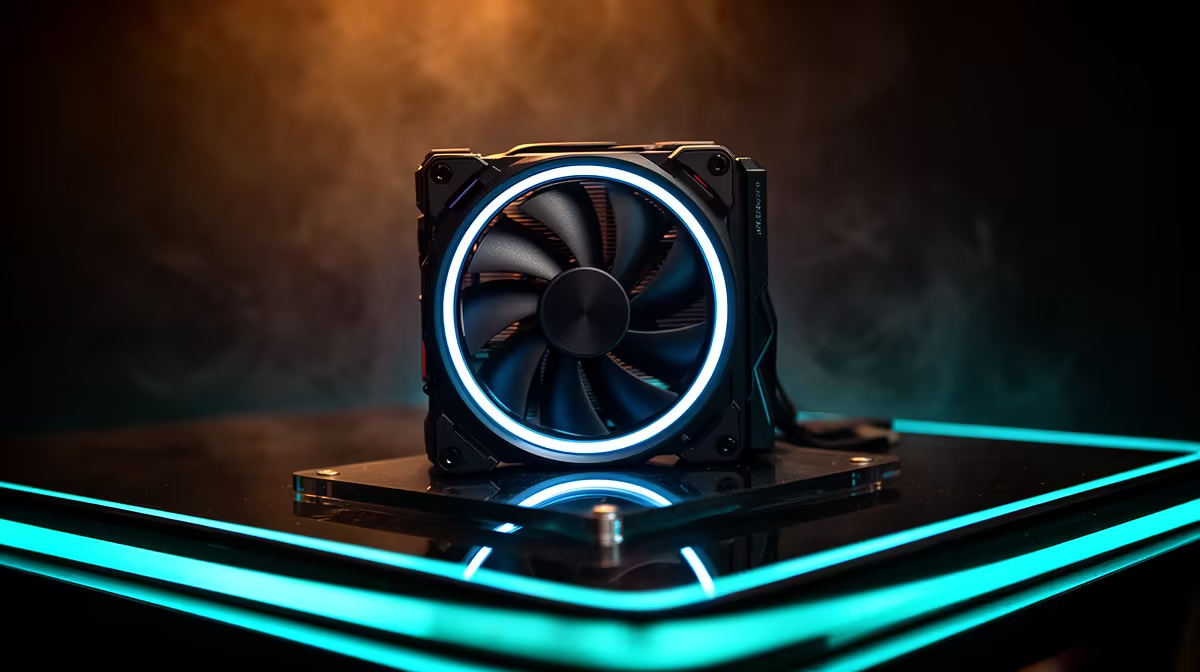
Better airflow only matters where the case is genuinely choking, so the trick in South Africa is spending on the few fan positions that move the heat and skipping the rest. This guide is written for Rand-conscious buyers, with concrete Rand bands and specs so you can decide fast.
Quick Answer
Yes, but only where airflow is the bottleneck. A solid 120 mm fan moving 65 CFM near 25 dBA sits around R350 to R650 each; for most builds, R1,500 spent on three good fans in the right spots beats premium fans like a Noctua A12x25 in every slot.
Premium Versus Budget, In Rands
A Noctua A12x25 or Phanteks T30 runs close to R650 to R900 each and earns it on a CPU radiator or in a cramped case, holding under 25 dBA at full tilt. Arctic P12 PWM fans near R250 each cover the rest of the chassis perfectly well, so reserve the premium spend for the one or two positions that matter.
Cable and Hub Reality
Daisy-chaining six fans off one header overloads it. A simple PWM hub powered from SATA, around R250 to R450, keeps speeds in sync and the loom tidy. Plan fan count against your case mounts and header budget before checkout.
Noise You Can Live With
Under load a cheap fan can spike past 38 dBA, which becomes a constant drone in a quiet room. Aim for a curve that holds near 1,000 RPM during browsing and only ramps for gaming. PWM control through the BIOS keeps the build calm without manual fiddling.
FAQ
How many case fans do I actually need?
Two intakes and one exhaust is enough for most ATX builds, moving roughly 180 CFM combined. Add a fourth only if a radiator or hot GPU needs it; more than that rarely lowers temps and just adds noise.
Are Noctua fans worth the extra money?
On a CPU radiator or in a tight case, yes; a Noctua A12x25 near R900 stays under 25 dBA while moving serious air. For plain chassis slots an Arctic P12 around R250 is the smarter Rand.
Do RGB fans cool worse?
Lighting itself does not hurt airflow, but many RGB models trade blade design for looks and need a controller. Buy them for the look, not the cooling, and check the CFM and dBA still stack up.
buy, confirm the current Evetech stock and warranty path, then match the case fan to your space and the features you actually use day to day.