



PCIe 5.0 vs PCIe 4.0 for Video Editing in 4K in SA
PCIe 5.0 and PCIe 4.0 differ most in lane support, compatibility, and upgrade value for video editing in 4k. SA buyers should match the choice to their actual hardware and games.
Read moreMaximize FPS and smooth gameplay on entry-level PCs. 🎮🔥 Discover hardware tweaks and software tricks that make a real difference.
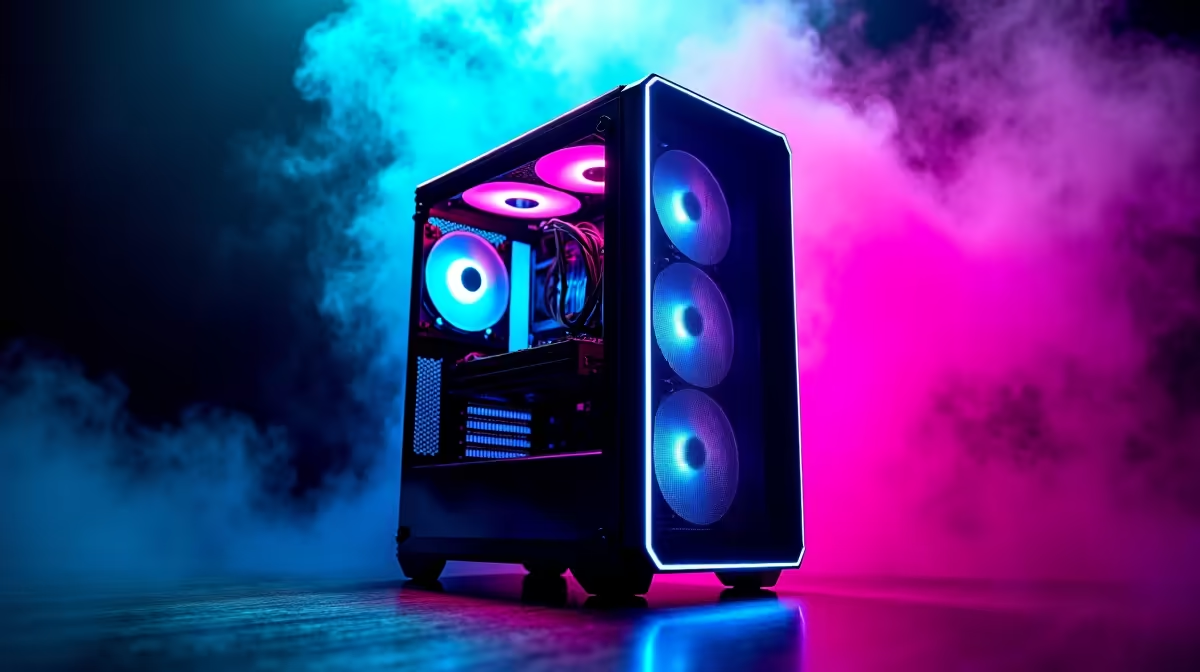
So, you’ve unboxed your new prebuilt gaming PC. The RGBs are glowing, the fans are spinning, but the frames-per-second in Apex Legends aren't quite hitting that sweet spot you dreamed of. Don't stress, Mzansi. Your entry-level rig is a fantastic starting point, not a final destination. With a few clever tweaks, you can easily boost your entry-level prebuilt PC performance without needing to splash out on a whole new machine. Let's get started. 🚀
Before you even think about opening your wallet, there's a surprising amount of performance you can unlock with software optimisations. These simple steps can give you an immediate FPS bump and a smoother gaming experience. Improving your entry-level PC performance often starts with just a few clicks.
This is the number one rule of PC gaming. Your graphics card manufacturer is constantly releasing new drivers that optimise performance for the latest games. Neglecting this is like trying to run a race with your shoelaces tied together.
Windows has built-in features designed to help, but they aren't always perfect.
Ctrl+Shift+Esc to open Task Manager, go to the "Startup" tab, and disable any unnecessary programs that launch when you boot your PC. Less background clutter means more power for your game.In most modern games, dropping "Shadow Quality" from Ultra to High can boost your FPS by 10-15% instantly. You'll barely notice the difference in the heat of battle, but your PC will thank you for it!
Once you've squeezed every last drop of performance from software, it's time to consider a few cost-effective hardware upgrades. These small investments can deliver a massive return in speed and responsiveness.
Many budget gaming PCs ship with 8GB of RAM to keep the price down. While that’s enough to get you started, upgrading to 16GB is one of the most effective ways to improve your PC's multitasking and gaming performance. It allows your system to handle more at once, reducing stuttering and improving frame consistency. While many new DDR5 gaming PCs are setting new standards, a simple DDR4 16GB kit is a phenomenal upgrade for an entry-level build.
If your prebuilt PC still uses a traditional hard disk drive (HDD) as its primary boot drive, upgrading to a Solid-State Drive (SSD) is essential. An SSD will make your entire system feel brand new. Windows will boot in seconds, games will load drastically faster, and the whole PC will feel snappier. This upgrade won't necessarily give you more FPS, but it fundamentally improves the quality of life of using your machine.
Overheating is a silent performance killer. When your CPU or GPU gets too hot, it "throttles" itself, reducing its speed to cool down. This causes sudden frame drops and stuttering. Ensuring your case has good airflow and perhaps adding an extra case fan or upgrading your CPU cooler can help your components maintain their peak performance for longer. It's a principle that applies to all builds, from entry-level rigs to high-performance workstation PCs.
Eventually, you'll hit the performance ceiling of your entry-level hardware. When software tweaks and minor upgrades are no longer enough, it's time to think about your next big step. Whether you're running on an Intel Core platform or an AMD Ryzen CPU, there's always a clear upgrade path.
Understanding your budget is key. You can find fantastic value in PCs under R20k that offer a significant leap from an older entry-level machine. Or, if you're ready to jump into the high-end, the world of PCs above R20k opens up 1440p and 4K gaming.
Your first prebuilt PC is a stepping stone. Use it, learn from it, and when you're ready to level up, you can explore the best gaming PC deals with the knowledge of exactly what you need for the performance you crave. ✨
Ready for a Real Power-Up? Your entry-level PC has served you well, but when you're ready to stop tweaking and start dominating, explore our latest prebuilt deals. Shop now at Evetech for performance that leaves lag in the dust.
Upgrade GPU drivers, lower in-game settings, and add more RAM for noticeable improvements.
Focus on graphics card upgrades and SSD installations for significant performance boosts.
Keep drivers updated, enable gamer profiles in BIOS, and tweak Windows 10/11's performance settings.
Yes! Most entry-level rigs handle games at 1080p with medium settings when properly optimized.
Upgrade to at least 16GB RAM for better gaming performance and multitasking capabilities.
A quality PSU ensures stable performance, but won't boost frame rates directly. Don't skimp too much on budget builds.
Replace traditional hard drives with budget-friendly SSDs to dramatically reduce game load times.
PCIe 5.0 and PCIe 4.0 differ most in lane support, compatibility, and upgrade value for video editing in 4k. SA buyers should match the choice to their actual hardware and games.
Read more
ATX 3.1 and ATX 3.0 differ most in connector handling and GPU power design. For SA gamers, the choice comes down to your graphics card, PSU quality, cable clearance, and whether a newer 12V-2x6-ready unit makes sense for the build.
Read more
80+ Platinum or 80+ Titanium for cinematic should be shortlisted around the job it must do. South African buyers should compare fit, performance, compatibility, and upgrade room, warranty path, and upgrade room before treating any pick as best.
Read more
AM5 and AM4 can both work for competitive esports, but the real-world difference is platform headroom. SA players should compare CPU choices, memory speed, latency goals, monitor refresh, and future upgrade plans.
Read more
LGA 1851 and LGA 1700 differ most in CPU support, compatibility, and upgrade value for couch co-op gaming. SA buyers should match the choice to their actual hardware and games.
Read more
DLSS 4 and DLSS 3 differ most in game support, compatibility, and upgrade value for streaming on twitch and youtube. SA buyers should match the choice to their actual hardware and games.
Read more
RTX 5090 on a 1200W PSU has usable headroom when the supply is strong and the build is measured. For SA gamers, OC potential depends on CPU draw, cooling, cabling, stability targets, and how much safety margin you keep.

How to fix low FPS on gaming laptop starts with power mode, drivers, heat, and game settings. Use this South Africa-focused checklist to confirm charger use, GPU selection, RAM pressure, and cooling before changing parts or tweaking every setting.

Real world difference between b850 b650 mmo live service games sits in stability, networking, storage, and upgrade room. SA players should compare LAN quality, USB layout, RAM support, and SSD slots for always-updated games.

Dead Pixel on Wi-Fi 7 Router is likely a display-path or source-title issue, so check the screen, cable, driver state, and related system symptoms before blaming the device itself.

Put the headphones in pairing mode, open Bluetooth and devices in Windows 11, then add the headset. If it fails, remove the old pairing and check charge, range and drivers.

Microsoft says upcoming Windows 11 work will target memory use on 8GB PCs and improve boot and sign-in responsiveness. There is no public release date or measured uplift yet.

Windows 11 does not show CPU temperature in its standard Settings pages. Use your CPU maker's supported utility or a trusted monitor, then read idle and loaded temperatures in context.

The Colorful MEOW X16 Pro pairs a Ryzen 7 8745HX with a 115W RTX 5060 Laptop GPU. It is a China-only launch for now, so local RTX 5060 pricing is the practical benchmark.

Industry reports point to another roughly 10 percent Intel processor increase from 5 October, but Intel has not published a consumer price list confirming the scope. South African buyers should treat it as a risk signal, not a guaranteed Rand change.

Tests reported audio capture and local-network scanning on a specific LG television with its screen off. LG says supported standby modes can keep voice and connected-device features active, so owners should review model-specific settings.

Thermalright's AXP120-X77 is a 77 mm top-down cooler with six heatpipes and a slim 120 mm fan. Local availability is not confirmed, so compact-PC builders should verify case height, memory clearance and socket support before comparing it with stocked coolers.

One-sided sound can come from balance settings, a dirty or loose connector, Bluetooth pairing data, firmware, the source device or a failed cable or driver. A short swap test isolates the cause before you reset software or replace the headset.