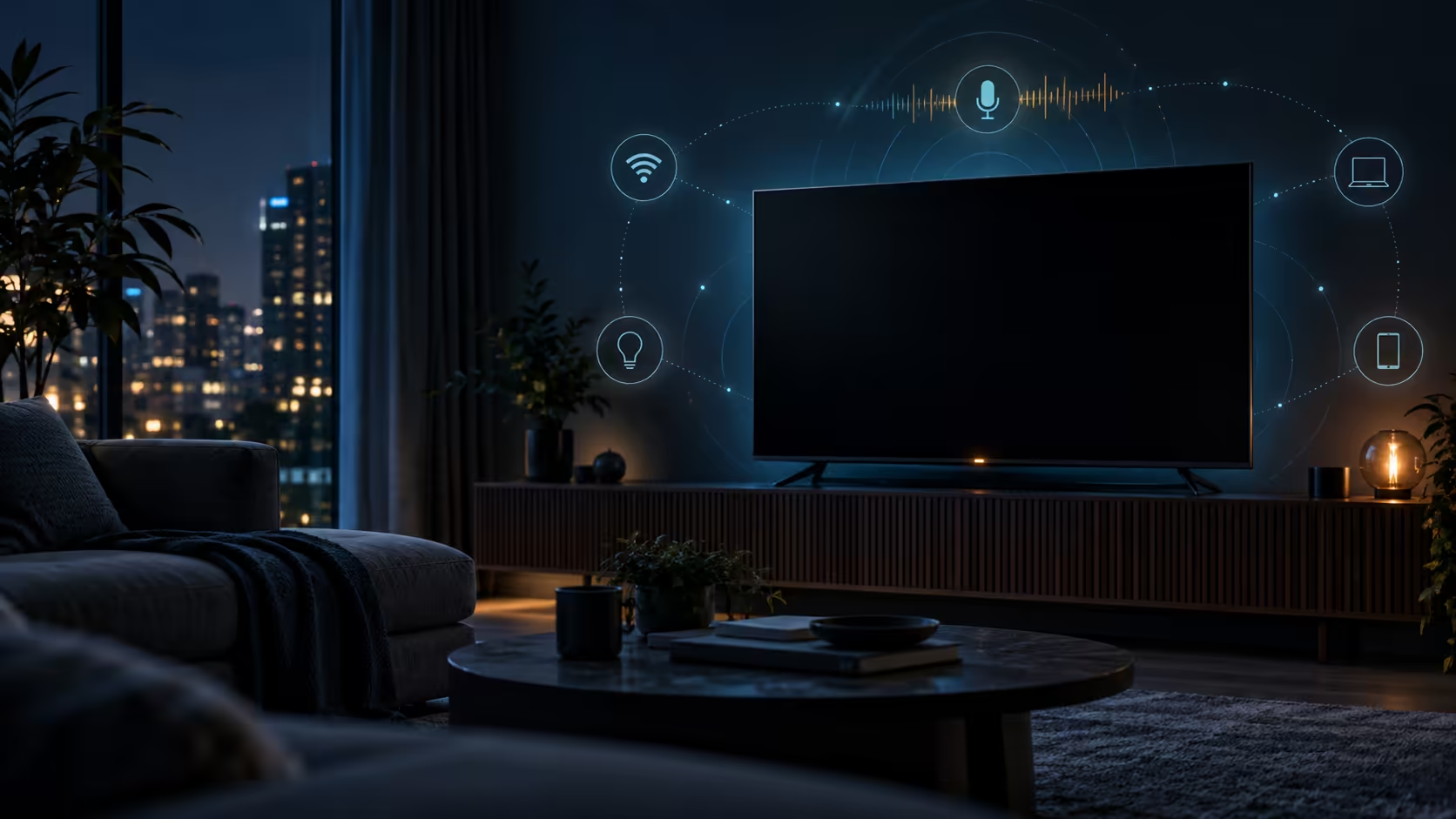
The latest LG TV standby privacy settings discussion is a reminder that a dark screen is not the same as a disconnected device. Recent testing reported audio capture and local-network discovery activity on specific LG televisions while they appeared off. LG's own support material explains that supported standby modes can keep voice recognition and connected-device features active.
Quick Answer
Do not assume the finding applies to every LG television, but do review your own model. Disable Standby Mode or Always Ready features you do not use, turn off direct voice recognition if wake-by-voice is unnecessary, install current firmware and place the television on a guest or isolated network where practical. Unplugging the set remains the clearest full-power boundary.
🔎 What the testing found
The reported tests observed specific LG models and software configurations. They included network scans that could reveal nearby wireless names or local services, plus microphone-related activity while the screen appeared off. That is meaningful evidence about those tested conditions, not proof that every LG model behaves identically.
Model and firmware scope matter because smart-TV features vary. Some sets support Always Ready or Standby Mode, while others expose different menu names or fewer voice features. An owner should use the exact model manual and current menu rather than following screenshots from a different generation blindly.
LG documents that supported standby operation can allow voice recognition, audio playback from connected smart devices and wake commands from an external assistant. Those features require parts of the television to remain active. If you never use them, leaving them enabled creates activity without providing value.
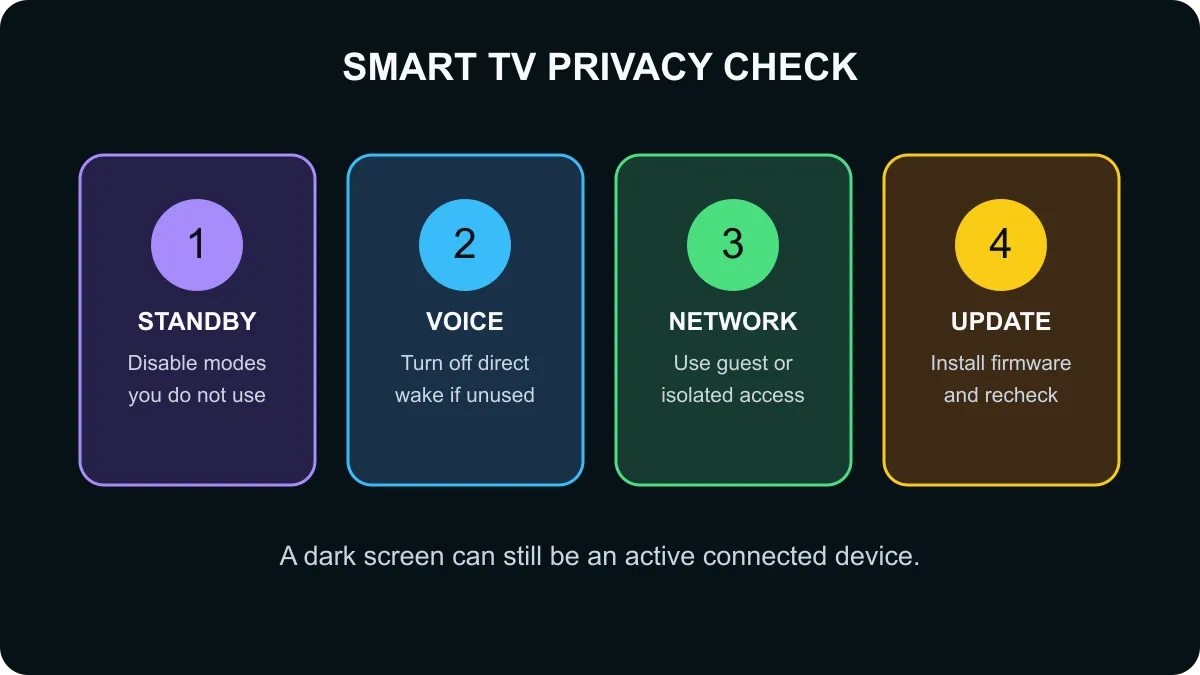
🔐 Four controls worth reviewing
First, open the television's full settings and look under General for Standby Mode or Always Ready. Disable the feature if you do not need background information, voice wake or connected-device playback after pressing the remote's power button.
Second, find the voice-recognition settings. Direct voice recognition is useful only if the television must respond without a button press. Turning it off can remove an unnecessary listening path while preserving ordinary remote use. Menu wording can differ, so verify the model guide.
Third, review automatic content recognition, viewing-data and personalised-advertising choices. These controls are separate from standby power. Disabling one feature does not guarantee another data pathway is disabled, so read each description and choose deliberately.
Fourth, use network separation. A guest network or an isolated device network can prevent a television from freely discovering computers, storage devices and work equipment on the main home network. Browse wireless routers, review the broader networking range, and compare network adapters if your current router lacks useful guest or isolation controls.
🛡️ Build a sensible home-device boundary
Changing settings is more practical than treating every smart television as hostile. Keep the firmware current, use a strong account password, remove applications you no longer use and disconnect services that do not need permanent access. Review permissions again after a major software update because menus and defaults can change.
If a television must reach a media server, create the narrowest access that works instead of placing every household device on one flat network. Business laptops and shared storage deserve especially clear separation from entertainment devices. Router features vary, so document the guest-network password and which devices belong there.
Frequently Asked Questions
Can an LG TV remain active with the screen off?
Yes on supported models. LG says standby modes can keep voice recognition and connected-device features available.
Did the report test every LG television?
No. The findings came from specific tested models and settings, so owners should check their own model and firmware.
How do I disable LG standby features?
On supported models, review All Settings, General and Standby Mode or Always Ready, then disable functions you do not use.
Should I turn off direct voice recognition?
If you do not use wake-by-voice, disabling direct voice recognition reduces an unnecessary listening pathway.
Why place a smart TV on a separate network?
A guest or isolated network can limit which computers, storage devices and other local services the television can discover.
Does a dark screen mean the TV is fully powered down?
No. Standby features can remain active until disabled, and unplugging the set is the clearest full-power boundary.
Need better control over connected devices? Compare current wireless routers and check whether your existing model supports guest networks or client isolation first.
Make standby behaviour an explicit choice.
Disable unused voice features and isolate entertainment devices from sensitive home systems.