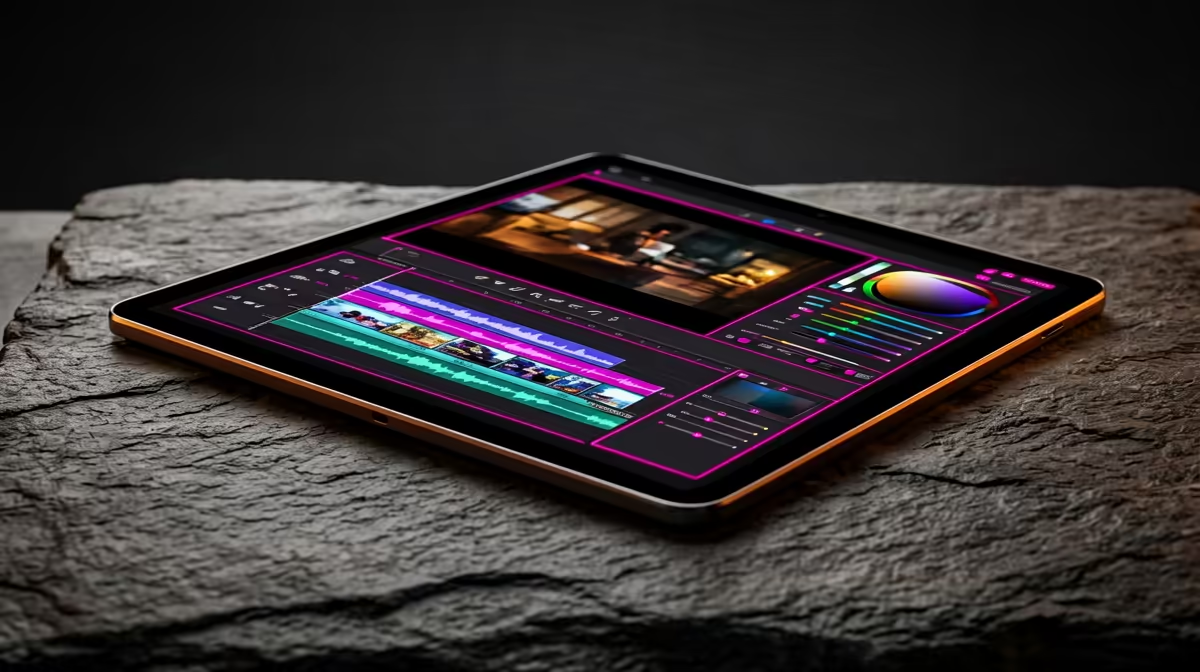
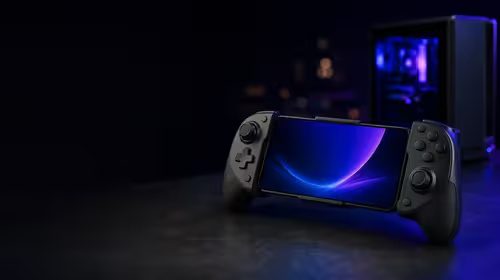
A budget tablet can suit a TikTok creator for scripting, comments, rough cuts and mobile publishing when supported applications run reliably. It may struggle with large layered edits, long exports or colour-critical work. Phone and computer integration matter more than screen size alone.
Complete one short-form project
Import normal phone footage, trim it, add captions and music, export vertically and upload privately. Check memory pressure, storage, heat, battery use, application crashes and file transfer back to the main archive. Test keyboard or pen input only if the creator will use it regularly.
No budget-tablet SKU or price is verified in the supplied facts. Compare candidates on operating-system updates, memory, storage, display, application support, camera-file compatibility, keyboard or pen options, charging, repair access and warranty.
Protect the TikTok account, hide private notifications and use licensed media. Keep raw clips, project files and exported masters in independent backups. Do not rely on platform drafts as the sole copy, and leave storage headroom for temporary files.
Buy when the complete project remains smooth and the tablet fills a mobile role. A capable phone or compact laptop may offer better value when export and file management dominate.
Confirm that captions, brand fonts and draft recovery work offline before taking the tablet to a shoot.
Building a mobile creator workflow? > Browse Evetech tablets after testing apps, storage and export.