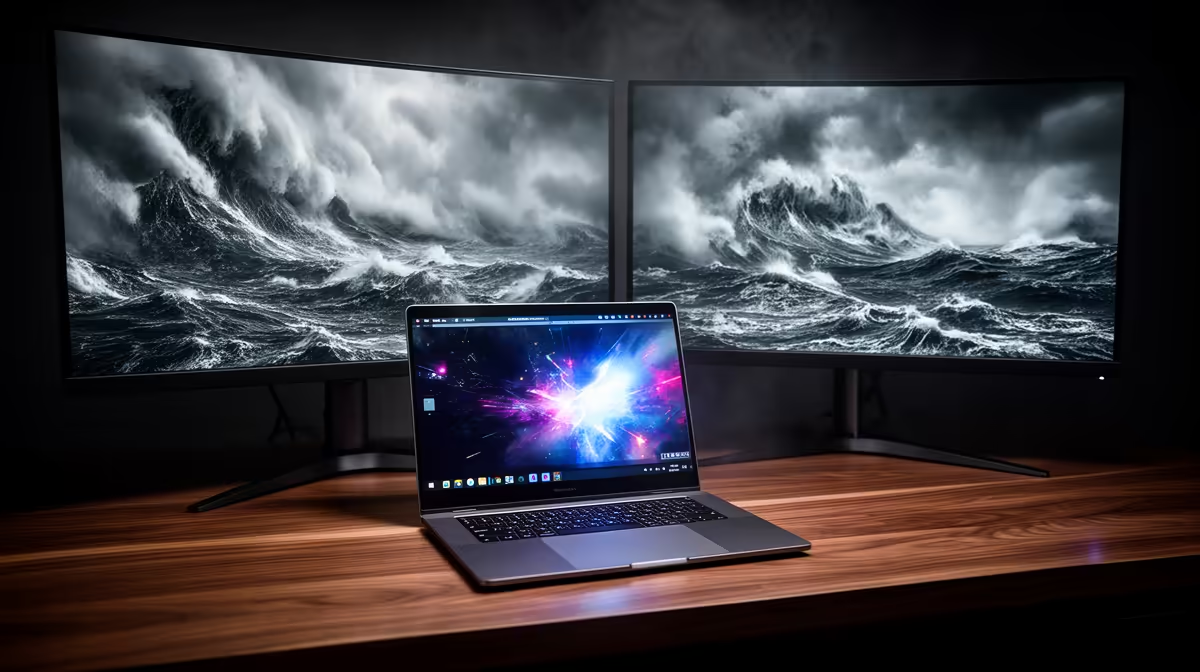
Lenovo LOQ RTX3050 at R9,500 suits South African sim players who want a laptop with real graphics muscle for flight simulation rather than a plain office-first machine. A business model can handle admin, browsing, planning routes, and light cockpit practice, but the moment scenery, weather, and higher visual settings matter, the RTX3050 makes the LOQ the more sensible starting point.
Best laptop direction for this sim setup
The Lenovo LOQ RTX3050 at R9,500 is the value pick because the RTX3050 is the only listed dedicated graphics spec. That matters more than a business badge when the game needs smoother visuals, external display support, and enough headroom for training sessions that run longer than a quick test flight.
The ASUS ExpertBook P1503 i5 at R9,858 is better for work-first buyers who mainly need a reliable i5 machine for spreadsheets, email, browser tabs, and basic sim setup tasks. It is worth considering if the machine must look and feel like an office laptop, but it is not the strongest choice here when graphics performance is the deciding factor.
The Lenovo IdeaPad Slim 3 i7 at R13,400 and ASUS Vivobook X1504VA i7 at R13,999 give you stronger i7 CPU positioning for everyday multitasking, flight planning, and study or office use. The ASUS Vivobook S14 OLED at R10,719 adds an OLED screen, which is attractive for crisp panels and rich cockpit visuals, while the ASUS ExpertBook P5405 at R12,700 stays closer to the business-laptop brief.
Home cockpit desk in South Africa
For a student desk, spare-room workstation, or small home cockpit table, the Lenovo LOQ RTX3050 at R9,500 is the practical answer because the RTX3050 spec lines up with the visual side of the sim. Pick the ASUS ExpertBook P1503 i5 at R9,858 only when office durability and daily productivity matter more than graphics.
Ready to choose the right laptop?
Use ASUS ExpertBook P1503 i5 at R9,858 when business laptop flight simulation matters, then compare the desk fit against its listed spec.