Quick Answer
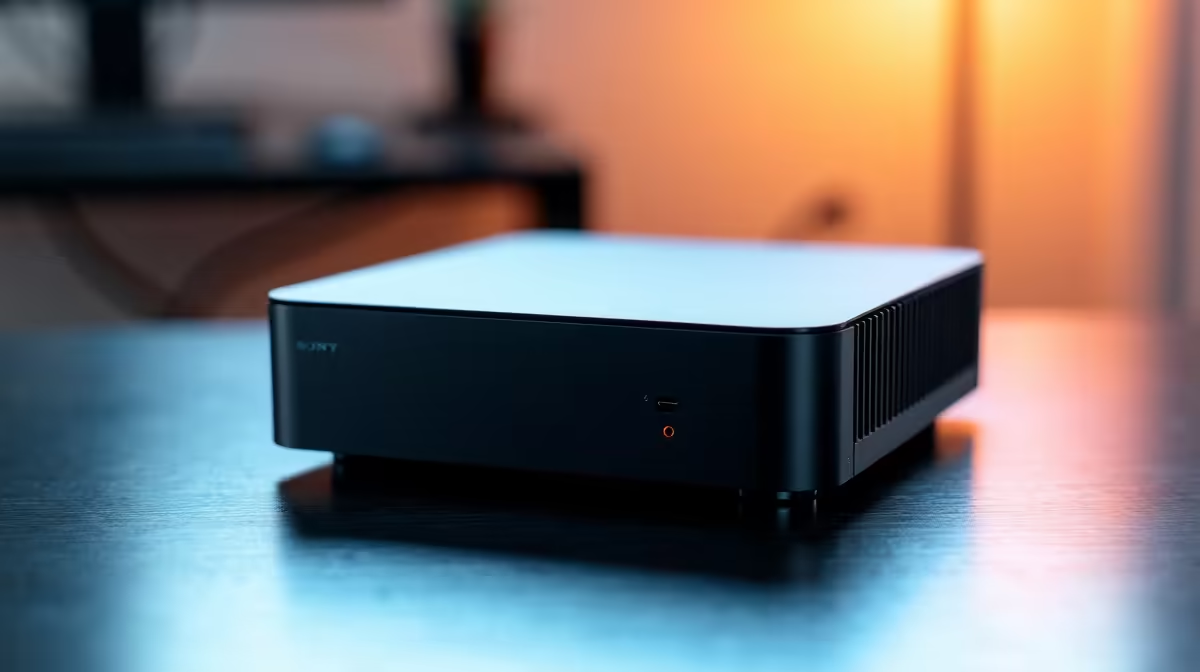
For clean cable-managed setups, buy a mini PC now if your workload is browsing, office, media, or light gaming; a Ryzen-based mini PC around R7,000-R12,000 keeps cabling to a single power lead and a USB-C hub. Upgrade later only if you need a discrete GPU, since most mini PCs cannot take one. The cleanest cable setup favours buying a capable mini PC now over a tower you would route extensively.
Why a mini PC suits a clean setup now
The appeal of a mini PC for clean cabling is obvious: there is almost nothing to route. A modern Ryzen mini PC handles office work, 4K media, and light 1080p gaming on its integrated graphics, and it connects with just a power lead, a display cable, and a USB-C dock for peripherals. Compared with a tower, the cable count drops dramatically, which is exactly what a clean-setup buyer wants. For that workload, buying now makes sense; the unit will stay relevant for years.
The case for upgrading later is narrow but real: if you expect to need a discrete GPU for serious gaming or GPU compute, a mini PC is a dead end because most cannot accept one. In that situation, a small-form-factor tower that takes a graphics card is the better long-term buy, even though it adds some cabling.
Decide by your real workload
If your needs are productivity, media, and casual gaming, buy a mini PC now around R7,000-R12,000 and enjoy the tidy single-cable setup. Pair it with one USB-C dock to consolidate peripherals behind the desk. If you will need a powerful GPU within a year or two, choose a compact tower instead and route it carefully. Match the form factor to where your workload is heading.
FAQ
Should I buy a mini PC now or wait?
Buy now if your workload is office, media, or light gaming, since a capable mini PC will stay relevant for years and keeps cabling minimal. Wait, or choose a tower, only if you will need a discrete GPU it cannot accept.
Can a mini PC handle gaming?
Light 1080p gaming, yes, on integrated graphics, but not demanding AAA titles at high settings. If you want serious gaming with a discrete GPU, a mini PC is the wrong choice, since most cannot take a graphics card.
How does a mini PC keep cabling clean?
It connects with just a power lead and a display cable, and a single USB-C dock handles all peripherals. That slashes the cable count compared with a tower, which is why mini PCs suit clean cable-managed setups.
mini PC with one USB-C dock to consolidate every peripheral behind the desk; the single power lead plus one dock cable is the tidiest setup possible, which a full tower cannot match.