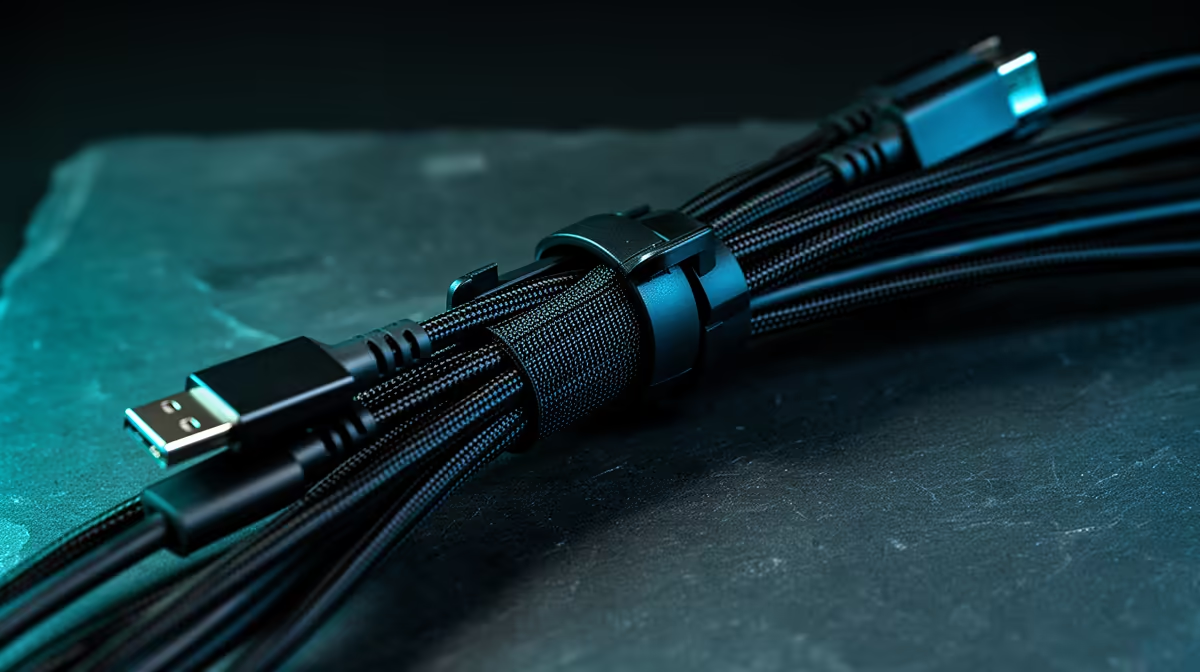
That spaghetti monster of cables behind your PC… we’ve all been there. It’s not just an eyesore; it’s a silent performance killer, choking airflow and making upgrades a nightmare. But what if we told you that effective cable cleanups aren't just for pro builders? With a few simple tricks and the right gear, you can transform that tangled mess into a masterpiece of organisation. Let’s get your rig looking sharp and running cool. ✨
Why a Tidy PC is a Happy PC
Let's be honest, the main reason we want to clean up our cables is for the aesthetics. A clean, organised rig with perfectly routed wires is a thing of beauty. But the benefits of effective cable management go way deeper than just looks.
Better airflow is the big one. Those tangled nests of cables can block fans and create hot pockets inside your case, leading to higher CPU and GPU temperatures. An effective cable cleanup allows air to move freely, keeping your components cooler, quieter, and potentially extending their lifespan.
Then there's the sheer convenience. Need to swap out a hard drive or upgrade your RAM? A well-managed system makes it a breeze. No more fighting with a web of wires just to reach a SATA port. Exploring comprehensive cable solutions is the first step towards a hassle-free PC experience.
Your Game Plan for a Flawless Cable Cleanup
Ready to roll up your sleeves? Tackling a full cable cleanup can seem daunting, but breaking it down makes it simple. The secret to success is planning. Don't just start plugging things in.
Step 1: The Fresh Start
The best way to achieve a truly effective cable cleanup is to unplug everything (yes, everything!) from your motherboard and power supply. This gives you a blank canvas. Now, lay your main cables out and visualise the cleanest path from the power supply to each component, using the routing cutouts and channels in your case.
Step 2: Route the Main Arteries
Start with the thickest, most awkward cables: the 24-pin motherboard power, the 8-pin CPU power, and your GPU's PCIe power connectors. Route these behind the motherboard tray first. This part of the cable cleanup process makes the biggest visual impact. For high-quality, durable options, brands like GIZZU offer fantastic cable solutions to get the job done right.
The 80/20 Rule of Cable Management
Focus 80% of your effort on the visible side of your case. The back panel can be a little messy as long as the side panel closes without bulging. A perfect front makes for an effective cable cleanup, even if the back is a well-managed secret!
Step 3: Tame the Smaller Wires
Now, tackle the smaller cables: SATA power and data, fan cables, and the fiddly front panel connectors (power, USB, audio). Group them together where possible and follow the paths you established with the larger cables. This is where patience pays off and your cable cleanup truly comes together. Using reliable accessories, like those from trusted brands like HP, can make managing these smaller wires much simpler.
The Right Tools for Effective Cable Management 🔧
You wouldn't build a PC without a screwdriver, right? The same logic applies to cable management. Having the right tools makes the job infinitely easier and the results far cleaner. While you can get by with the ties that come with your components, investing a little in dedicated gear is worth it.
Velcro Straps & Zip Ties: These are the bread and butter of any cable cleanup. Zip ties are great for permanent bundles behind the motherboard tray, while reusable Velcro straps are perfect for areas you might need to access later.
Cable Sleeving & Combs: For the ultimate pro look, cable sleeving bundles multiple wires into a single, neat tube. Cable combs take it a step further, forcing individual sleeved wires (like your 24-pin connector) to sit perfectly parallel. It’s a small detail that screams professionalism. Many Promate accessories are designed to give your setup that polished finish. 🚀
Ready to Tidy Up Your Rig?
Stop letting messy cables cramp your style and your airflow. Shop now at Evetech for a build that looks as good as it performs.