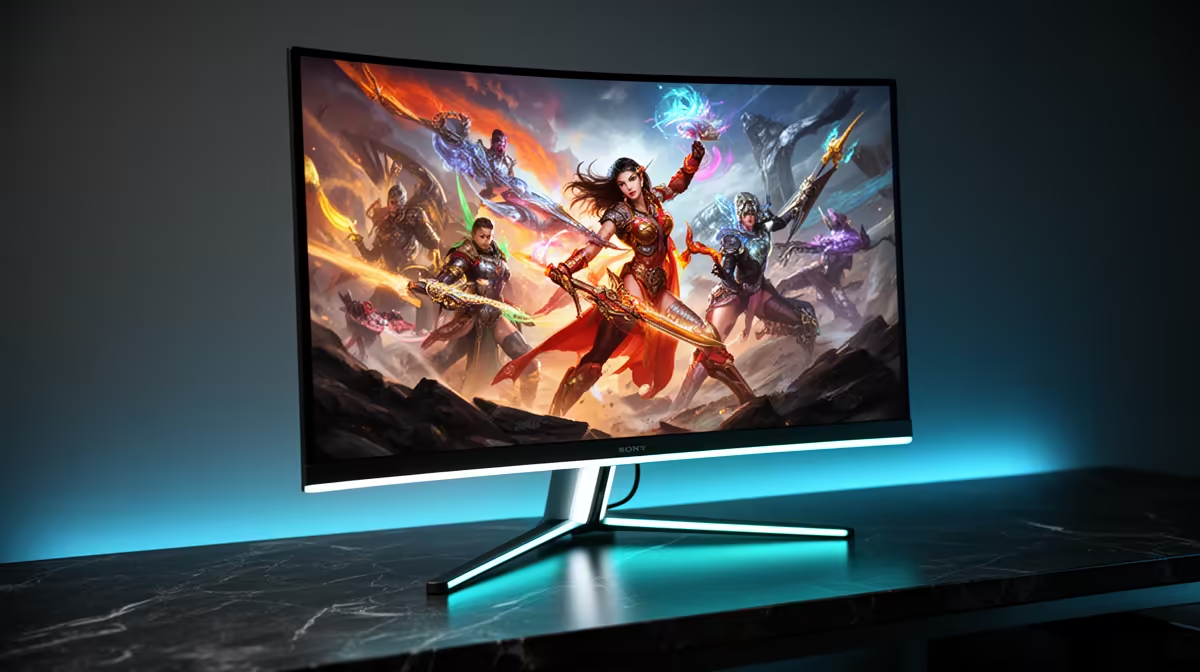
Quick Answer
Yes, a 99% DCI-P3 true 10-bit monitor works excellently for both gaming and creative work. The wide colour gamut enhances HDR game visuals and makes in-game environments more vivid, while the true 10-bit panel delivers over one billion displayable colours for accurate photo editing, video grading, and design work without needing a separate professional display.
What 99% DCI-P3 and True 10-Bit Actually Mean 🎨
DCI-P3 is the colour space used by the cinema industry and adopted by HDR streaming platforms and many modern games. At 99% coverage, the monitor can reproduce virtually every colour the DCI-P3 specification defines. For context, sRGB covers roughly 72% of DCI-P3, so a 99% DCI-P3 display sees colours that a standard sRGB monitor simply cannot show.
True 10-bit refers to a panel that outputs 10-bit colour natively per channel, producing 2^30 or 1.07 billion colours.
Gaming Benefits of Wide Gamut and 10-Bit 🎮
Modern games with HDR support use the DCI-P3 or Rec.2020 colour space to define their visual output.
For non-HDR games, a 99% DCI-P3 monitor typically operates in an sRGB-emulation mode to prevent oversaturated colours in content not authored for wide gamut. Most premium gaming monitors include an sRGB mode in their on-screen display menus for this purpose. Switching between wide gamut for HDR games and sRGB mode for SDR titles is a two-button operation on most models.
Creative Work: What the Specs Enable in Practice 💡
For South African designers, photographers, and video creators, a 99% DCI-P3 true 10-bit monitor eliminates the need for a separate colour-accurate professional display. Adobe Photoshop, Lightroom, Premiere Pro, and DaVinci Resolve all support DCI-P3 as a working colour space, meaning edits made on this monitor translate accurately to DCI-P3 deliverables for digital distribution platforms.
When preparing content for print (which uses a CMYK or AdobeRGB colour space), the monitor's DCI-P3 gamut covers approximately 90% of AdobeRGB, which is sufficient for most commercial print work. True AdobeRGB coverage of 99% or above requires a specialist professional monitor typically costing more than R30,000 in SA.
Enable sRGB Mode for Non-HDR Game Content ⚡
When playing older games or titles without HDR support on a 99% DCI-P3 monitor, activate the sRGB emulation mode in the monitor's OSD menu. Without it, SDR content will appear oversaturated because the wide gamut interprets sRGB signals as filling the full DCI-P3 space. Most premium monitors complete this switch in under three button presses.
FAQ
Do I need to calibrate a 99% DCI-P3 monitor for photo editing?
Factory calibration on premium 99% DCI-P3 monitors typically achieves Delta E below 2, which is print-production accurate. For critical commercial colour work, a hardware calibration tool (like a Calibrite ColorChecker Display) will tighten this further, but for most photography and design workflows the factory profile is sufficient.
Will a 99% DCI-P3 monitor affect how colours look in everyday software?
Windows 11 and macOS both support colour management for DCI-P3 profiles. Applications that are colour-managed (Adobe suite, browsers with colour management enabled) will display accurate colours. Non-colour-managed applications may show slightly oversaturated output. Using the monitor's sRGB mode for non-colour-managed work resolves this.
Is true 10-bit worth paying more for compared to 8-bit-plus-FRC?
For gaming alone, 8-bit-plus-FRC is adequate. For colour-critical creative work, true 10-bit is meaningful because it eliminates banding in smooth gradients and avoids the slight temporal noise that FRC dithering can introduce, particularly visible in large flat-colour or gradient areas common in design work.
Need a monitor that handles gaming nights and creative work days equally well?
Evetech stocks 99% DCI-P3 true 10-bit displays suited to both professional creative workflows and high-end gaming, with local warranty support across South Africa.