You’re live. The chat is buzzing, you’re in the final circle in Apex, and the win is in your grasp. Then it happens… your stream stutters. Your game lags. Your viewers see a pixelated mess. The culprit? Your PC is struggling to play and broadcast at the same time. This brings every aspiring South African streamer to a critical crossroads: the capture card vs PC encoding debate. Let's settle it and get your stream looking buttery smooth. 🚀
Understanding PC Encoding: The Built-in Solution
PC encoding, often called software or hardware encoding, uses your existing computer components to compress your gameplay footage and send it to platforms like Twitch or YouTube. You have two main options:
- CPU Encoding (x264): This uses your processor's power. It can produce excellent quality but puts a heavy strain on your CPU, which can lead to in-game performance drops.
- GPU Encoding (NVENC/AMF): Modern graphics cards have dedicated chips for encoding. NVIDIA's NVENC and AMD's AMF are incredibly efficient and have a much lower impact on your frame rate.
For most streamers starting out, GPU encoding is the way to go. A powerful processor is still vital for a smooth experience, and the latest Intel PC deals offer fantastic multitasking performance. Likewise, a rig built around a strong CPU and GPU combo, like those found in our AMD Ryzen PC deals, is perfect for a single-PC streaming setup.
The Case for a Dedicated Capture Card
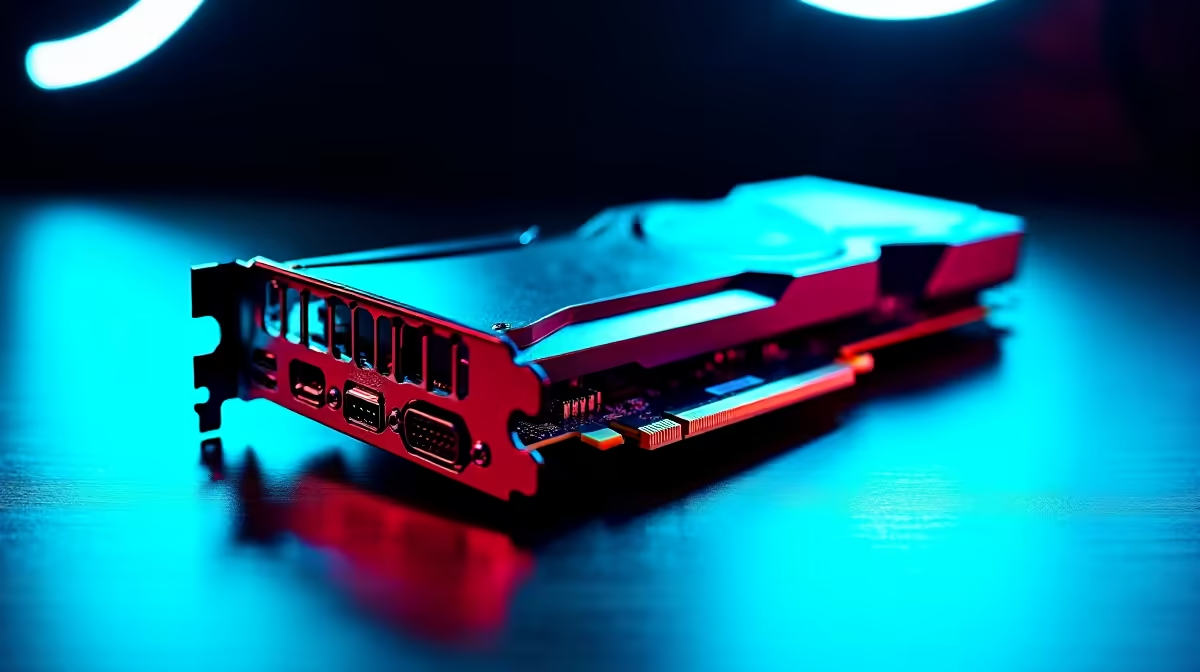
A capture card is a piece of hardware with one job: to take a video feed and get it ready for streaming or recording. It completely offloads the encoding process from your gaming PC's CPU and GPU. This means your computer can dedicate 100% of its resources to running your game at the highest possible settings. ✨
This is the ultimate solution for quality and performance. A capture card is almost essential for a professional dual-PC setup (one PC for gaming, one for streaming). It can also be a lifesaver for gamers with more modest hardware. If you're running one of our excellent PCs under R20k, adding a capture card later can give you a pro-level stream without needing a full system upgrade.
Streaming Pro Tip ⚡
Your internet upload speed is crucial! In OBS or Streamlabs, set your video bitrate to about 75% of your total upload speed to ensure a stable stream. For a 1080p 60fps stream, a bitrate between 4500 and 6000 Kbps is a great starting point, but you'll need at least 8-10 Mbps of stable upload bandwidth.
The Final Verdict: Which is Right for You?
The choice between a capture card vs PC encoding boils down to your budget, your hardware, and your streaming ambitions. Here’s a simple breakdown:
Go with PC Encoding if...
- You have a powerful, modern gaming rig (think RTX 30/40 series or RX 6000/7000 series).
- You're just starting out and want to keep costs down.
- You primarily stream games that aren't incredibly CPU-intensive.
Invest in a Capture Card if...
- You are serious about streaming and refuse to sacrifice a single frame of performance.
- You run a dual-PC streaming setup.
- Your current PC struggles to game and stream simultaneously.
Ultimately, the goal is a smooth, high-quality broadcast. For many, a powerful single-PC solution is the sweet spot, offering incredible performance without the complexity of a second machine. Exploring some of the latest pre-built PC deals is a fantastic way to see what modern hardware is capable of.
Ready to Build Your Streaming Empire?
Whether you choose PC encoding or a dedicated capture card, a powerful rig is the heart of your setup. Don't let lag ruin your broadcast. Explore our massive range of PC deals and find the perfect machine to go live with confidence.