Quick Answer
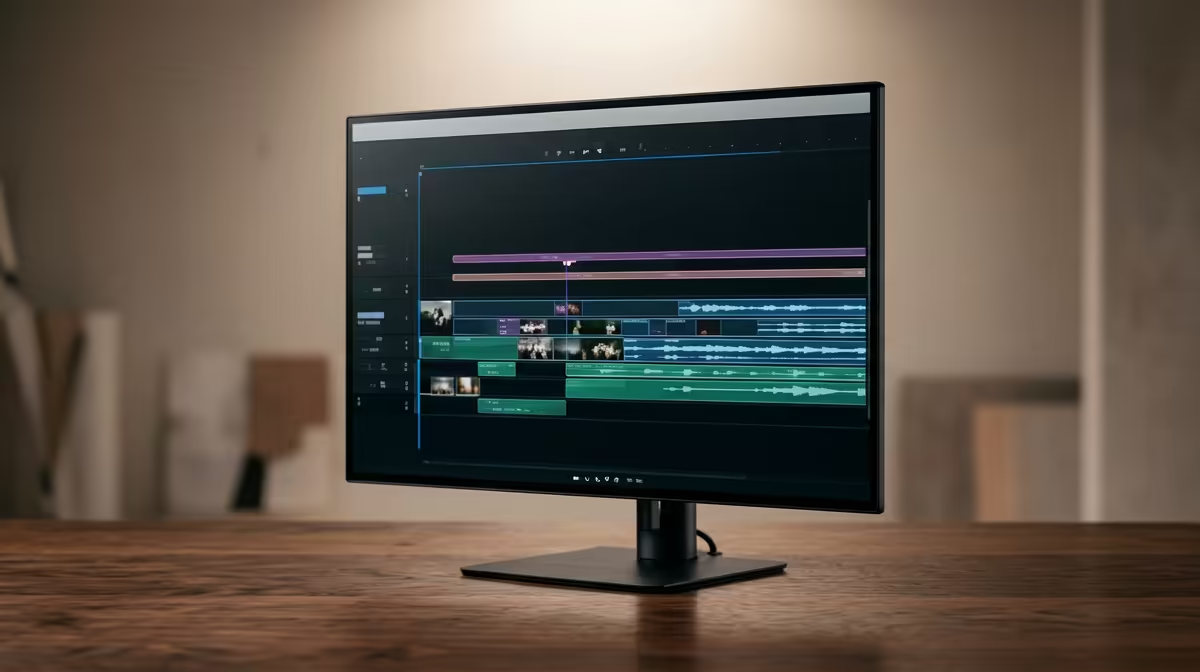
For 1080p video editing, a 240Hz monitor is only worth buying if it also serves fast games after work or study. Shortlist ASUS TUF VG259QM, Samsung Odyssey G4, and LG UltraGear 27GR83Q; expect broad SA pricing around R3,500-R9,500 depending on size, panel and resolution. For pure coursework, coding, lectures or admin, a sharp 1440p 75Hz-165Hz screen can be the calmer buy.
Best Screen Spec For The Use Case
The sweet spot is 1440p IPS or fast VA, wide colour mode, and 165Hz-240Hz. A 24-inch 1080p panel is cheaper and easy to drive, while a 27-inch 1440p panel gives more workspace for notes, timelines, code panes, plug-ins, or browser tabs. If the PC has only integrated graphics, treat 240Hz as a desktop-smoothness feature rather than a guaranteed 240 fps gaming result.
What To Prioritise Before 240Hz
For 1080p video editing, colour coverage and calibration are more useful than refresh rate for final visual checks. Check height adjustment, VESA mounting, HDMI 2.1 or DisplayPort support, eye-comfort modes, and whether the panel stays readable from a normal desk distance. A student in Cape Town or Joburg residence space may get more daily value from a compact stand and good text clarity.
GPU And Refresh Reality
A 240Hz screen needs a GPU that can feed it. Esports titles can reach 180-240 fps on an RTX 4060 or RTX 4060 Ti class card, but heavier AAA games may sit closer to 60-120 fps at 1440p. If the display and GPU upgrade must both fit under R12,000-R18,000, shortlist them together.
FAQ
Is 240Hz useful for 1080p video editing?
Yes, but mostly as a smoothness bonus and for gaming. The work itself usually benefits more from 1440p sharpness, good stand adjustment, and readable text.
Should I choose 1080p or 1440p?
Choose 1080p for the lowest price and easiest 240 fps target. Choose 1440p if you need more workspace for documents, code, timelines, browser tabs, or reference material.
What is a sensible SA budget?
Plan around R3,500-R6,000 for entry 240Hz models and R6,500-R9,500 for stronger 27-inch 1440p options. Compare panel type, warranty and ports before the final pick.
Buyer Check
Confirm the exact input port, stand height, VESA mount size, and whether your GPU can output the refresh rate at the monitor resolution before ordering.