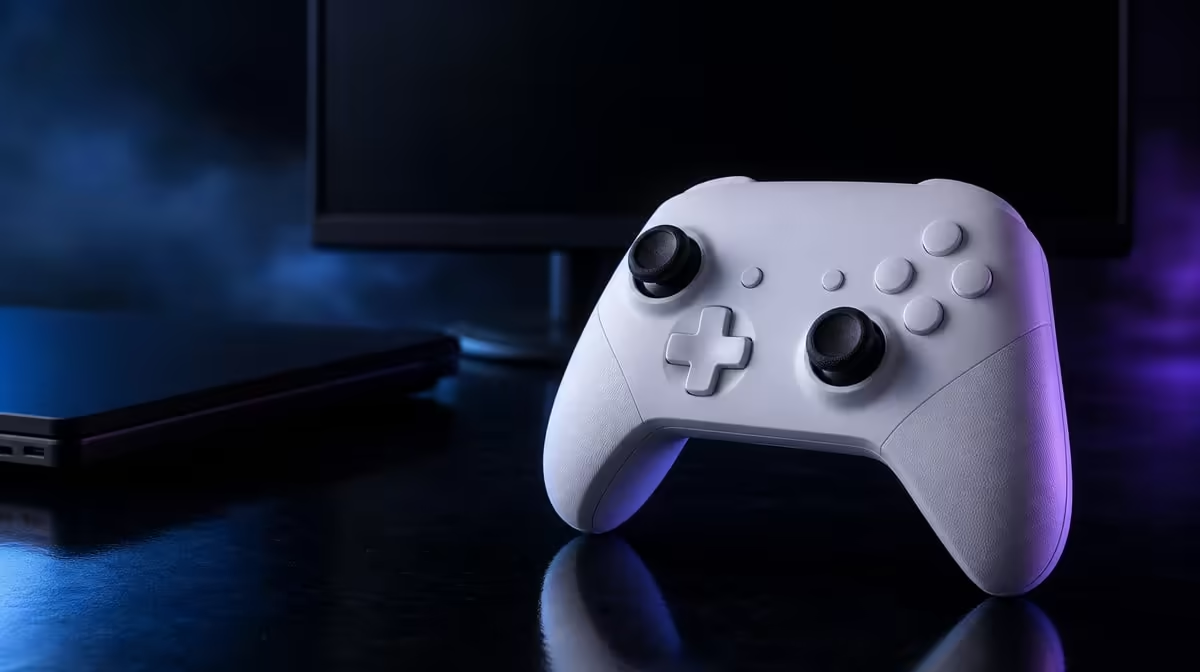
An Xbox-and-PC controller should be chosen by the connection the player accepts on each machine. South African Xbox and PC gamers choosing a controller get a mandatory console cable plus their choice of lead or 2.4GHz at the computer.
Quick Answer
At R1,499, the G7 Pro can suit an Xbox-and-PC household that accepts a cable on console and values PC connection choice. It is not a wireless Xbox controller, while PC also receives the stated 1000Hz polling feature.
🗺️ Make the cable decision first
Measure the Xbox route from seat to console. Keep the lead clear of movement, furniture and other people.
If wireless Xbox is mandatory, stop the comparison. The dock and PC radio do not extend to console.
Write that condition at the top of the buying sheet. A feature-rich controller should not progress when the primary device requires a connection it does not provide.
If the cable is acceptable, test its complete room path. Sit in the normal position, move through a full play session and check whether the lead catches, pulls or crosses a walkway.
For PC, decide whether a cable fits the desk or 2.4GHz improves the room. Keep a wired fallback documented.
Use the same PC game to compare both routes. Hold frame settings, display mode, sensitivity, trigger state and macros constant.
Record reconnection effort as well as play. Wireless freedom can add value even when control performance feels similar.
Count expected hours on both platforms. Shared value grows when the same controls are genuinely used on each.
Add the games played on each. A racing title may use full trigger travel on Xbox, while an FPS profile on PC can use stops, macros and polling.
For a shared household, note who uses which platform. Familiar controls can reduce relearning, but custom profiles still need clear names.
Compare current choices through Evetech's gaming controller category.
🎮 Prove controls across both systems
On Xbox, test TMR stick centre, full trigger travel, D-pad, face buttons and 3.5mm audio where needed.
Use a fixed sequence: settle the sticks, trace their range, press every D-pad direction, pull both triggers gradually and check the planned headset.
Save the game sensitivity and dead zone. A later PC comparison is difficult to understand without knowing how each title interprets input.
On PC, repeat the same baseline before adding 1000Hz, macros or trigger stops.
Establish wired operation first if it is the troubleshooting baseline, then move to 2.4GHz. Confirm the ordinary map after every change.
Run a slow aim drill and a full-range movement task on the Mag-Res TMR sticks. Their drift-resistant sensing benefits both platforms without promising immunity from every fault.
Save separate game profiles. A stopped FPS trigger should not appear in a racing title on the other platform.
Include left and right trigger states, every macro assignment, D-pad choice and reset instructions. A profile should explain itself after several days away.
Ask another player to restore defaults. This exposes hidden assumptions in the setup card.
The four rumble motors add feedback, not accuracy. The swappable D-pad and faceplate change directional surface and appearance.
Test the D-pad in a relevant sequence rather than assuming the alternate surface is better. Keep the faceplate in the personalisation score.
The dock provides a home for charging routines. It cannot change the Xbox cable requirement or create a new PC mode.
🖥️ Assess the PC extras honestly
1000Hz polling corresponds to one-millisecond report opportunities on PC. Game and display timing remain.
Use a stable training area with consistent frame pacing. Compare repeated actions across available rates while changing nothing else.
Alternate the order after a rest. A one-millisecond technical interval and a player's performance result should be reported separately.
Test through the intended PC connection with stable frame conditions. Do not assign the result to Xbox.
Four macro buttons can improve access to allowed commands. Check current competition rules and start with one mapping.
Map an action that currently forces a thumb off movement or aim. Test the original and new location through the same sequence.
Count accidental presses under a firm grip. Leave positions empty when they create confusion.
Evetech's gaming accessories range can frame the rest of the shared setup.
⚖️ Decide whether one controller simplifies the household
Create two start cards: wired Xbox and wired or 2.4GHz PC. Include profiles, trigger state and reset.
Create two end cards too. The Xbox session should leave the cable and default state ready; a wireless PC session should return the controller to the dock and label the active profile.
Switch directions on different days. Go from Xbox to PC once and from PC to Xbox later. Mode recovery should work in both directions.
Switch from PC back to Xbox after a normal session. Count mode mistakes and recovery effort.
Record successful starts for a week. One familiar pad across two devices earns value when the household spends less time troubleshooting and more time playing.
If the connection creates repeated friction, solve the specific route before crediting the premium controls.
At R1,499, familiar TMR sticks, triggers and macros across both can justify the product when the console cable is acceptable.
Build a weighted score with Xbox hours, PC hours, stick benefit, trigger flexibility, macro access, PC polling and dock habit. Give no PC-only points to Xbox sessions.
End with an explicit limitation and strength: wired console accepted, flexible PC valued, and named controls tested. This is a useful South African buying conclusion without claiming universal fit.
Run one longer Xbox block and one longer PC block before finalising the score. Hand comfort, cable movement and accidental macro presses can appear only after the short technical checks are finished.
Use the same TMR centre routine on both devices but keep game-level sensitivity documented. A different result may follow software rather than the controller.
Test the trigger stops only in the profile that needs them. Full travel should remain easy to restore for racing or another graduated action.
Review the dock habit after several wireless PC sessions. Count whether the controller begins ready and returns consistently, while remembering that this convenience does not extend to wireless Xbox.
At purchase time, check current availability through Evetech with the R1,499 price and accepted platform map already decided. The comparison should not drift into assumptions about future supply.
Review Evetech's accessory best sellers after both platform routines pass and check current availability.
Frequently Asked Questions
Does this Xbox-and-PC choice include cable-free Xbox play?
No. The G7 Pro uses a wired Xbox connection.
What connection flexibility does PC receive?
PC can use the controller through a cable or 2.4GHz.
Why can the controller still suit an Xbox-PC household?
It carries one control layout across both when wired console play is accepted.
Does the charging dock enable wireless Xbox use?
No. It supports charging habits without changing compatibility.
Which PC performance feature is specified?
The computer profile offers a stated 1000Hz polling ceiling.
What controls add value across both platforms?
TMR sticks, Hall Effect triggers with stops, four macros and the swappable D-pad can all contribute.
How should a buyer decide whether the cable is acceptable?
Test the real seat-to-console route through a normal session before prioritising optional features.
Ready to decide the Xbox cable before pricing the PC extras?
Explore Evetech's gaming controllers and test the G7 Pro as two distinct R1,499 routines: wired console and flexible PC.