



PCIe 5.0 vs PCIe 4.0 for Strategy and Sim Games in SA
PCIe 5.0 and PCIe 4.0 differ most in lane support, compatibility, and upgrade value for strategy and sim games. SA buyers should match the choice to their actual hardware and games.
Read moreCore i5-14600K Temperature Guide: Normal Range. Complete product range with SA pricing, key specs & recommendations for different budgets.
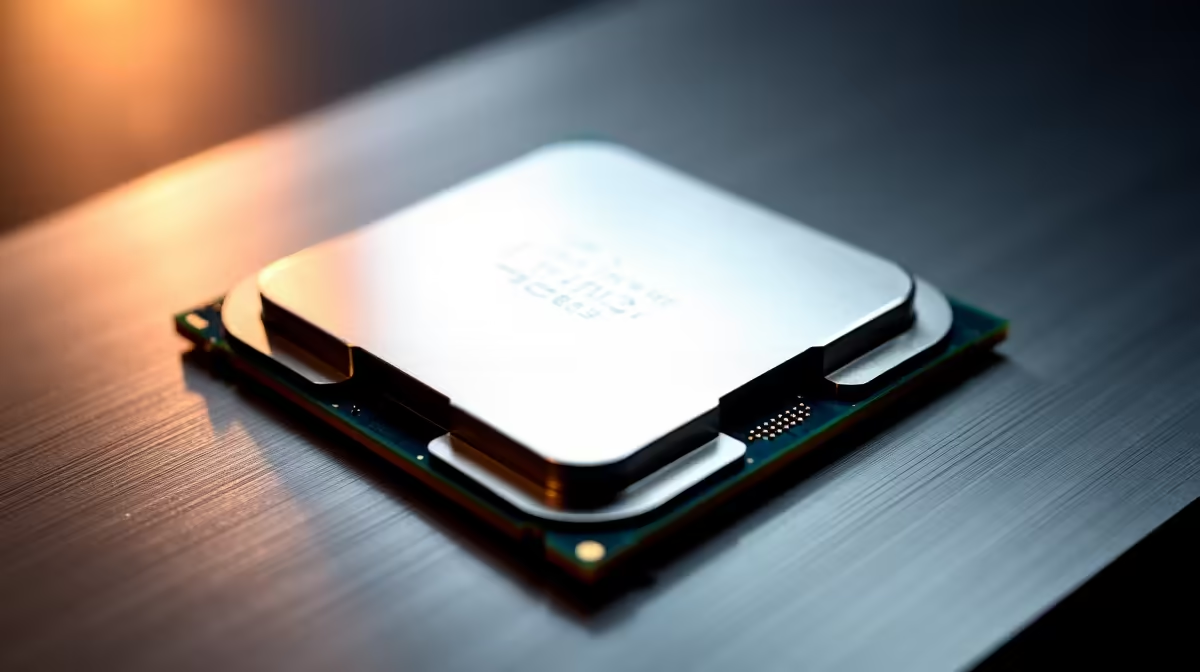
The Core i5-14600K runs at 40-60 degrees Celsius at idle and 70-90 degrees Celsius under sustained gaming or productivity loads. Temperatures above 100 degrees Celsius trigger thermal throttling. A quality air cooler or 240mm AIO is recommended to keep this chip cool and performing at its best.
Intel''s Core i5-14600K uses a hybrid architecture combining Performance cores and Efficient cores on a 10nm Intel 7 process node. The chip''s thermal design allows it to boost aggressively up to its 181W Maximum Turbo Power rating, which is what makes cooling so important. At idle in Windows you should expect 35-55 degrees Celsius across cores. During light tasks like web browsing or document work, expect 50-65 degrees. Under gaming loads the chip typically runs 70-85 degrees depending on the cooler and case airflow. During sustained all-core workloads like video encoding or 3D rendering, temperatures can climb to 85-95 degrees before throttling begins at 100 degrees. Any sustained reading above 95 degrees warrants attention.
The i5-14600K does not ship with a stock cooler, so choosing third-party cooling is mandatory. For a budget-conscious build, a large dual-tower air cooler with two 120mm fans performs surprisingly close to a 280mm AIO at lower cost. For mid-range builds, a 240mm AIO keeps the chip firmly below 85 degrees in most gaming and productivity scenarios. If you run consistent heavy workloads such as video editing or compilation, a 360mm AIO or a high-end air cooler like a Noctua NH-D15 equivalent is worth the investment. Thermal paste quality matters too. Replace the pre-applied paste if temperatures seem high after initial installation, as fresh high-conductivity paste can drop temperatures by five to eight degrees.
A CPU cooler is only as effective as the case airflow supporting it. For a 14600K build, aim for at least two 120mm intake fans at the front and one 120mm exhaust at the rear. Adding a top exhaust fan helps expel hot air from both the CPU and GPU effectively. Cases with mesh front panels dramatically outperform solid-panel designs for thermal performance. In SA homes where ambient temperatures routinely hit 30-35 degrees Celsius in summer, investing in good case airflow pays dividends all year. If you are running in a hot room without air conditioning, factor in that every degree of ambient temperature increase translates to roughly one degree of CPU temperature increase under load.
HWiNFO64 is the most accurate tool for monitoring i5-14600K temperatures, as it reads both core temperatures and the package temperature reported by the CPU. If you see sustained readings above 95 degrees during gaming, check these areas in order: cooler mounting pressure and contact with the IHS, thermal paste application, case fan configuration and speed curves in BIOS, and whether the motherboard''s Multi-Core Enhancement or power limit settings are pushing the chip beyond its rated TDP. Disabling MCE on Z790 boards and setting power limits to 125W PL1 dramatically reduces temperatures with only a small hit to all-core performance, while gaming performance remains practically unchanged.
What is the maximum safe temperature for the Core i5-14600K? Intel specifies 100 degrees Celsius as the Tjunction Max. Sustained operation at or above this temperature causes thermal throttling, which reduces performance. Aim to keep the chip below 90 degrees under full load for stable long-term operation.
Does the i5-14600K run hot compared to other mid-range CPUs? Yes, by mid-range standards. Its aggressive power delivery when MCE is enabled on Z790 boards means it can consume significantly more power than its rated 125W PL2 base. Setting manual power limits in BIOS tames temperatures without meaningful gaming performance loss.
Should I delid the i5-14600K to improve thermals? Deliding (removing the integrated heat spreader and replacing the internal thermal interface material) can drop temperatures by 10-20 degrees but voids your warranty and carries risk of physical damage. For most users, a quality cooler and good paste application achieves sufficient temperatures without this step.
How does loadshedding affect my CPU temperatures? Frequent power cycling from loadshedding does not directly affect idle temperatures, but a UPS that provides clean power prevents voltage spikes during reconnection events that can stress components over time. Make sure your PC shuts down gracefully during outages rather than cutting power abruptly.
Ready to Find Your Perfect Match? Browse Intel Core i5 and i7 Processors at Evetech
Core i5-14600K Temperature Guide: Normal available at Evetech.co.za with local warranty and fast delivery.
Core i5-14600K Temperature Guide: Normal - check Evetech for latest stock and SA pricing.
Depends on your use case. Core i5-14600K Temperature Gui offers good value at current Rand pricing.
PCIe 5.0 and PCIe 4.0 differ most in lane support, compatibility, and upgrade value for strategy and sim games. SA buyers should match the choice to their actual hardware and games.
Read more
AM5 vs AM4 for video editing in 4K Difference explained is mostly about compatibility, budget, upgrade path, and setup fit. SA buyers should check device support and real needs before expecting a clear win from either option.
Read more
OLED vs QD-OLED for strategy and sim games buyers - what changes is mostly about compatibility, budget, upgrade path, and setup fit. SA buyers should check device support and real needs before expecting a clear win from either option.
Read more
DisplayPort 2.1 and 1.4 differences matter when SA PC builders match GPUs, monitors, and refresh targets. Use this difference between displayport 2 1 and displayport 1 4 explained pc builders guide to avoid mismatched parts.
Read more
Ray tracing vs Path tracing depends on Strategy and sim games needs, platform limits, and budget fit. Compare compatibility, latency, upgrade path, and real setup constraints before choosing for an SA build.
Read more
wireless mouse guide for Gqeberha gamers should be shortlisted around the job it must do. South African buyers should compare sensor, shape, weight, and wireless latency, warranty path, and upgrade room before treating any pick as best.
Read more
From 1 October 2026, WhatsApp Business Platform service replies in South Africa are expected to cost about $0.0076, or 12 cents, per delivered message.

DDR5-8000 RAM Kits pros and cons depend on the build, budget, and workload. Weigh gaming needs, platform fit, power, cooling, warranty support, and South African pricing context before shortlisting it.

Wi-Fi 6E vs Wi-Fi 6 depends on AAA single-player gaming needs, platform limits, and budget fit. Compare compatibility, latency, upgrade path, and real setup constraints before choosing for an SA build.

Ryzen 9 9950X3D dead pixel checks should isolate the panel first. Run colour fills, inspect the monitor menu, test another cable or input, and capture proof before linking it to the SA CPU upgrade.

YouTube will count public views from the first frame across video formats from 24 August, while earnings and eligibility remain tied to engaged viewing.

Canonical expects Ubuntu on WSL users to outnumber native Ubuntu desktop users before the end of 2026. The software is open source and runs inside supported Windows PCs.

Telkom's daily bundles pair WhatsApp access with 10 all-network voice minutes. The R15 option includes 300MB, while the R17 option uses a fair-use threshold.

A 10,000-hour test found similar image retention across older and newer OLED TVs, while newer panels were brighter and more efficient. Local OLED monitors started at R9,999.

650W for RTX 5090 needs a full-build check, not a simple yes. Review GPU guidance, CPU draw, transient load, connectors, PSU quality, and upgrade plans before deciding.
PCIe 5.0 and PCIe 4.0 differ most in lane support, compatibility, and upgrade value for strategy and sim games. SA buyers should match the choice to their actual hardware and games.

How to fix FPS drops Windows 11 RX 9070 XT starts with GPU drivers, overlays, power plans, and frame pacing checks. For SA gaming PCs, verify chipset updates, HAGS, refresh rate, thermals, and per-game graphics settings.
AM5 vs AM4 for video editing in 4K Difference explained is mostly about compatibility, budget, upgrade path, and setup fit. SA buyers should check device support and real needs before expecting a clear win from either option.