



PCIe 5.0 vs PCIe 4.0 for Video Editing in 4K in SA
PCIe 5.0 and PCIe 4.0 differ most in lane support, compatibility, and upgrade value for video editing in 4k. SA buyers should match the choice to their actual hardware and games.
Read moreDiscover how CPU bottlenecks impact performance in South Africa. Explore multi-threading solutions to boost speed 🚀.
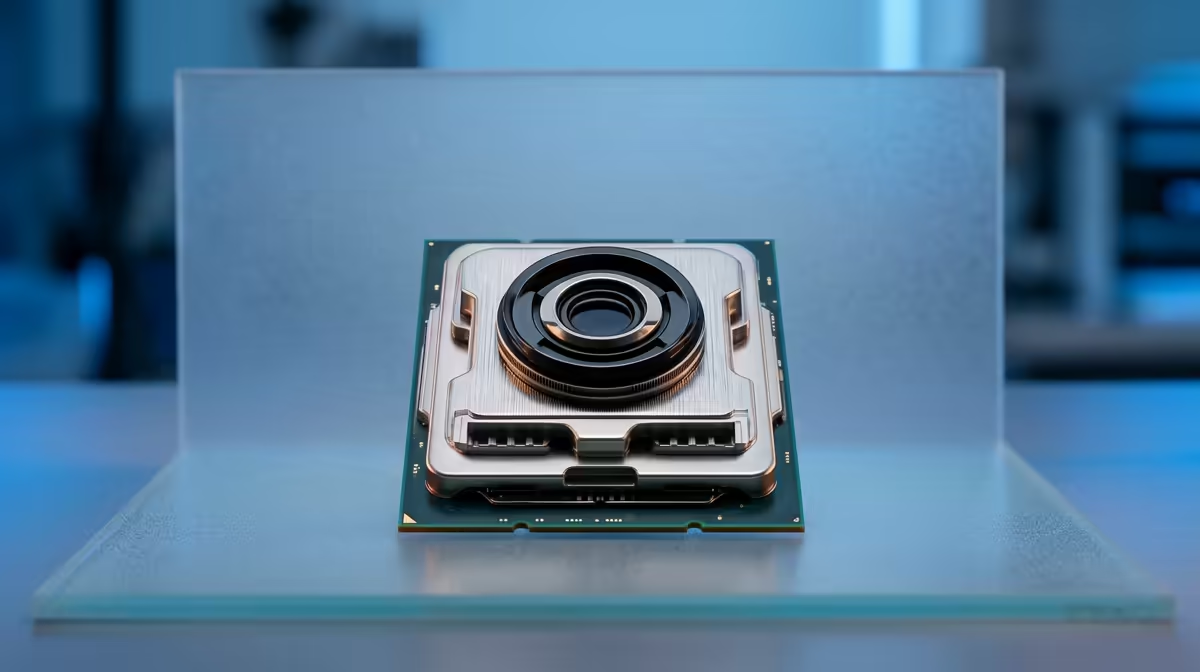
Is your beastly new graphics card performing... well, not so beastly? You've dropped some serious ZAR on a GPU, but your frame rates in Warzone or Apex Legends are still stuttering. It’s a classic, frustrating scenario for many gamers in South Africa. Before you blame your GPU, look at its partner in crime: the processor. You might be facing a classic CPU bottleneck, and the secret culprit is often multi-threading. 🚀
So, what exactly is a CPU bottleneck? Think of it like a single toll booth on a 12-lane highway. No matter how fast the cars (your graphics card's data) are, they all have to slow down and squeeze through that one choke point. In your PC, the CPU is that toll booth. If it can't process instructions fast enough for your powerful GPU, your performance hits a wall.
This is where multi-threading comes in. Modern games are complex and juggle dozens of tasks simultaneously—from AI and physics to audio and asset loading. Multi-threading allows a CPU to handle multiple tasks (or "threads") at once. A CPU with poor multi-threading performance, even with a high clock speed, will struggle to keep up, creating a bottleneck that starves your GPU of data. Finding the right CPU with the right balance of cores and threads is crucial.
Think you might have a problem? Don't guess... test it! The signs are usually quite clear if you know where to look. The goal is to see how hard your components are working while you're actually gaming.
Here’s the classic symptom: your GPU utilisation is sitting well below 95-99%, while one or more of your CPU cores are pinned at 100%. This tells you the GPU has power to spare, but it's waiting on the CPU to feed it information. This is the clearest sign of a CPU bottleneck, and for modern titles, it's almost always linked to multi-threading limitations. Your processor simply can't delegate tasks efficiently across its cores to keep up with the game's demands.
No fancy software needed! While your game is running, press Ctrl+Shift+Esc. Go to the 'Performance' tab and click on 'CPU'. Right-click the main graph and select 'Change graph to > Logical processors'. This shows you the load on every single thread. If a few are maxed out while others are idle, you've found your bottleneck.
Let's be honest, PC hardware isn't cheap locally. When we invest, we need our rigs to last. Choosing a CPU with strong multi-threading performance is one of the smartest ways to future-proof your gaming PC. As games become more complex, their ability to use more cores and threads will only increase.
A processor that excels at multi-tasking isn't just for gaming, either. It’s for the full South African gamer experience: running Discord, streaming your gameplay to friends, and having a few browser tabs open without your game grinding to a halt. Whether you're looking at the excellent all-round performance of modern Intel Core CPUs or the core-heavy value offered by AMD's Ryzen processors, prioritising multi-threading capability ensures smoother performance today and relevance for years to come.
{{CALLTOACTION :
Ready to Crush Your Bottleneck? Don't let an outdated CPU hold your gaming rig back. Explore our massive range of processors and find the perfect upgrade for your budget. Shop CPUs now at Evetech for performance that leaves lag in the dust. }}
A CPU bottleneck occurs when the processor limits system performance, affecting tasks like gaming and rendering.
Multi-threading allows a CPU to handle multiple processes simultaneously, reducing strain and improving efficiency.
In South Africa, high demand for efficient systems makes managing bottlenecks essential for smooth tech performance.
Yes, multi-threading enhances gaming by ensuring smoother background processes and better frame rates.
Use monitoring tools like Task Manager or HWMonitor to check CPU usage and temperature spikes during tasks.
CPU throttling is when the processor slows down due to overheating or high demand, often leading to performance drops.
AMD Ryzen and Intel Core i5/i7 CPUs offer strong multi-threading performance for gaming and productivity.
PCIe 5.0 and PCIe 4.0 differ most in lane support, compatibility, and upgrade value for video editing in 4k. SA buyers should match the choice to their actual hardware and games.
Read more
ATX 3.1 and ATX 3.0 differ most in connector handling and GPU power design. For SA gamers, the choice comes down to your graphics card, PSU quality, cable clearance, and whether a newer 12V-2x6-ready unit makes sense for the build.
Read more
80+ Platinum or 80+ Titanium for cinematic should be shortlisted around the job it must do. South African buyers should compare fit, performance, compatibility, and upgrade room, warranty path, and upgrade room before treating any pick as best.
Read more
AM5 and AM4 can both work for competitive esports, but the real-world difference is platform headroom. SA players should compare CPU choices, memory speed, latency goals, monitor refresh, and future upgrade plans.
Read more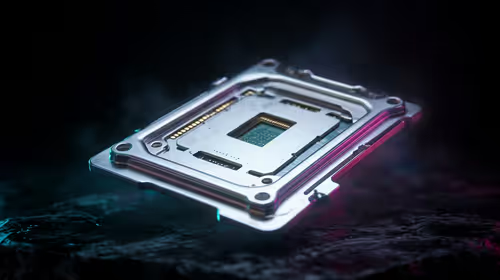
LGA 1851 and LGA 1700 differ most in CPU support, compatibility, and upgrade value for couch co-op gaming. SA buyers should match the choice to their actual hardware and games.
Read more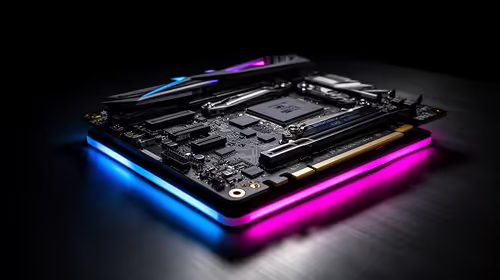
DLSS 4 and DLSS 3 differ most in game support, compatibility, and upgrade value for streaming on twitch and youtube. SA buyers should match the choice to their actual hardware and games.
Read more
Tests reported audio capture and local-network scanning on a specific LG television with its screen off. LG says supported standby modes can keep voice and connected-device features active, so owners should review model-specific settings.
PCIe 5.0 and PCIe 4.0 differ most in lane support, compatibility, and upgrade value for video editing in 4k. SA buyers should match the choice to their actual hardware and games.

Real world difference between b850 b650 mmo live service games sits in stability, networking, storage, and upgrade room. SA players should compare LAN quality, USB layout, RAM support, and SSD slots for always-updated games.

Dead Pixel on Wi-Fi 7 Router is likely a display-path or source-title issue, so check the screen, cable, driver state, and related system symptoms before blaming the device itself.

Industry reports point to another roughly 10 percent Intel processor increase from 5 October, but Intel has not published a consumer price list confirming the scope. South African buyers should treat it as a risk signal, not a guaranteed Rand change.

Put the headphones in pairing mode, open Bluetooth and devices in Windows 11, then add the headset. If it fails, remove the old pairing and check charge, range and drivers.

Microsoft says upcoming Windows 11 work will target memory use on 8GB PCs and improve boot and sign-in responsiveness. There is no public release date or measured uplift yet.

Windows 11 does not show CPU temperature in its standard Settings pages. Use your CPU maker's supported utility or a trusted monitor, then read idle and loaded temperatures in context.
Industry reports point to another roughly 10 percent Intel processor increase from 5 October, but Intel has not published a consumer price list confirming the scope. South African buyers should treat it as a risk signal, not a guaranteed Rand change.
Tests reported audio capture and local-network scanning on a specific LG television with its screen off. LG says supported standby modes can keep voice and connected-device features active, so owners should review model-specific settings.

Thermalright's AXP120-X77 is a 77 mm top-down cooler with six heatpipes and a slim 120 mm fan. Local availability is not confirmed, so compact-PC builders should verify case height, memory clearance and socket support before comparing it with stocked coolers.

One-sided sound can come from balance settings, a dirty or loose connector, Bluetooth pairing data, firmware, the source device or a failed cable or driver. A short swap test isolates the cause before you reset software or replace the headset.