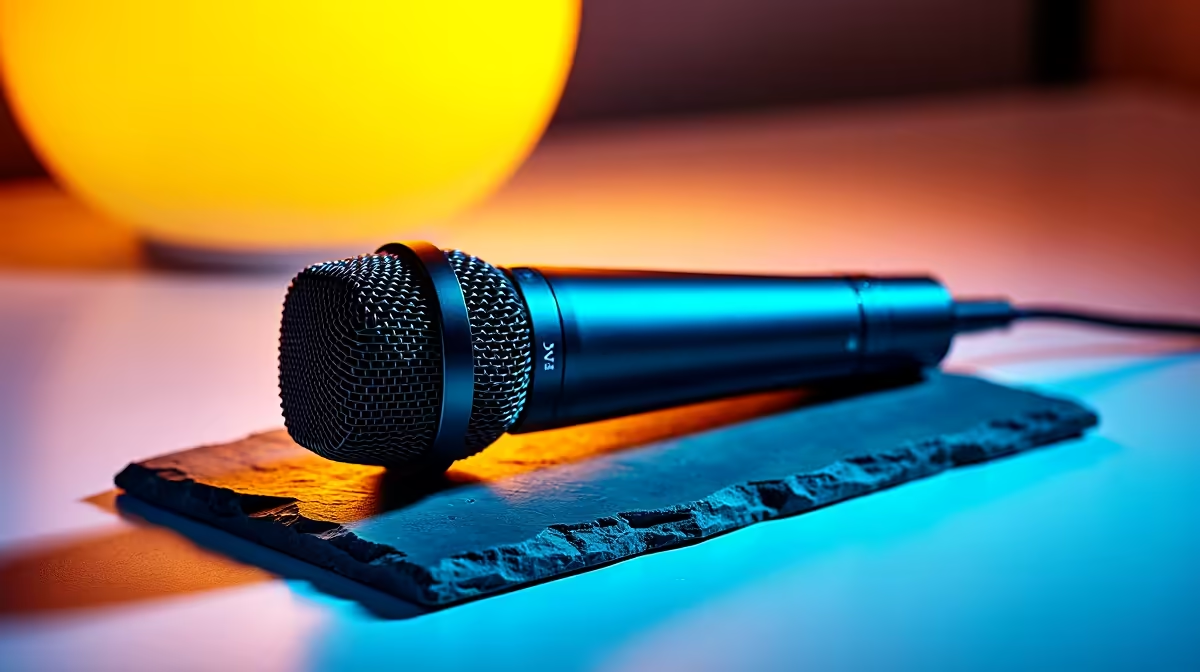
HyperX SoloCast 2 at R690 suits a design student who needs a clean, simple microphone for portfolio voiceovers, class presentations, and streaming from a shared student desk. It is the sensible first pick when the setup needs to stay tidy, the budget must remain realistic, and the audio upgrade should not become a whole project on its own.
Start with a desk-friendly voice setup
The HyperX SoloCast 2 at R690 is the strongest middle choice here because its SoloCast format is built around straightforward spoken audio rather than a complicated studio chain. For a student recording critique responses, design process clips, or short stream commentary, that R690 level keeps the spend controlled while still pointing the desk setup at a proper dedicated mic.
The NearStream AM10X-P USB/XLR at R730 is the flexible pick if the same creator desk may later move from a basic laptop setup to a more serious audio workflow. The USB/XLR spec matters because USB keeps the first setup simple, while XLR gives room to grow if the student later adds proper audio gear for streaming, client calls, or recorded design walkthroughs.
The MARVO MIC-07 at R351 makes sense when the budget is tight and the priority is getting cleaner speech than a built-in laptop mic. At R351, it is the entry option for quick recordings, online classes, and informal content drafts before investing more in the desk.
Student desk reality in South Africa
A design student often works between a laptop, drawing tablet, external display, and limited desk space, so the mic should not fight the rest of the setup. The HyperX SoloCast 2 at R690 fits that kind of compact creator desk, while the NearStream AM10X-P USB/XLR at R730 is better when the desk is becoming a longer-term streaming and recording station.
Ready to choose the right microphone?
For should design student choose streaming, put HyperX SoloCast 2 at R690 first and judge the setup around its listed spec.