Quick Answer
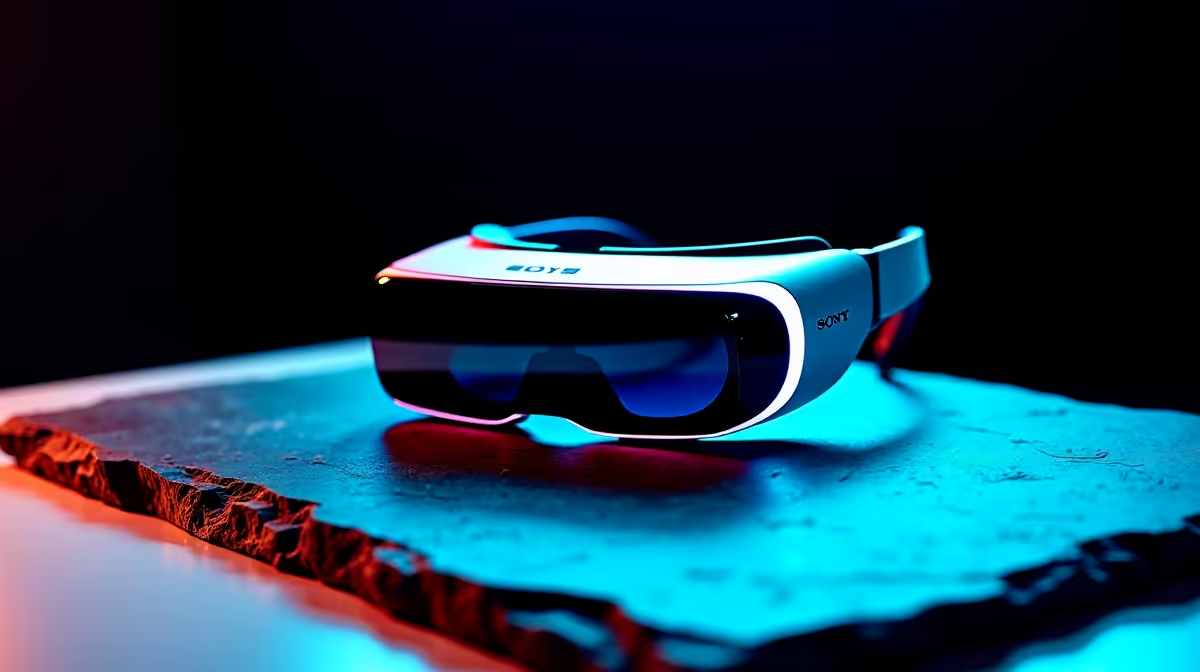
For AR glasses in SA, pairing with a desktop versus a laptop comes down to portability and ports: a laptop with DisplayPort-over-USB-C suits AR glasses for a big screen on the move, while a desktop usually needs a USB-C port with video or an adapter. AR glasses at Evetech run about R4,000 to R18,000. Most buyers pair AR glasses with a laptop or phone for portability; a desktop works only if it has a compatible video-capable USB-C output.
Pairing AR Glasses With A Laptop
A laptop is the natural partner for AR glasses, since the whole appeal is a large virtual screen you can use anywhere, on a couch, in a res room, or while travelling. Most modern laptops have a USB-C port with DisplayPort Alt Mode, which AR glasses need for video, so a single cable drives the glasses. That portability is the point: a laptop plus AR glasses replaces a bulky monitor on the move. Confirm your laptop's USB-C port carries video, since not all do.
A laptop pairing gives the mobile, big-screen experience AR glasses are designed for.
glasses, a laptop with a DisplayPort-capable USB-C port is the natural pairing, giving a portable big screen, so confirm your port carries video.
Pairing AR Glasses With A Desktop
A desktop can drive AR glasses too, but only if it has a USB-C port with video output or you use a DisplayPort-to-USB-C adapter, since many desktop GPUs expose HDMI and DisplayPort rather than video-capable USB-C. A desktop pairing makes sense for a fixed AR workspace, an extra private screen at your desk, rather than portable use. So choose based on use: a laptop or phone for mobility, a desktop for a stationary AR display, and check the video-output path before buying either way.
FAQ
Are AR glasses better with a laptop or desktop?
A laptop suits the portable big-screen use AR glasses are built for, while a desktop works for a fixed AR workspace if it has a video-capable USB-C output.
What does my device need to drive AR glasses?
A USB-C port with DisplayPort video, or a suitable adapter. Many laptops have this; many desktops need an adapter from DisplayPort or HDMI.
Which should I choose?
A laptop or phone for portable use, a desktop for a stationary private screen. Confirm the video-output path on your device before buying.
Confirm your laptop or desktop has a video-capable USB-C path, then choose AR glasses at Evetech matched to portable or fixed use.