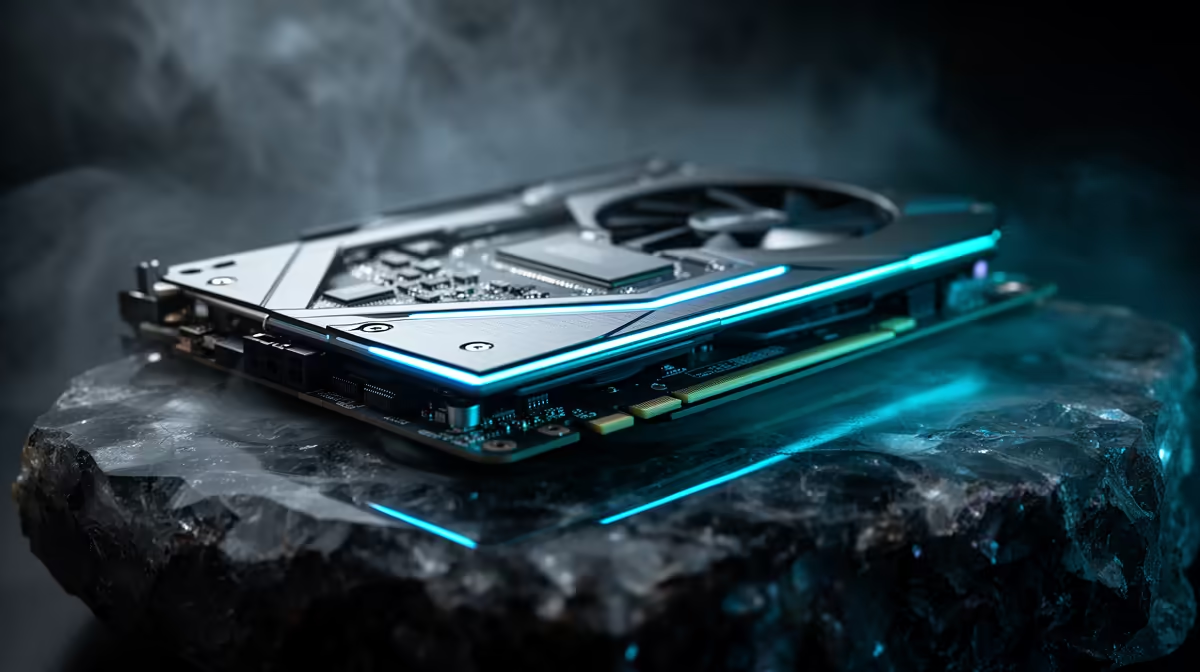
Four letters and a number get thrown around on every modern GPU box, but few buyers actually know what DirectX 12 Ultimate unlocks beyond a vague sense that it is a good thing to have. It is not one feature but a bundle of four, each solving a specific rendering problem that creative software runs into constantly. Breaking apart what a 24gb creator graphics card actually gets from this API removes the guesswork before you commit to a purchase.
Quick Answer
DirectX 12 Ultimate bundles ray tracing, mesh shading, variable rate shading, and sampler feedback into one standardised feature set for creative and gaming software alike. The ASRock Intel Pro B60 Creator, listed locally at R14,399, supports the complete set, running it on 24GB of GDDR6 memory and Intel's Xe2-HPG architecture.
🌟 Ray Tracing in DirectX 12 Ultimate
Ray tracing simulates how individual light rays bounce, reflect, and scatter through a scene, producing shadows and reflections that behave the way light actually does rather than approximating it with older techniques. Standardising this under DirectX 12 Ultimate means any application built against the API can call on the GPU's dedicated ray tracing hardware in a consistent, predictable way.
Why This Matters for Previews, Not Just Final Renders
The bigger shift for creators is not the final render, it is the preview. Being able to see ray traced lighting update live while adjusting a scene removes the guesswork that used to require repeated test renders, and that responsiveness depends on having enough GPU memory to keep the scene resident, which is where the card's 24GB GDDR6 buffer becomes directly relevant.
Dedicated Hardware Versus Software Approximation
Before dedicated ray tracing hardware became common, some applications faked similar lighting effects through software tricks that approximated shadows and reflections without actually tracing individual light paths. The results were serviceable but often visibly inaccurate around reflective surfaces or complex shadow overlaps. Running ray tracing directly on dedicated silicon, as this card does through its Xe2-HPG architecture, produces noticeably more accurate results and does so without dragging down the rest of the GPU's shading workload in the process.
🕸️ Mesh Shading Explained
Mesh shading changes how geometry gets processed before it reaches the screen, giving the GPU more flexibility to cull, batch, and organise complex models compared with the older, more rigid geometry pipeline. For scenes with dense object counts and high polygon detail, this can mean smoother handling of complexity without forcing every single vertex through a fixed pipeline regardless of whether it is even visible.
Practical Impact on Detailed 3D Scenes
For 3D artists building environments with lots of small, detailed objects, foliage, debris, architectural detail, mesh shading support means the GPU can manage that complexity more intelligently rather than treating every object with the same brute-force approach. Scenes that would previously have needed manual optimisation, hiding distant objects behind lower detail versions or manually culling geometry outside the camera view, benefit from having some of that decision-making handled closer to the hardware itself, freeing up an artist's time for the creative side of the work rather than technical scene management.
🎚️ Variable Rate Shading and Sampler Feedback
Variable rate shading lets the GPU spend more processing effort on parts of a frame that need detail, and less on areas like fast motion blur or peripheral background elements where the eye will not notice reduced fidelity. Sampler feedback works alongside it, giving software better information about which parts of a texture are actually being used, so memory and processing get allocated more efficiently rather than uniformly across an entire asset.
Combined Effect on Rendering Efficiency
Used together, these two features mean the GPU is not spending equal effort everywhere in a frame regardless of whether that effort is actually needed, which frees up headroom for the parts of a scene that do matter, complex lighting, foreground detail, and sharp focal points. Over the course of a long editing or rendering session, that saved effort adds up, showing up as steadier playback and shorter render queues rather than a single dramatic improvement in any one frame.
🧵 What This Means for Creative Software Day to Day
None of these four features do much good if the software you use does not call on them, so real-world benefit depends heavily on which applications you run. Increasingly, video editing and 3D suites are building support for ray tracing previews and efficient geometry handling directly into their engines, which means a card supporting the complete DirectX 12 Ultimate set stays useful as those tools continue updating. Running on 2400 MHz clock speed and Xe2-HPG architecture, the current ASRock Pro B60 Creator listing shows exactly how these pieces come together on one card. For anyone comparing this against other options, the broader workstation card range and ASRock's South African GPU range are both worth browsing before deciding.
Frequently Asked Questions
Is DirectX 12 Ultimate only useful for gaming?
No, creative software increasingly uses the same ray tracing, mesh shading, and shading efficiency features for previews, rendering, and viewport performance.
Does mesh shading require extra setup in my 3D software?
Usually not directly. Support is typically built into the application's rendering engine and activates automatically when running on compatible hardware.
What is the practical benefit of sampler feedback for editors?
It helps the GPU allocate memory and processing more efficiently around texture use, which can free up resources for other parts of a busy timeline or scene.
Do all four DirectX 12 Ultimate features get used equally?
No, usage depends entirely on the specific application and workload. Some projects will lean heavily on ray tracing while others benefit more from mesh shading or shading efficiency.
Does this card support the full DirectX 12 Ultimate feature set?
Yes, the ASRock Intel Pro B60 Creator supports ray tracing, mesh shading, variable rate shading, and sampler feedback together.
Will these features slow down older, simpler projects?
No, a simpler scene or timeline still runs fine without leaning on these features heavily, since the GPU only applies extra effort where a project's complexity actually calls for it.
Do I need to update my creative software to use DirectX 12 Ultimate?
In most cases yes, since support for ray tracing previews and efficient geometry handling gets added through ongoing application updates rather than being present from day one.
Ready to unpack the DirectX 12 Ultimate feature set?
Shop the ASRock Pro B60 Creator found in Evetech's catalogue of creator GPUs, marked at R14,399 that will add modern API support on top of creator-grade memory.