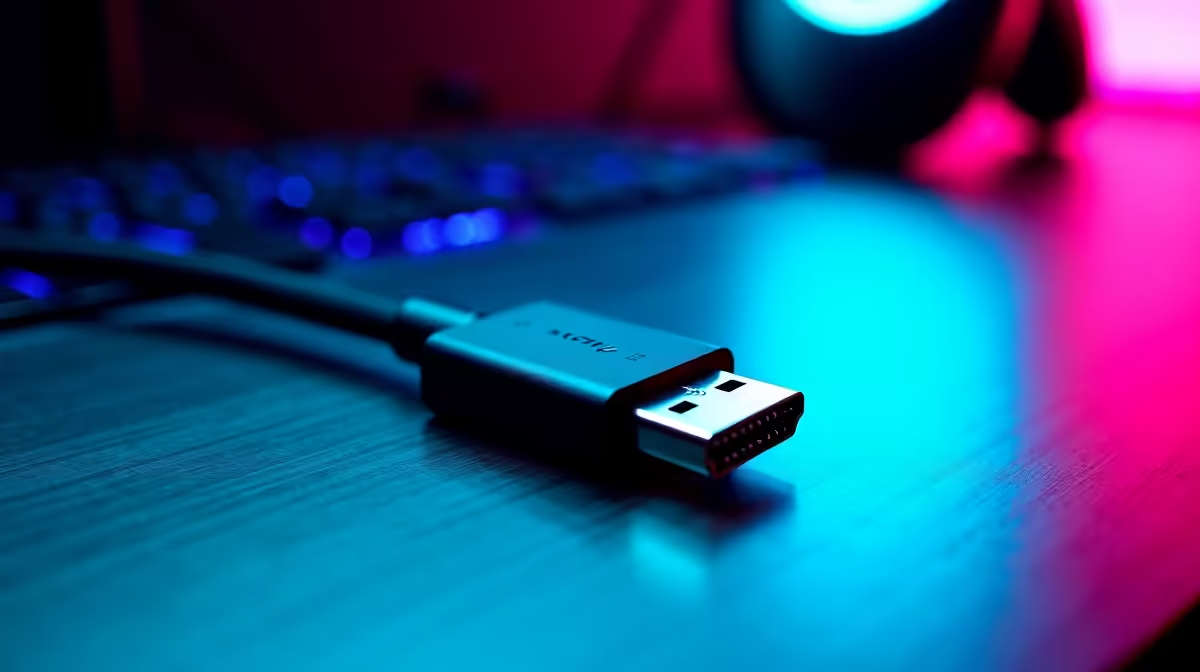
So, you’ve finally built your dream rig. A monstrous GPU, a lightning-fast 4K monitor… but something’s off. You’re getting screen tearing, blackouts, or you’re stuck at a lower refresh rate. What gives? Before you start troubleshooting your R20k+ graphics card, look at the humble cable connecting it all. That small oversight could be throttling your entire setup. These DisplayPort 2.1 tips will help you unlock the performance you paid for. 🚀
Why Your Cable Matters for DP 2.1 Performance
DisplayPort 2.1 isn't just a minor update; it's a massive leap in bandwidth. We're talking up to 80 Gbps of data throughput, enough to handle uncompressed 4K at 240Hz or even 8K at 85Hz without breaking a sweat.
But all that data needs a super-highway to travel on. An older or low-quality cable is like trying to drive a Formula 1 car down a gravel road… it just won’t work. To get the most from your high-end hardware, using a cable specifically designed for DisplayPort 2.1 performance is non-negotiable.
Actionable DisplayPort 2.1 Tips for a Flawless Setup
Getting everything to run smoothly is easier than you think. By focusing on the physical connection, you can solve many common display issues. Here are a few expert DisplayPort 2.1 tips to get you started.
Tip 1: Not All Cables Are Created Equal
The most important factor is certification. Look for cables that are VESA Certified. This guarantees they've been tested to meet the strict requirements for UHBR (Ultra High Bit Rate) speeds. A cheap, uncertified cable from a random drawer simply won't have the shielding or build quality to handle the signal integrity required. Investing in a reliable cable from a trusted brand like GIZZU is one of the smartest, most affordable upgrades you can make.
Tip 2: Keep It Short & Sweet 📏
When it comes to high-bandwidth signals, length matters. The longer the cable, the more potential for signal degradation. For your main gaming display, always use the shortest cable that comfortably reaches from your PC to your monitor. While you can get longer certified cables, a 1-2 metre cable is the sweet spot for maximum stability. You can often find high-quality options in standard lengths from manufacturers like HP.
Firmware First!
Before you buy anything, check for firmware updates! Both your graphics card and your monitor might have updates available that improve DisplayPort handshake and compatibility issues. It’s a free and easy step that can sometimes solve the problem instantly.
Tip 3: Understand Display Stream Compression (DSC)
Ever wonder how a single cable pushes so much data? The magic is called Display Stream Compression, or DSC. It's a "visually lossless" compression standard, meaning it reduces the data load without any perceptible drop in image quality. Both your GPU and monitor need to support it, but it's the key to unlocking those ultra-high refresh rates. A proper DP 2.1 cable ensures DSC works flawlessly, and brands like Promate engineer their cables to handle these modern standards perfectly.
Finding the Right Cable Without Breaking the Bank
Here's the good news. You don't need to spend a fortune on a high-performance cable. The key is to buy a certified cable from a reputable retailer, not an overpriced one with fancy marketing. You can easily find VESA certified DP 2.1 cables for under R500 that will deliver every bit of performance your hardware is capable of. ���
Unleash Your Setup's Full Potential
Stop letting the wrong cable bottleneck your performance. A simple, affordable upgrade is all it takes to enjoy smoother gameplay and crystal-clear visuals. Browse our full range of comprehensive cable solutions and get the performance you deserve.