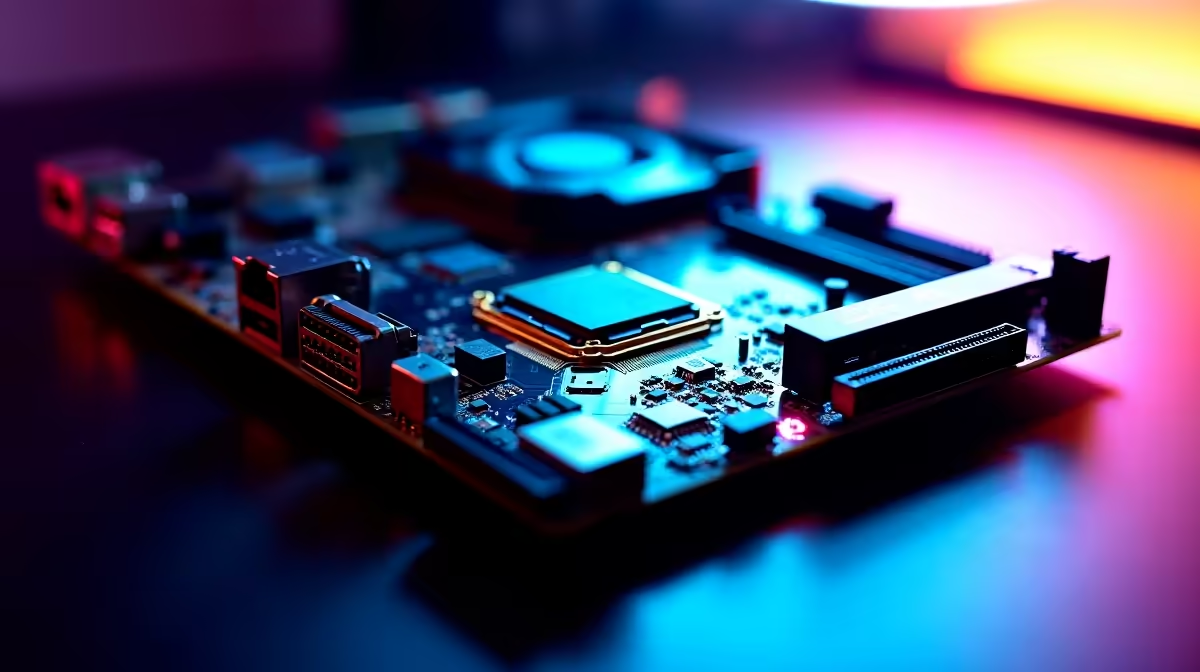
Waiting for a massive 4K video export to finish is a uniquely painful experience. Time is money for South African content creators. If you are building a new workstation, you might be wondering if you need PCIe 5.0 on a creator PC motherboard for faster rendering, exports and storage performance. The short answer? It depends on your specific workflow... but the long answer is where the magic happens. ⚡
Understanding PCIe 5.0 Bandwidth for Content Creation
PCIe 5.0 doubles the bandwidth of its predecessor. That means a staggering theoretical maximum of 128 GB/s across a full x16 slot. Data bottlenecks are the absolute enemy. This is especially true for 3D artists rendering in Blender or editors scrubbing 8K footage.
When you explore our massive range of motherboards, you will notice premium chipsets proudly advertise Gen 5 support. But does that on-paper spec translate to real-world speed?
Storage Performance and Faster Exports
The most noticeable benefit of PCIe 5.0 comes directly from storage. Gen 5 NVMe SSDs can push read speeds well past 10,000 MB/s. Does your daily grind involve moving massive project files? This speed effectively cuts file transfer times in half.
However, you need a compatible board to unlock this tier of speed. Team Blue fans looking for stability should explore ASUS Intel motherboards on the Z790 chipset. Meanwhile, Ryzen enthusiasts will find incredible multi-core value with X670E ASUS AMD motherboards. Both platforms offer robust Gen 5 M.2 slots tailored for heavy lifting.
Storage Pro Tip 🚀
Gen 5 NVMe drives run incredibly hot under heavy export loads. Always ensure your motherboard includes a thick M.2 heatsink, or buy a drive with an integrated cooler to prevent thermal throttling during those massive 4K renders.
Do GPUs Need PCIe 5.0 for Faster Rendering?
Right now, professional graphics cards barely saturate a standard PCIe 4.0 x16 slot. Upgrading your board just for GPU rendering will not yield massive gains today. However, a creator PC is a long-term investment. Buying into Gen 5 right now gives you massive headroom for the next generation of graphics architectures.
Building a PC from scratch is not for everyone. You can always grab one of our expertly assembled pre-built creator and gaming PCs. They balance these high-end specs perfectly out of the box.
Balancing Your Budget in ZAR
Building a high-end rig in South Africa means making smart financial choices. A premium Gen 5 board might cost a few thousand ZAR more than a capable Gen 4 equivalent. If your budget is tight, it might be wiser to reallocate funds. You could invest that extra cash into high-speed RAM kits or a CPU with more cores.
Massive memory bandwidth and lower latency often impact rendering times just as much as raw storage speed. DDR5 memory paired with a Gen 5 NVMe drive creates an ecosystem where your processor never waits for data. 🔧
Ultimately, if you want absolute peak storage performance and total future-proofing, having PCIe 5.0 on a creator PC motherboard for faster rendering, exports and storage performance is worth the investment. It ensures your system will not choke on tomorrow's heavier, more demanding workflows. To optimise your setup, always match your motherboard capabilities with your actual workflow needs.
Ready to Build Your Ultimate Creator Workstation?
Whether you are rendering 3D worlds or editing your next documentary, the right foundation is crucial. Explore our full range of PC components and start building a machine that works as fast as you think.