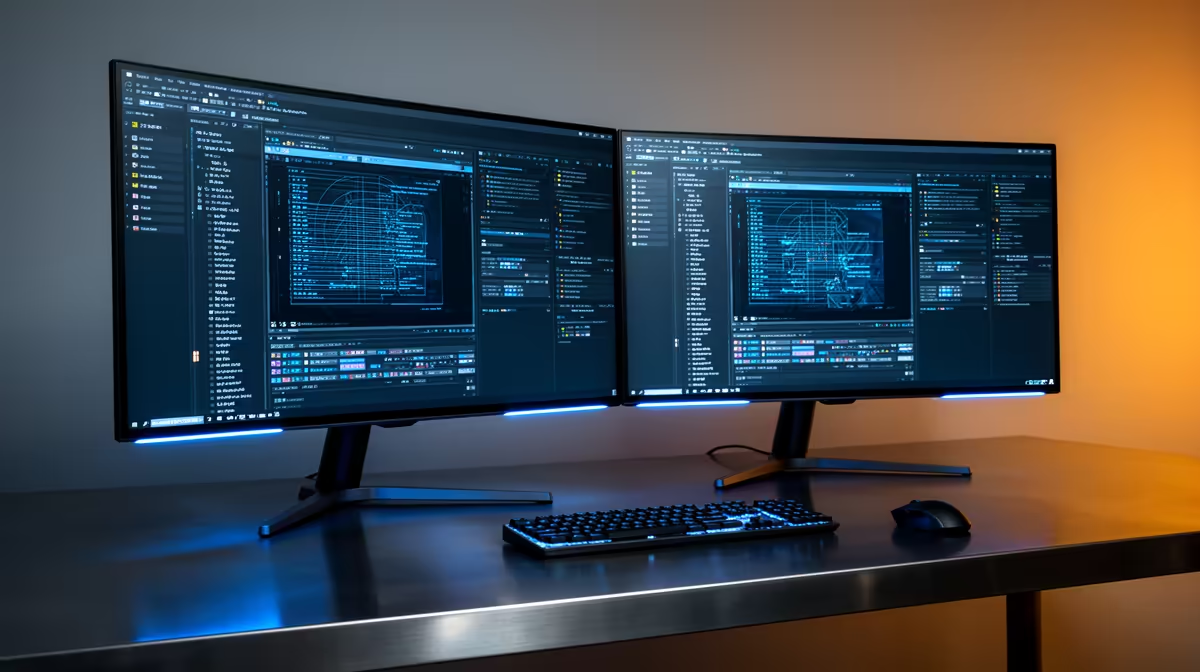
The Dell SE2726H 144Hz at R1,797 suits retro gaming fans who want a second screen for guides, launchers, and chat without spending more than the main display. A dual-screen setup is worth it when the extra panel solves a real desk problem: one gaming monitor for play, one for menus, controller mapping, walkthroughs, music, or Discord.
When a second screen makes sense
For a budget-friendly side panel, the Dell SE2726H 144Hz at R1,797 is the cleanest starting point. Its 144Hz spec is already smoother than a basic office display, and it gives you room to keep emulator settings visible while the main game stays full-screen.
If the second screen might become your main display later, the ViewSonic VX2779A 240Hz at R2,350 is the stronger buy. The 240Hz spec is more than most older titles need, but it is useful if the same desk also handles modern shooters, fast platformers, or high-refresh desktop use.
The MSI MAG 274F 200Hz at R3,006 and AOC 27in QHD 200Hz at R3,200 are better fits when both screens matter. The MSI gives you a fast 200Hz panel for a balanced gaming room layout, while the AOC adds QHD detail at 200Hz for a sharper primary screen with the second monitor handling reference windows.
SA gaming room desk setup
A dual-monitor layout works best on a proper desk rather than a lounge TV unit. Put the AOC 27in QHD 200Hz at R3,200 in the centre if you want sharper menus and cleaner pixel scaling, then use the Dahua LM25 200Hz at R1,850 as the side screen for playlists, save-state notes, or controller profiles.
Ready to choose the right gaming monitor?
Use Dell SE2726H 144Hz at R1,797 as the gaming room benchmark, then check whether its listed spec matches the space, workload, and upgrade path.