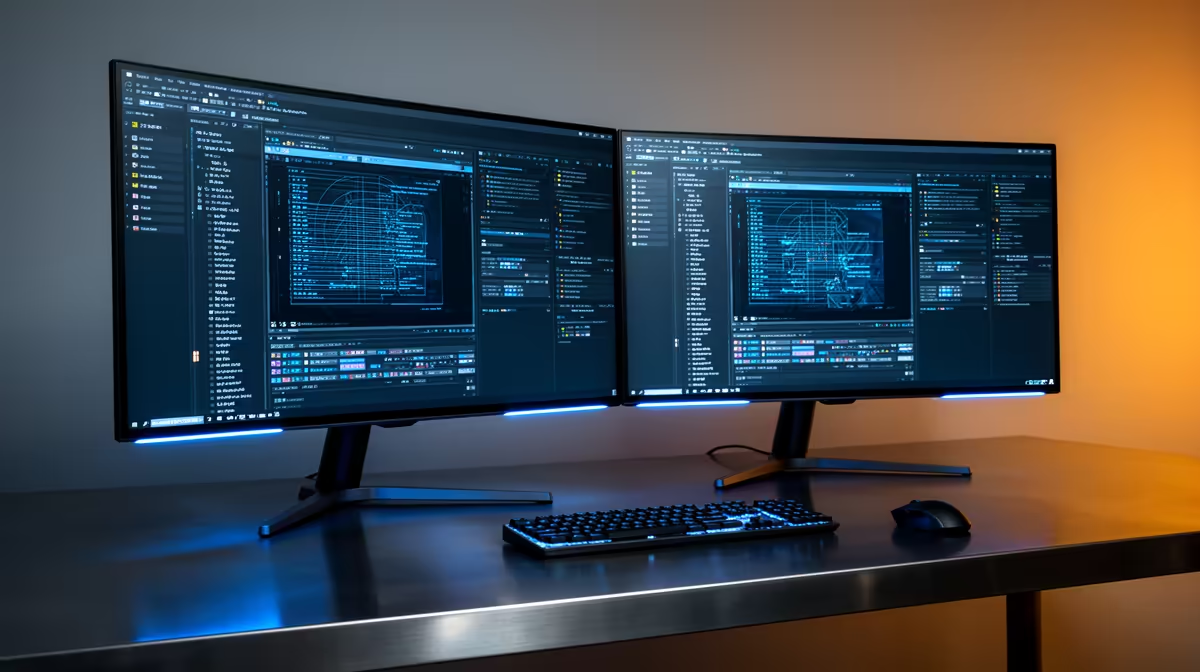
The Dell SE2426H 23.8in FHD at R1,532 suits admin users, students, and home-office workers who want a second monitor for email, documents, spreadsheets, and browser tabs without turning a simple desk into a hardware project. For light office work, dual screens are worth buying when the extra panel saves constant window switching, not when it pushes you into overspending.
When Two Screens Make Sense
The Dell SE2426H 23.8in FHD at R1,532 is the cleanest starting point because the size is practical for a compact desk and FHD is enough for Word, Outlook, Teams, browser research, and basic reporting. If you already use a laptop screen, adding this panel gives you one main workspace and one reference screen.
The Dahua LM27 100Hz at R1,500 is attractive if you want a larger 27in view for roughly the same spend. Its 100Hz spec is not required for typing invoices or checking mail, but it can make mouse movement and scrolling feel smoother during long desk sessions.
SA Home Office Desk Reality
A dual setup is most useful at a reception desk, small-business counter, student desk, or spare-room office where one screen can hold a document while the other keeps email, banking, orders, or a browser tab open. The MSI PRO MP275W at R1,850 is a stronger 27in option when you want more breathing room for side-by-side windows without jumping into a more specialised display.
The Dell SE2726H 27in FHD 144Hz at R1,797 is the better pick if the same desk sometimes handles after-hours entertainment or smoother general use. Its 27in FHD size keeps text comfortable, while 144Hz gives it more headroom than a basic office-only panel.
Ready to choose the right monitor?
Use Dell SE2726H 27in FHD 144Hz at R1,797 as the home office desk benchmark, then check whether its listed spec matches the space, workload, and upgrade path.