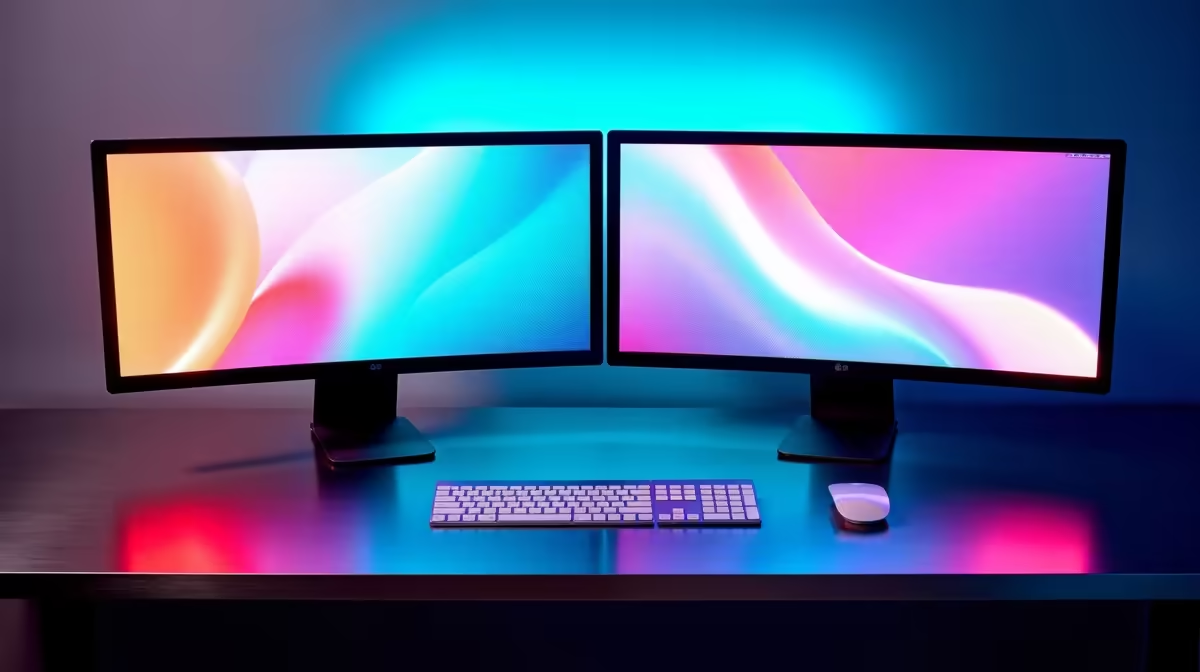
Dell SE2726H 27in FHD 144Hz at R1,797 suits a home office user or student who wants a larger main monitor with smoother motion for everyday work, study, and after-hours gaming. A second screen is most useful when the desk has enough width, the chair lines up with the primary display, and the smaller side screen is used for notes, chat, email, or reference material instead of trying to mirror the same view twice.
Start with the main screen first
The Dell SE2726H 27in FHD 144Hz at R1,797 is the stronger anchor for a two-screen layout because the 27in size gives more visual room and the 144Hz refresh rate makes pointer movement, scrolling, and casual gaming feel cleaner. Use it straight ahead, then place the second display slightly angled so neck movement stays small.
The Dell SE2426H 23.8in FHD at R1,532 makes sense as the side screen when the desk is not deep or wide. Its 23.8in FHD panel is big enough for WhatsApp Web, research notes, calendar views, or a document preview, without making the whole setup feel oversized.
Paarl study desk and small-business use
For a compact desk in Paarl, the Dahua LM27 100Hz at R1,500 is a sensible budget-friendly second large screen if you want more space for spreadsheets, browser tabs, or point-of-sale admin. The 100Hz spec is also useful for smoother daily scrolling, even when the machine is mostly used for work.
The MSI PRO MP275W at R1,850 is another 27in option for a cleaner productivity-focused desk where the main goal is comfort and screen space. Pair it with the Dell SE2426H 23.8in FHD at R1,532 when you want a bigger working canvas without making both screens the same size.
Ready to choose the right monitor?
Use Dell SE2726H 27in FHD 144Hz at R1,797 when what know before getting dual matters, then compare the desk fit against its listed spec.