Quick Answer
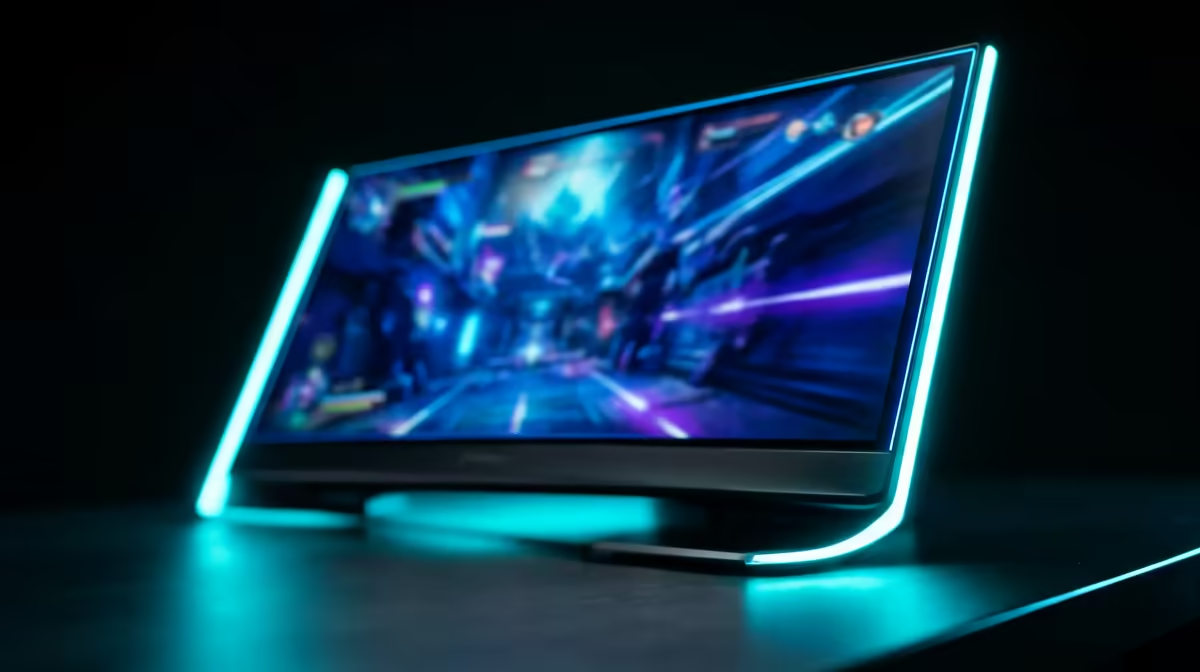
For SA buyers comparing a 1440p 240Hz monitor, the winning model is the one that matches 2560x1440, 240Hz, panel quality, adaptive sync, and GPU headroom within a broad R7,000-R16,000 band. Do not rank by refresh rate alone; response tuning, warranty, stand ergonomics, and inputs decide daily value.
The comparison metrics that matter
Use Samsung Odyssey, LG UltraGear, Dell Alienware, ASUS TUF/ROG, Gigabyte M-series, and MSI MAG/MPG models as comparison anchors. Check panel type, quoted grey-to-grey response, real overdrive behaviour, HDMI 2.1 or DisplayPort support, VRR range, stand adjustment, and VESA mounting. For gaming, pair the screen with RTX 4070 Super, RTX 5070, RX 7800 XT, or stronger; otherwise the panel will wait for frames the PC cannot produce.
FPS-per-Rand without fake precision
FPS-per-Rand should be treated as a shortlist method, not an exact live score. A 1440p 240Hz monitor makes sense when your main games can sit near the refresh target: 144 fps for 144Hz, 180 fps for 180Hz, or 240 fps for 240Hz esports. In South Africa, keep delivery risk, dead-pixel handling, and desk size in the decision because monitors are bulky courier items.
For this buyer angle, make the final choice by checking the one constraint that would be hardest to fix after checkout: size, power, port, warranty, or delivery condition.
For the ranked-options angle, sort the shortlist by deal-breakers first: adaptive sync quality, stand adjustment, warranty, and whether your GPU can reach 240 fps in the games you actually play.
FAQ
Is higher Hz always better?
No. Higher Hz helps motion clarity only when the PC can feed enough frames and the panel response is tuned well. A cleaner 165Hz panel can feel better than a poor 240Hz one.
Should I choose IPS, VA, OLED, or mini-LED?
IPS is the safe all-rounder, VA can give deeper contrast, OLED gives excellent response and blacks, and mini-LED improves HDR. The right panel depends on gaming, work, room brightness, and burn-in tolerance.
What should SA buyers check before ordering?
Check warranty terms, stand height, VESA mount size, HDMI/DisplayPort version, and box dimensions for delivery. Keep packaging until the panel has been tested for pixels and backlight issues.
Pro Tip
Test the monitor at native 2560x1440 and 240Hz on day one. If Windows is still set to 60Hz, you are not seeing what the panel can do.