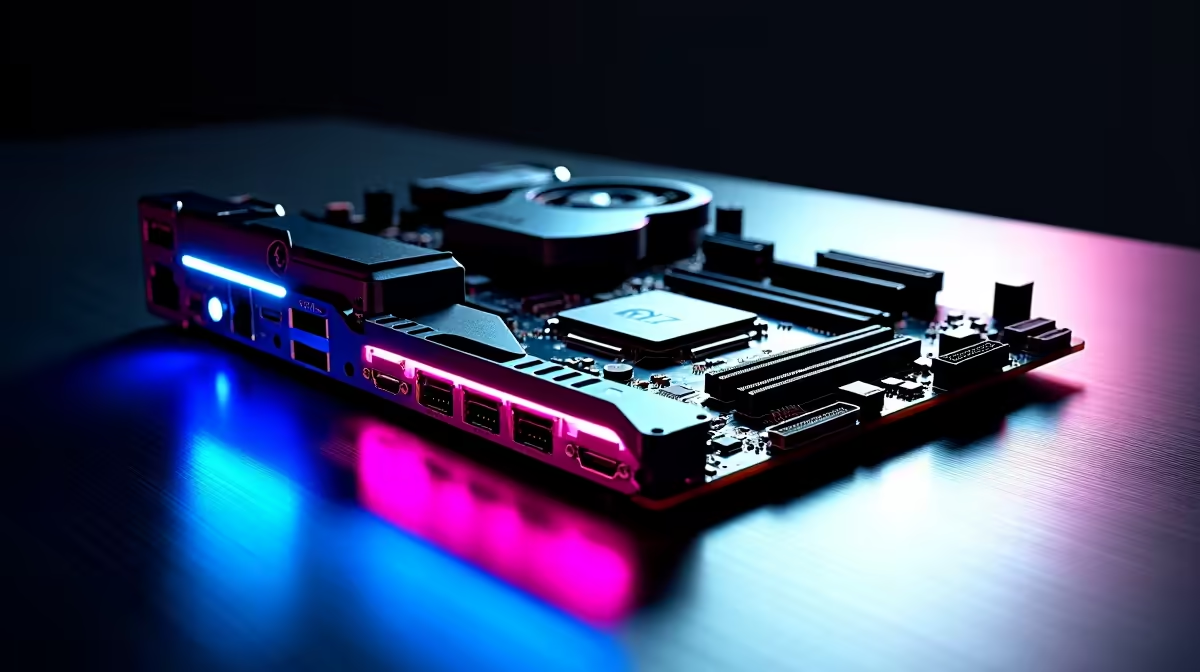
Building a top-tier gaming rig in South Africa means future-proofing your investment. Dropping serious ZAR on a new system means you expect flawless high-speed data transfers. That brings us to the ultimate connectivity hub. Today, we have every connectivity option on the ASUS ROG Strix Z890-E explained from Thunderbolt 4 to USB Type-C.
Upgrading your PC means looking closely at the spec sheet. The new LGA 1851 socket brings incredible performance... but the real star of the show is the I/O shield. Let us break down exactly what you are getting.
Unleashing Next-Gen Speeds with Thunderbolt 4 🚀
If you are looking at premium ASUS Intel motherboards, you expect top-tier speed. The Z890-E delivers dual Thunderbolt 4 Type-C ports on the rear panel. These ports push an astonishing 40 Gbps of bandwidth. You can easily drive dual 4K displays... or transfer massive 4K video files in just seconds. This eliminates the dreaded loading bar wait times. It represents a massive leap forward for local content creators and hardcore gamers alike.
High-Speed USB Type-C and Peripheral Mastery 🔧
Beyond Thunderbolt, this board is absolutely packed with versatile USB options. When you buy motherboards in this elite enthusiast tier, convenient front-panel connectivity becomes crucial. The Z890-E features a lightning-fast front-panel USB 20Gbps Type-C connector. It even supports up to 30W Power Delivery. This allows you to fast-charge your smartphone or wireless headset directly from your PC case while you play. You also get a swarm of USB 10Gbps Type-A ports. These easily handle streaming gear... from webcams to high-end microphones.
Peripheral Pro Tip ⚡
Plug your high-polling-rate gaming mouse and keyboard into the dedicated low-latency USB 2.0 ports on the rear I O. Save the massive Thunderbolt 4 and 20Gbps Type-C ports for your external NVMe drives to maximise your data transfer speeds.
Networking Built for South African Gamers ✨
We all know the frustration of downloading a massive 150GB game update on patch day. The Z890-E tackles this issue head-on with cutting-edge onboard Wi-Fi 7 and a dedicated 5Gb Ethernet port. Whether you are building a custom rig from scratch or hunting down the best gaming PC deals, networking matters. Having a 5Gb LAN port means your local network transfers will never bottleneck your high-speed fibre line. You get ultra-low ping for competitive online lobbies.
Internal Expansion for Maximum Power
Connectivity is not just about external ports... it is equally about internal expansion capabilities. The board features robust PCIe 5.0 x16 slots ready for the next generation of graphics cards. To properly feed that immense bandwidth, you will need reliable high-speed memory kits to optimise your in-game frame rates. This is a flagship Intel platform. However, ASUS brings the same premium networking found on top-tier ASUS AMD motherboards straight to the Z890-E. You also get multiple PCIe 5.0 M.2 slots to ensure your storage drives run at maximum velocity.
Ready to Upgrade Your Setup?
The ASUS ROG Strix Z890-E offers unmatched connectivity for the ultimate Intel build. If you want to harness this incredible power in South Africa, explore our massive range of premium motherboards and start building your dream machine today.