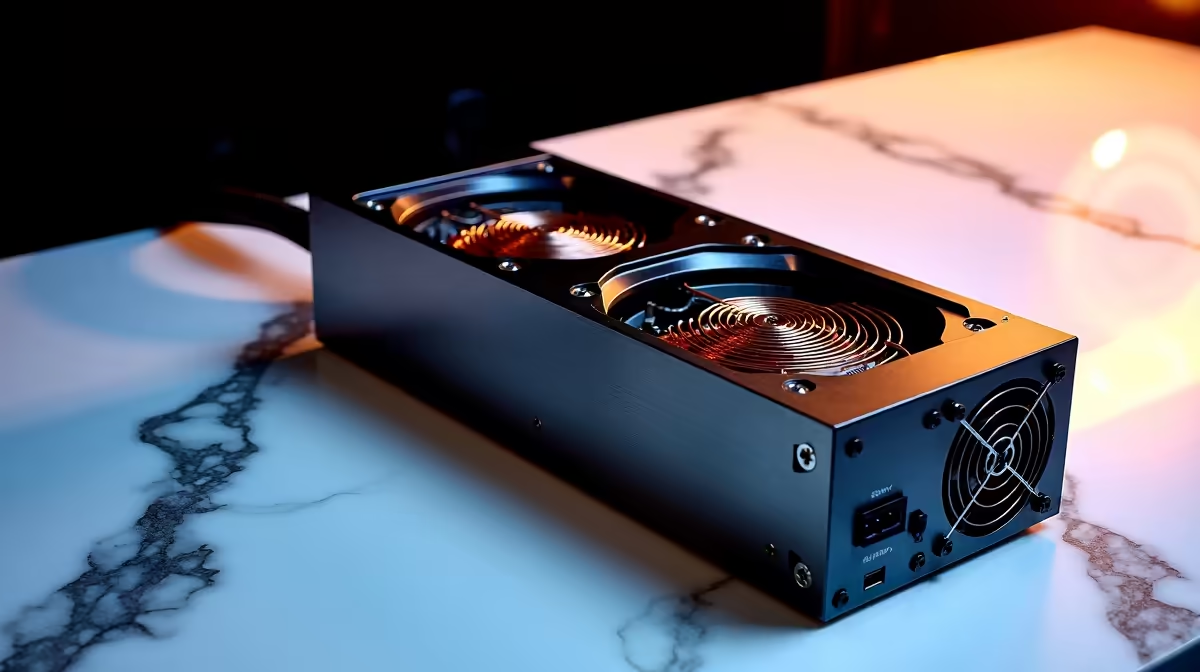
That high-pitched hum… that faint, maddening buzz from your otherwise silent office setup. You're not imagining it. It's likely coil whine from your monitor's external power supply unit (PSU), and it’s a productivity killer. 🎧 But before you get frustrated, know this: there are effective external PSU coil whine solutions you can try right here in South Africa, and most won't cost you a cent. Let's get that noise sorted.
Understanding the Buzz: What Causes PSU Coil Whine?
Coil whine is a high-frequency noise produced when electricity passes through an electronic component, typically an inductor or "coil". Inside your monitor's external power brick, these coils vibrate at a frequency that can sometimes fall into the range of human hearing.
It’s not a sign that your device is about to fail… it’s just incredibly annoying. Changes in power draw—like your screen switching between bright and dark scenes, or even just moving your mouse on a high-resolution display—can alter the vibration's frequency, making the whine seem to come and go. It’s a physical phenomenon that can affect any device, from budget screens to premium 5K and 4K monitors.
Simple External PSU Coil Whine Solutions to Try Now
Before considering a replacement, let's try some practical, no-cost fixes. These solutions for office screen coil whine often solve the problem by stabilising the power load.
Check Your Power Source & Cables
Sometimes the issue isn't the PSU itself, but the power it's receiving. In South Africa, where power delivery can be inconsistent, this is a common culprit.
- Plug Directly into the Wall: If you're using a multi-plug or extension cord, try plugging the monitor's PSU directly into a wall socket.
- Try a Different Socket: Move the PSU to a different outlet in the room, or even a different room, to rule out faulty wiring.
- Reseat Cables: Unplug and firmly reconnect the power cable from the wall to the PSU, and from the PSU to your monitor. A loose connection can cause power fluctuations.
Power Strip Pro-Tip ⚡
A high-quality surge protector or power strip can sometimes condition the power enough to reduce or eliminate coil whine. It's a small investment that protects your gear and might just bring back the silence.
Adjust Your Screen's Settings
Altering your monitor's power consumption is a direct way to tackle the whine. Dive into your monitor's On-Screen Display (OSD) menu and experiment with these settings:
- Brightness & Contrast: Lowering the brightness can significantly reduce power draw and often stops the whine instantly.
- Refresh Rate: If you have a high-refresh-rate screen, try lowering it (e.g., from 144Hz to 120Hz or 60Hz) to see if the noise changes or disappears. This is a common fix for some gaming monitors used for office work.
- Power-Saving Modes: Enable any "Eco" or power-saving modes. These are designed to limit power consumption, which can stabilise the coils.
Physically Dampen the Sound
If the whine persists but is faint, a bit of physical isolation might be all you need. This is especially true for the compact PSUs that come with many modern displays, including some portable monitors.
- Move the power brick further away from your desk.
- Place it on a soft surface like a carpet or a mousepad instead of a hard, resonant surface like a wooden floor or desk.
- Do not cover the PSU completely, as it needs airflow to dissipate heat.
When It's Time for an Upgrade
If you've tried everything and the buzz is still driving you mad, it might be a sign of a component that's particularly susceptible to audible vibrations. While generally not a defect covered by warranty, it indicates a less-than-perfect power delivery system. At this point, you have two paths. You could search for a compatible replacement in our monitor accessories section, ensuring the voltage and amperage match perfectly.
Alternatively, this could be the perfect excuse to upgrade your entire viewing experience. Modern displays often feature better-quality internal power supplies or more robust external ones. Whether you're eyeing immersive curved monitors for your home office or simply want a fresh start, exploring Evetech's huge range of PC monitors is your next logical step. 🚀
Ready for a Silent, Stunning Display?
Don't let a tiny buzz ruin your focus. Explore our incredible monitor promotions and find a screen that delivers flawless visuals without the annoying soundtrack. Check out the best PC monitor deals at Evetech and reclaim your peace and quiet.