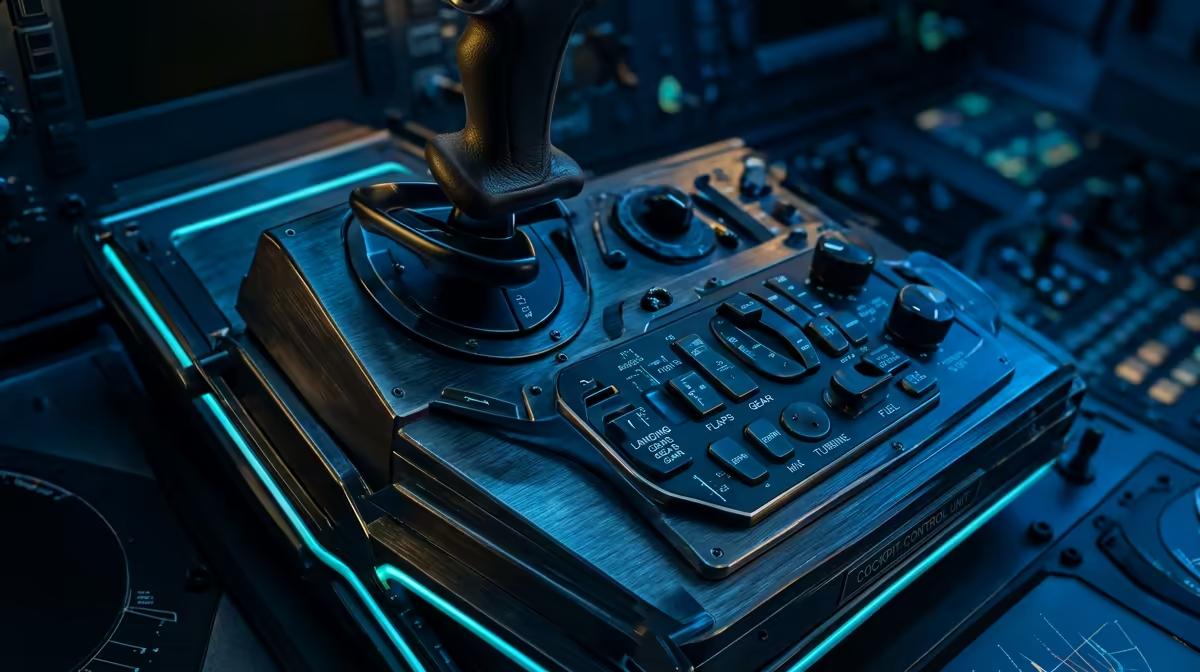
Whether you are navigating a Boeing 747 into OR Tambo or dodging trees in a Piper Cub over the Drakensberg, your hardware setup dictates your immersion. Flight Simulator Control Profiles: Airliners vs GA vs Bush isn't just about settings; it is about mapping your soul to the cockpit. Getting this right means the difference between a smooth landing and a frustrating crash at the end of a long haul. ✈️
Tailoring Your Airliner Control Profiles
Flying a heavy jet is less about "stick and rudder" and more about systems management and smooth, deliberate movements. For these profiles, you want to prioritise your autopilot toggles and multi-engine throttle mapping. When you are building a heavy-metal cockpit, investing in dedicated flight simulator gear like throttles with reverse thruster detents is essential for realism.
You don't want to be fumbling for a mouse when you are on a short final at Cape Town International in thick fog. Precision is everything when you are responsible for three hundred virtual souls. Set your deadzones to near zero and ensure your sensitivity curves are linear... this allows for the tiny corrections needed to stay on the glideslope without overstressing the airframe.
The Tactile Feel of General Aviation
General Aviation, or GA, is where most pilots fall in love with the sky. These aircraft... like the Cessna 172 or the Beechcraft Baron... are twitchy and responsive to every gust of wind. Your profile needs a different curve for your yoke to avoid over-correcting during the flare.
Interestingly, the engineering precision found in high-end sim racing setups has influenced how modern flight peripherals handle resistance and centring. You want to feel the weight of the aircraft through the stick. Setting up a dedicated GA profile ensures that your trim wheel is sensitive enough to level out the plane without constant micro-adjustments. In South Africa, where high-density altitude can make take-offs tricky, having your mixture and pitch controls mapped to physical levers is a massive advantage.
Calibration Pro Tip ⚡
Always calibrate your controllers in Windows before launching your sim. Use the 'joy.cpl' command to ensure your axes are reaching their full range. This prevents the dreaded 'ghost inputs' where your plane might slowly drift to the left during a long cross-country flight, even when your hands are off the controls.
Rugged Setups for Bush Flying
Bush flying is the ultimate test of skill, especially when exploring the rugged terrain of the Cederberg or the Limpopo valley. You are landing on dirt strips that barely qualify as roads. For this, your Flight Simulator Control Profiles: Airliners vs GA vs Bush strategy must shift toward immediate power response and aggressive rudder authority.
Using the right simulation gear and accessories like a sturdy set of rudder pedals is non-negotiable here. You need to be able to "kick" the plane into a slip to lose altitude quickly without gaining airspeed. High sensitivity on the brakes is also vital for those Short Take-off and Landing (STOL) manoeuvres where every centimetre of runway counts. 🔧
Profile Switching Made Easy
Most modern simulators allow you to save separate templates for different aircraft. Don't try to use a "one size fits all" approach. A Boeing 787 should not feel as sensitive as a Carbon Cub. By creating three distinct profiles, you ensure that your hardware reacts exactly how the real-world aeronautical engineers intended. It might take an hour to map everything perfectly, but the immersion gain is worth every second. 🚀
Ready to Find Your Perfect Match?
Mastering different aircraft requires the right tools for the job. For maximum precision, choice, and value in South Africa, our range of peripherals is hard to beat. Explore our massive range of flight simulator gear and find the perfect hardware to conquer the virtual skies.