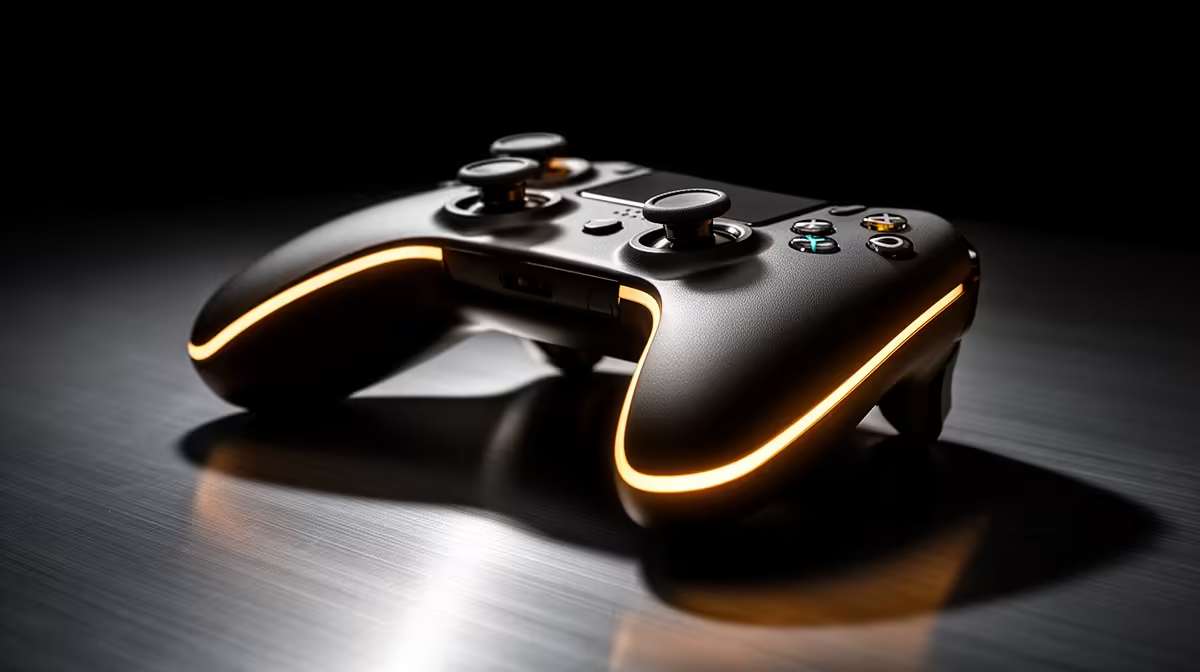
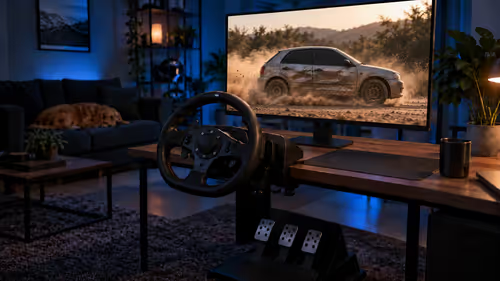
A game controller is worthwhile for simultaneous play and streaming when the chosen titles feel better on it and broadcast controls remain safely accessible elsewhere. It will not improve encoding, upload or frame rate, and one device should not carry both movement and risky stream shortcuts.
Rehearse a complete broadcast session
Play a representative game while changing scenes, muting audio and responding to chat through existing controls. Note hand comfort, missed inputs, cable reach and Bluetooth stability. Check native game support and whether prompts switch correctly between controller and keyboard.
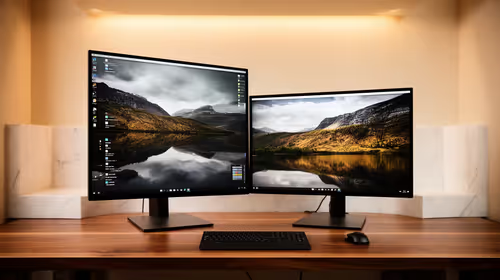
No PC game controller has confirmed pricing in the evidence. The ViewSonic VX2779A 240Hz monitor at R2,350 and NearStream USB/XLR microphone at R676 are verified gaming and streaming references, not controller recommendations. The Palit RTX 5060 8GB at R4,800 is a separate GPU component. Check current operating-system support, connection, battery, remapping permissions, dimensions and warranty.
Keep keyboard fallbacks for mute and ending a broadcast. Review remapping software before granting access, and avoid placing destructive actions beside common game buttons. Export supported profiles and protect broadcasting accounts with stronger sign-in.
Buy the controller when game compatibility and comfort pass the rehearsal. If it complicates scene management or adds unstable wireless input, the existing keyboard and mouse route may remain safer.
Refining a gaming broadcast? > Compare Evetech streaming and PC hardware after testing the control map.