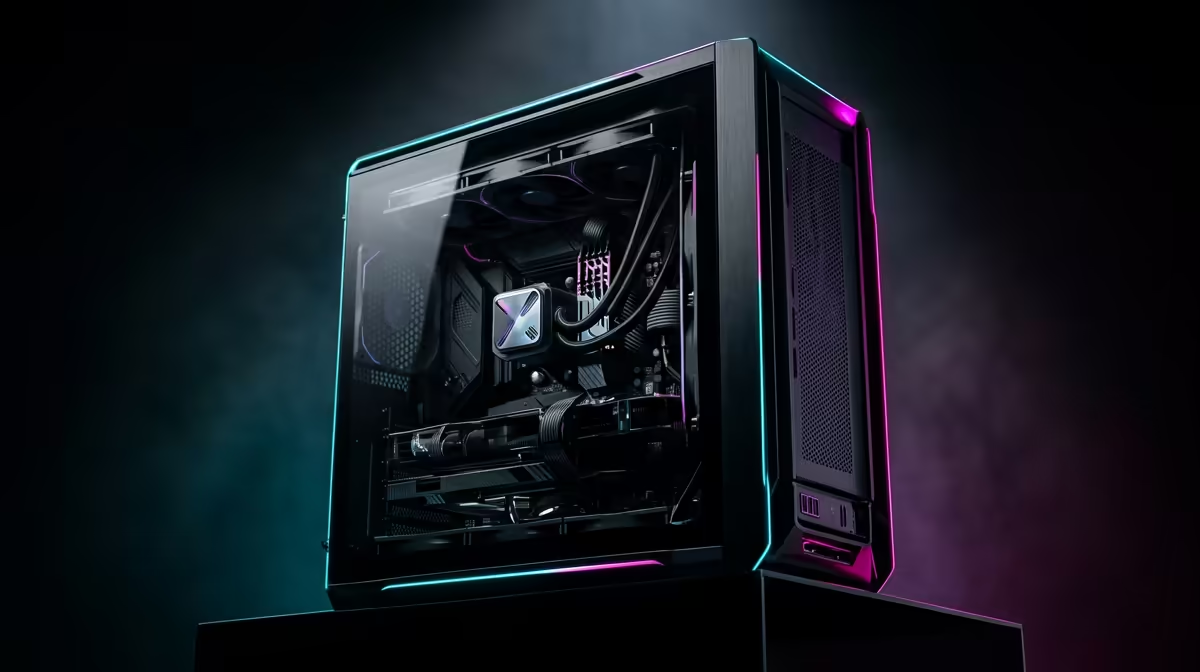
It’s a familiar story for any South African gamer. Then it happens��� your frames drop to a crawl, or worse, your entire PC freezes. 💻 Before you rage-quit and start pricing new components, take a breath. Most common PC issues can be solved with a bit of simple gaming desktop troubleshooting. This guide is your first-aid kit.
First Steps in PC Troubleshooting: The Basics
Before diving into complex diagnostics, let's cover the essentials. It might sound simple, but these steps solve a surprising number of PC problems.
The Classic Reboot
It’s a cliché for a reason. A full shutdown and restart can clear temporary glitches in your operating system or software that cause instability. Don't just hit the reset button; go to your Start Menu, click Power, and choose "Shut down." Wait 30 seconds before powering it back on to ensure all components have fully reset.
Check Your Connections
Is everything plugged in properly? A loose display cable can cause a black screen, while a slightly dislodged power cord can lead to random shutdowns. Gently check that all cables running to and from your PC tower are secure, including your monitor, keyboard, and power supply. This simple check can save you hours of frustration.
Is Your PC Overheating? Taming the SA Heat 🔧
South Africa's climate can be tough on high-performance hardware. If your PC case feels unusually hot or the fans are spinning like a jet engine, you might have a heat problem. Overheating causes your CPU and GPU to "throttle" (slow down) to protect themselves, resulting in massive performance drops.
You can monitor your component temperatures with free tools like HWMonitor or MSI Afterburner. If your CPU or GPU is hitting 90°C or higher under load, it's time to act.
- Clean Your PC: Dust is the enemy of cool air. Unplug your PC and use compressed air to clean out dust from fans, heatsinks, and case filters.
- Improve Airflow: Ensure your PC has space to breathe. Don't keep it tucked away in a tight cabinet. Make sure the case fans are pointing the right way (usually intake at the front, exhaust at the back/top).
For gamers running the latest powerhouse cards, robust cooling is non-negotiable. Many modern NVIDIA GeForce gaming PCs are designed with advanced cooling solutions right out of the box to handle the heat.
Pro Cooling Tip ⚡
If your PC is a few years old, the thermal paste between your CPU and its cooler might have dried out. Replacing it is a cheap and effective way to lower temperatures by several degrees. It's a slightly more advanced fix, but there are plenty of great tutorials online to guide you.
Solving Driver and Software Conflicts
If your PC is cool but still crashing in specific games, the culprit is often software. Outdated graphics drivers are a primary cause of instability and poor performance.
Perform a Clean Driver Installation
Sometimes, simply installing a new driver over an old one isn't enough. Corrupted files can linger and cause conflicts. For a truly fresh start, use Display Driver Uninstaller (DDU) to completely remove all traces of your old drivers before installing the latest version from the NVIDIA or AMD website. This one step can solve countless game-specific crashes. If you're running Team Red, ensuring you have the latest drivers for your rig is crucial, especially for the newest titles that rely on features like FSR. This is a key part of maintaining any of the powerful AMD Radeon gaming PCs available in South Africa.
When Hardware Is the Real Culprit 🤔
If software fixes and a good clean-out don't solve your PC issues, it might be time to investigate the hardware itself.
A failing Power Supply Unit (PSU) can cause random shutdowns, especially under load. This is a common issue in regions with unstable power grids. Similarly, faulty RAM can lead to the infamous "Blue Screen of Death." You can test your memory using a tool like MemTest86.
Sometimes, the problem isn't a faulty part but a performance bottleneck. If your CPU is struggling to keep up with your graphics card, no amount of troubleshooting will fix the stuttering. Evaluating whether your processor is still up to the task is key. Thankfully, there are fantastic options available, whether you're looking at great Intel PC deals for balanced performance or exploring the multi-core power of the latest AMD Ryzen PC deals for gaming and streaming. For professionals whose work involves intensive rendering or data processing, troubleshooting might reveal that a standard gaming PC isn't enough, pointing towards the robust reliability of dedicated workstation PCs.
Knowing When It's Time for an Upgrade 🚀
Following these gaming desktop troubleshooting steps will keep your machine running smoothly for longer. But technology moves fast. If you're spending more time fixing issues than playing games, or if your hardware simply can't run the latest titles at an acceptable frame rate, it might be time to consider an upgrade. A new component or a full system refresh can bring back the joy of PC gaming… without the headaches.
Tired of Troubleshooting?
Fixing your PC is rewarding, but nothing beats the flawless performance of a brand-new machine built for today's games. Stop battling lag and start dominating the lobby. Explore our massive range of custom-built gaming PCs and find the perfect rig to conquer your world.