Quick Answer
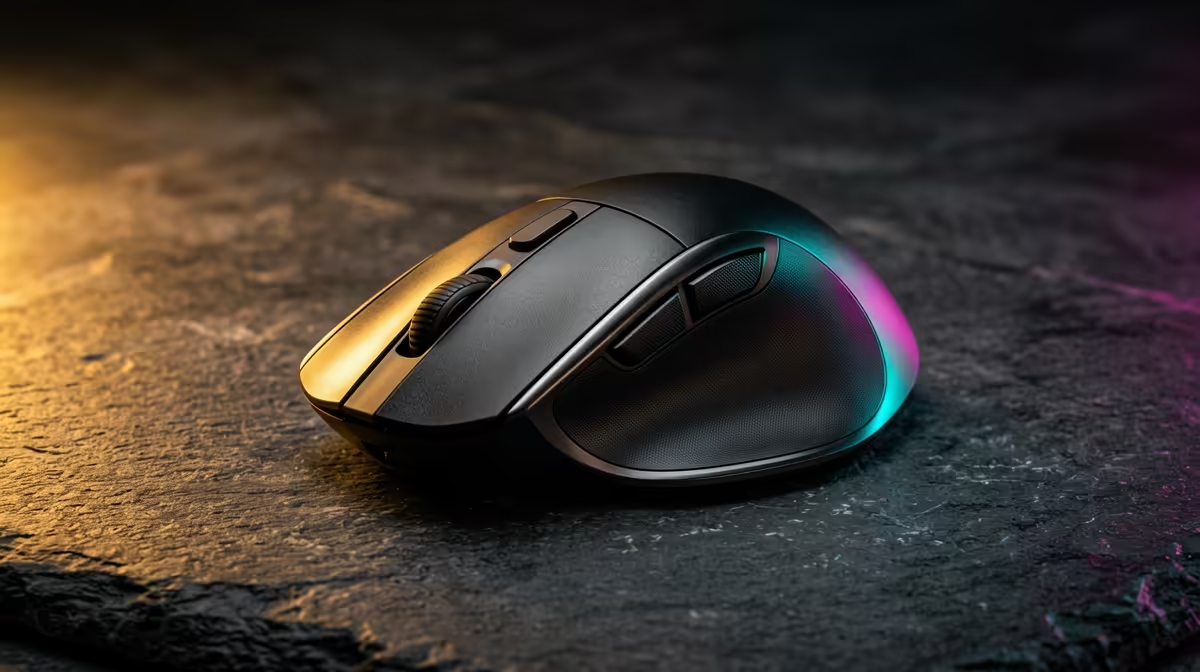
For architecture portfolio work, the mouse checklist is precision sensor, comfortable shape for long sessions, programmable side buttons and reliable click switches, around R350-R1,400. A precise mouse like a Logitech G-series or Razer model speeds CAD navigation; high polling rates and RGB matter less than a comfortable grip and bindable buttons.
What CAD and portfolio work needs from a mouse
Architecture means hours of panning, orbiting and selecting in Revit, AutoCAD and Photoshop. Prioritise a sensor with smooth tracking (anything modern at 16,000+ DPI is ample), a shape that fits your grip to avoid strain, and side buttons you can map to pan, undo or layer toggles. A free-spin or stepped scroll wheel speeds long drawing lists.
Where gaming-mouse features help and where they don't
Programmable buttons and durable switches genuinely speed CAD work. Ultra-high 8,000Hz polling and flashy RGB do nothing for drawing; don't pay extra for them. Your render speed comes from the GPU (an RTX 4060 handles Revit views well), not the mouse.
SA buyer notes
A R350-R700 precise mouse with mappable buttons lasts years of studio use. Spend the bulk of your budget on a CAD-capable machine, not peripheral bling.
FAQ
What mouse features matter most for architecture work?
A precise, comfortable mouse with programmable side buttons you can map to pan, orbit, undo and layer commands. Comfort for long sessions matters as much as the sensor.
Do I need a high-DPI gaming mouse for CAD?
Any modern mouse with 16,000+ DPI is already more than enough. Mapping useful CAD shortcuts to extra buttons helps far more than chasing higher DPI numbers.
Should I pay for 8,000Hz polling and RGB?
No. Those help competitive shooters, not drawing. Put the saved rands toward a faster GPU like an RTX 4060 that speeds up portfolio renders.
mouse side buttons to pan and undo in Revit or AutoCAD; that single change speeds portfolio navigation more than any DPI or polling-rate upgrade.