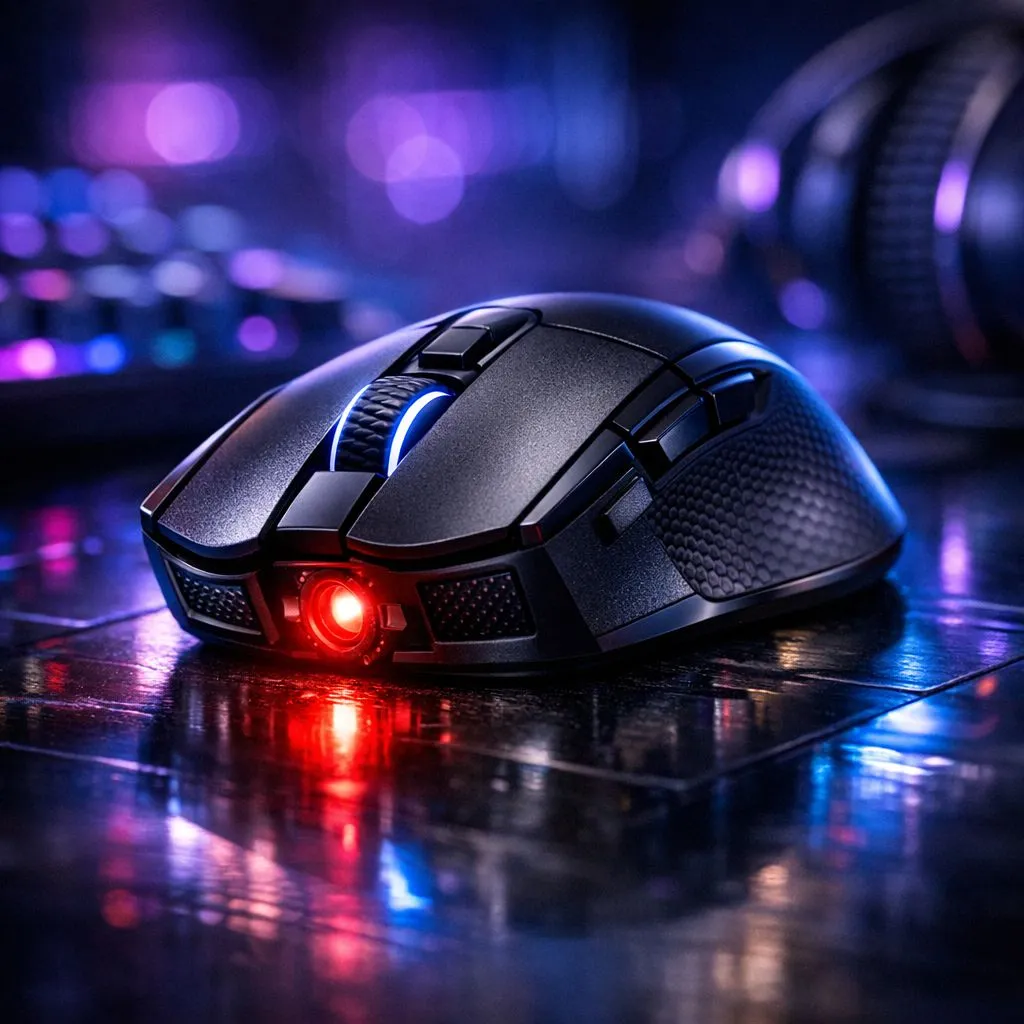
Ever missed a headshot because your cursor felt like it was sliding on ice? You likely checked your settings and saw CPI. Understanding Gaming Mouse CPI: What CPI Means for Performance is vital for consistent aim. In South Africa's competitive scene, the right hardware matters more than high numbers. Let’s break down how this tech actually impacts your gameplay.
Understanding Gaming Mouse CPI and Performance
CPI stands for Counts Per Inch. It measures how many pixels your cursor moves for every inch of physical mouse movement. Many people use the term DPI... which stands for Dots Per Inch... but CPI is technically more accurate for optical sensors. When you browse the massive selection of gaming mouse options at Evetech, you will see numbers ranging from 400 to over 25,000.
Higher CPI does not always mean better performance. A very high setting makes your cursor incredibly sensitive. This often leads to jittery movements if your hand isn't perfectly still. Most professional esports players actually prefer lower settings. They usually stay between 400 and 800 CPI. This allows for larger, more precise arm movements. You can find many of these pro-grade tools in our best gaming mouse deals section.
The Native CPI Secret ⚡
Every mouse sensor has a 'native' CPI range where it performs best without digital smoothing. Usually, this is in multiples of 400 or 800. Using these native steps ensures the lowest possible latency and prevents the sensor from adding artificial data to your movements.
Finding the Sweet Spot for Your Setup
Your screen resolution plays a massive role in how CPI feels. If you play on a 1080p monitor, 800 CPI feels quite fast. On a 4K display, that same 800 CPI will feel sluggish. You need to optimise your settings based on your desk space and monitor size.
If you prefer a cable-free experience, the latest wireless mouse models now offer latency-free tracking. These sensors are just as accurate as their tethered counterparts. However, if you are a traditionalist, a reliable wired mouse ensures you never worry about battery life during a clutch moment. 🚀
Performance Beyond the Sensor
CPI is only one part of the equation. You also need to consider your surface. A high-quality pad is one of those essential mouse accessories that can transform your aim. A rough surface might cause sensor skips... while a smooth cloth pad provides the control needed for low CPI gaming. ✨
Remember that comfort is king. Even the most advanced sensor won't help if the mouse doesn't fit your grip style. Whether you use a palm, claw, or fingertip grip, choose a shape that feels natural for long sessions. 🔧