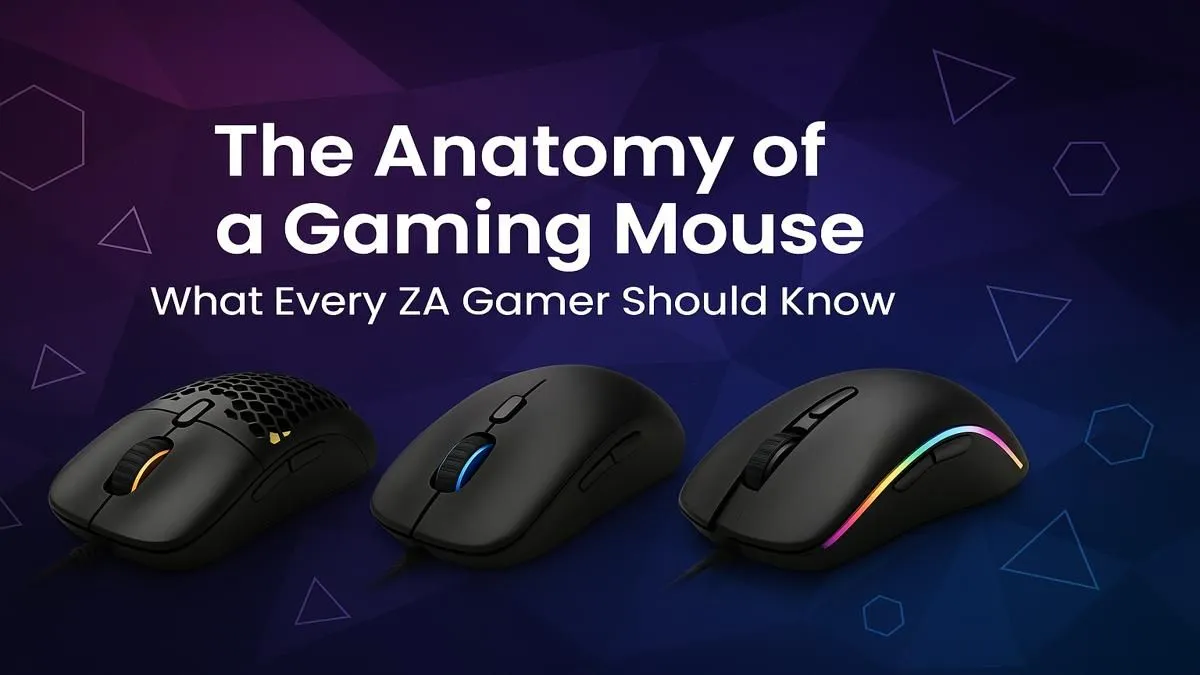
Ever felt like your aim was being held back by your gear? You line up the perfect headshot in Valorant or Apex, but your mouse skips a beat... costing you the round. You're not alone. Navigating the sea of technical gaming mouse features can be confusing for any South African gamer. DPI, polling rate, sensor types… what actually matters? This guide breaks down everything you need to know to choose the right weapon for your digital battles.
Decoding the Tech: Key Gaming Mouse Features Explained
Before you can pick the perfect mouse, you need to speak the language. Understanding the core specs is the first step to making an informed choice. These are the features of a gaming mouse that directly impact your performance.
DPI (Dots Per Inch)
Think of DPI as your mouse's sensitivity setting. A higher DPI means the cursor moves further on screen for a smaller physical movement. But bigger isn't always better! Many pro FPS players use a lower DPI (like 400-1600) for more precise, controlled aiming. The key is finding a DPI that feels comfortable for your screen resolution and playstyle.
Polling Rate (Hz)
Polling rate, measured in Hertz (Hz), is how often your mouse reports its position to your PC. The standard for gaming mice is 1000Hz, meaning it updates 1,000 times per second. This creates a smooth, responsive feel. While some newer mice offer "hyper-polling" rates of 4000Hz or even 8000Hz, for most gamers, 1000Hz is more than enough.
Sensor: The Heart of the Mouse
Modern gaming mice almost exclusively use flawless optical sensors. They are incredibly accurate and don't suffer from the acceleration issues that older laser sensors sometimes had. When browsing our full range of gaming mice, you can be confident that a modern optical sensor will give you the 1:1 tracking you need to build muscle memory.
Pro Gamer Tip: Find Your eDPI 🎯
Your 'eDPI' (effective Dots Per Inch) is your mouse DPI multiplied by your in-game sensitivity. For example, 800 DPI at 0.4 in-game sens is 320 eDPI. Most professional FPS players use an eDPI between 200 and 600. Experiment in this range to find a balance between quick turns and precise aiming that works for you!
Wired vs. Wireless: Cutting the Cord in SA
The age-old debate... should you go wired or wireless? A few years ago, the answer for serious gamers was always wired. Today, the lines are much blurrier, and the choice often comes down to personal preference and budget.
For many, a reliable wired mouse is a fantastic, no-fuss choice. You get a perfect connection with zero latency and never have to worry about charging a battery. The only potential downside is cable drag, but a good, flexible cable or a mouse bungee can easily solve that.
On the other hand, the freedom of a wireless mouse is undeniable. Modern wireless gaming mice now offer latency that is indistinguishable from their wired counterparts, thanks to technologies like Razer HyperSpeed and Logitech Lightspeed. The main considerations are battery life and a slightly higher price tag. 🚀
Shape, Weight, and Grip: Finding Your Perfect Fit
Arguably the most important (and personal) gaming mouse feature is its physical design. A mouse with the best sensor in the world is useless if it feels uncomfortable in your hand after a long session.
Know Your Grip Style
How you hold your mouse determines the ideal shape for you:
- Palm Grip: Your entire palm rests on the mouse. Look for larger, ergonomic mice that fill your hand.
- Claw Grip: Your palm touches the back of the mouse, but your fingers are arched. Ambidextrous and smaller ergonomic shapes work well.
- Fingertip Grip: Only your fingertips touch the mouse. Small, lightweight, and often ambidextrous mice are perfect for this style.
Finding the perfect ergonomic shape doesn't have to break the bank; keep an eye on the best gaming mouse deals for top-tier comfort at a great price.
The Lightweight Revolution
In recent years, the trend has shifted towards ultra-lightweight mice, some weighing less than 60 grams. Lighter mice can reduce fatigue and make it easier to perform fast, sweeping motions. Whether this is better for you is subjective, but it's a popular choice for FPS enthusiasts.
How Much Should You Spend? A ZAR Price Guide
In South Africa, you can get a fantastic gaming mouse without emptying your wallet. The key is knowing what to expect at different price points. Understanding these budget-related gaming mouse features helps you find the best value.
The gaming mice under R1000 category is packed with value. You'll find mice with solid sensors, durable switches, and comfortable shapes from reputable brands. They might be a bit heavier or lack advanced wireless tech, but their core performance is excellent. ✨
Stepping up to the sub-R2000 range opens up a world of premium features. This is the sweet spot where you'll find top-tier sensors, lightweight designs, and high-performance wireless options.
For those who demand the absolute best, the premium mice above R2000 offer the pinnacle of performance. Here you'll find cutting-edge technology like hyper-polling, optical switches, and the most advanced lightweight materials.
Choosing your next gaming mouse is a personal journey. There's no single "best" option, only the best option for you. By understanding the key gaming mouse features, from the sensor to the shape, you're now equipped to make a choice that will elevate your game.
Ready to Find Your Perfect Match?
From lightning-fast sensors to ultra-lightweight designs, the right gaming mouse is waiting. Understanding the key features is the first step. Now, it's time to gear up. Explore our massive range of gaming mouse deals and find the perfect clicker to dominate the competition.