

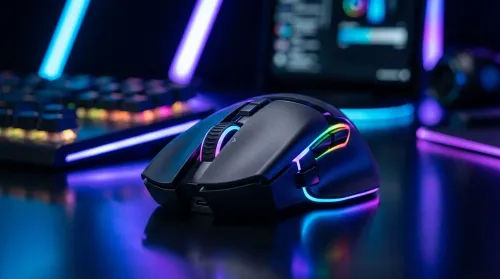
How to Personalize RGB Gaming Mouse Lighting for Your Setup
Learn how to personalize RGB gaming mouse lighting to match your rig. Discover the tech behind the LEDs and customize your performance with ease. 🖱️✨
Read moreGaming mouse macros with only 6 buttons can transform your gameplay. Learn how to map essential commands and boost your efficiency in competitive titles today! 🖱️🚀
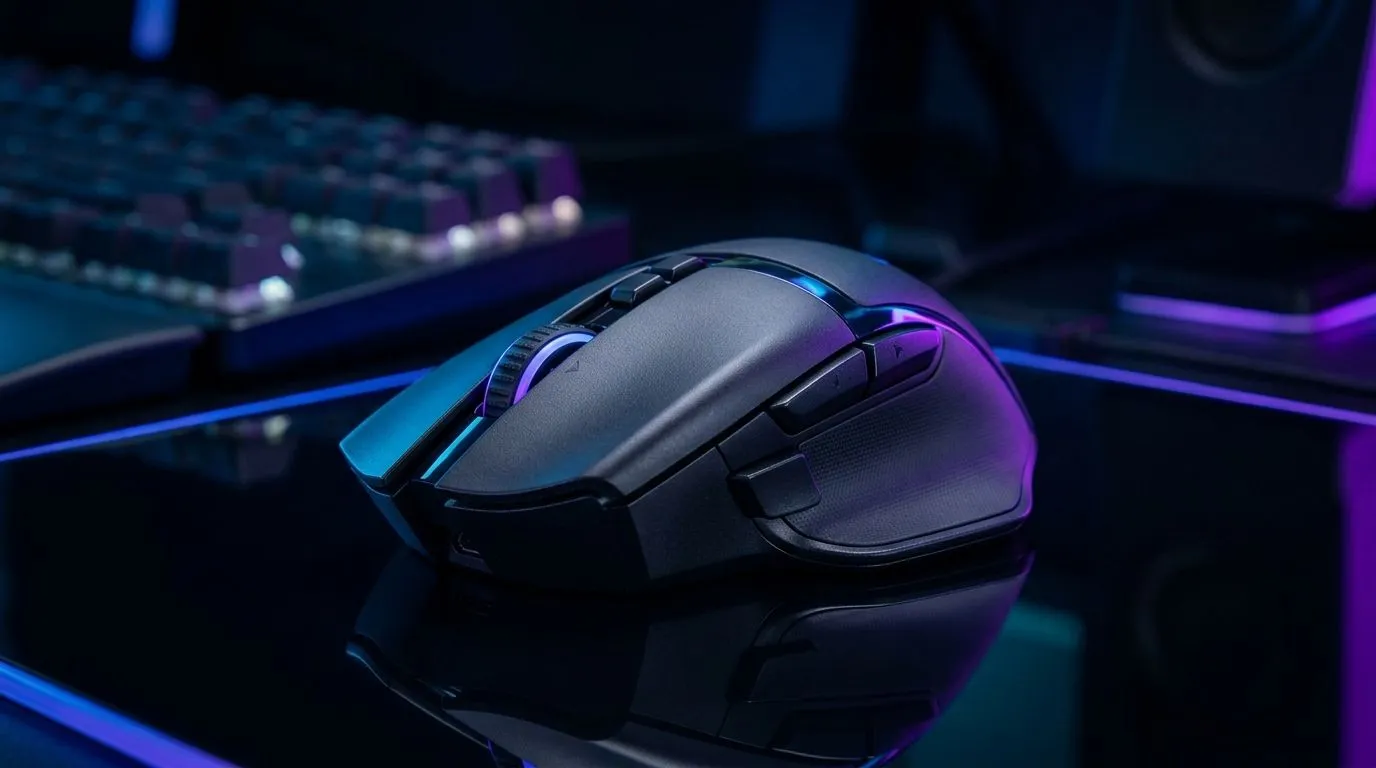
If you’ve ever died after fumbling your reload, you already know why macros feel tempting… until you get them wrong. 🎮 On the South African server grind, reaction time is everything. A well-set up gaming mouse with six programmable buttons can mean one less mental step between “see enemy” and “secure the round”. 🔧
In this deep dive, we’ll show you how to optimise gaming mouse macros for peak performance, using a reliable 6-button layout that fits common genres: FPS, battle royale, and MOBAs.
Here’s a layout that keeps your hands calm. The goal is consistency, not chaos.
Why this works: thumb buttons stay near your movement hand. Your fingers don’t need to travel far, so you reduce misclicks under pressure.
On Windows, use the PowerToys utility to remap and test shortcuts without changing your whole system. Create a safe testing setup for your macro hotkeys so you can verify timing and consistency before you jump into ranked.
Macros can be either helpful or harmful. The difference is whether you’re automating “decision-making” or just speeding up “repeated actions”.
If your mouse supports onboard profiles, switch profiles instead of stacking lots of macros. That keeps your setup stable across games.
Even the best macro plan won’t save a mouse with weak button consistency. Start by picking a mouse that clearly labels and supports macro-ready controls.
If you’re building a “6-button macro” setup, compare models and features first:
And if you’re deciding between wireless and wired, be aware that both can work well. The difference is usually latency expectations and reliability habits.
Before you touch ranked, run a quick routine. You’re training your brain, not just your mouse.
After this, you’ll notice if a macro feels “off” or if you accidentally activate it during movement. Fix the binding before you queue.
Here are the errors we see most often… and how to avoid them.
If multiple buttons sit under the same finger, you’ll eventually hit the wrong one during stress.
Know your default state. For example: “profile A is FPS, profile B is utility-heavy”. Don’t keep changing mid-match unless you have a reason.
Dust and wear can cause inconsistent button presses. Keep it clean, especially if you use your mouse heavily.
If you’re upgrading peripherals around your setup, you might also want compatible add-ons like skates, cables, or other extras:
Before you call it done, verify:
If you’re ready to take the next step, the best macro setup starts with the right hardware and profile support.
Ready to Find Your Perfect Match? The Mac vs Windows debate is complex, but for maximum power, choice, and value in South Africa, Windows is hard to beat. Explore our massive range of laptop specials and find the perfect machine to conquer your world.
Yes, 6 buttons are sufficient for most competitive games. By using modifier keys like Shift or Ctrl in your software, you can triple your available input options.
Download your mouse manufacturer's software, select your device, and navigate to the button assignment menu to record and bind your desired keystrokes or functions.
Most games allow simple macros for utility or key remapping. However, macros that automate complex recoil control or give unfair advantages may violate terms of service.
Prioritize high-frequency actions like melee attacks, healing items, voice chat, or complex key combinations that are hard to reach on your keyboard.
Yes, moving essential commands to your thumb buttons reduces the strain on your keyboard hand and allows for faster, more fluid execution during intense combat.
Most modern mouse software allows you to create game-specific profiles that switch automatically when you launch a particular application.
Learn how to personalize RGB gaming mouse lighting to match your rig. Discover the tech behind the LEDs and customize your performance with ease. 🖱️✨
Read more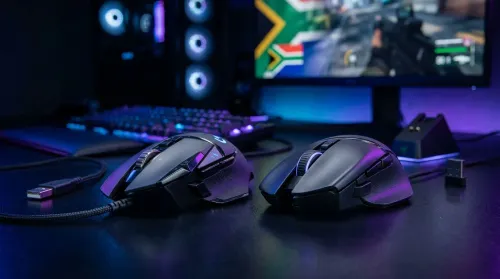
Choosing between wired vs wireless gaming mice for your setup? 🖱️ We break down latency, battery life, and sensor tech to help South African gamers find the perfect upgrade for their rig. Level up your precision today! 🚀
Read more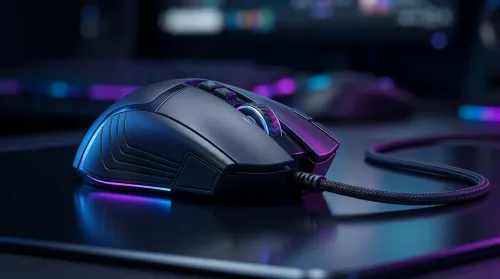
Wired gaming mice offer unmatched reliability and zero latency for South African gamers. Discover why a corded connection is still the smartest choice for competitive play and budget-conscious setups. 🖱️⚡
Read more
Gaming mouse sensor tracking explained: Decode IPS, acceleration, and polling rate to boost your aim. Learn how these specs impact your accuracy in-game! 🖱️🚀
Read more
Demystify gaming mouse specs like DPI, sensor accuracy, and polling rate to find your perfect match. 🖱️ We break down every technical detail on the box so you can upgrade your setup with confidence. 🚀
Read more
Choosing the best wireless gaming mouse in South Africa is easier than you think! 🖱️ We break down high-DPI myths and essential sensor specs to help you dominate your next match. Find your perfect peripheral at Evetech today. 🚀
Read more
Snapdragon X2 NPU Explained: How 80 TOPS Changes. Plain-English explanation of what it means, why it matters & how it affects your buying decisions in SA.

HBM? High Bandwidth Memory Used in GPUs and AI. Plain-English explanation of what it means, why it matters & how it affects your buying decisions in SA.

How much should you spend on sim racing accessories in South Africa for a realistic setup? We break down budgets by quality tiers, so you buy smart gear and avoid overspending 🎮💸

G-Sync and FreeSync? Variable Refresh Rate. Plain-English explanation of what it means, why it matters & how it affects your buying decisions in SA.

AMD Laptop: Value. SA-focused analysis with local pricing data, real-world insights & actionable buying advice.

How MacBook Neo Handles 30+ Chrome Tabs with Only. SA-focused analysis with local pricing data, real-world insights & actionable buying advice.

Why Apple Put 8GB RAM in MacBook Neo: The A18 Pro. SA-focused analysis with local pricing data, real-world insights & actionable buying advice.

Upgrade your work laptop with a New Motherboard. Step-by-step instructions with SA-specific tips, common pitfalls to avoid & expert recommendations.

Maintain wired headset — Checklist: • inspect cables • clean earpads • store properly 🔧🎧 Practical steps to preserve sound quality and avoid premature replacements.

Fix crackling headset fast: step-by-step checks for cables, connectors, drivers, and settings to remove static or distorted audio on wired headsets 🎧⚙️

Stereo vs mono headsets: learn which delivers clearer calls, better spatial music, or simpler mono voice performance — pick the right headset for meetings, music, or gaming 🎧💬

- Compare gaming headset vs studio headphones; - Assess comfort, mic and sound; - Recommend best daily picks. Gaming headset vs studio headphones: learn which suits work, music and casual gaming. 🎧⚖️