

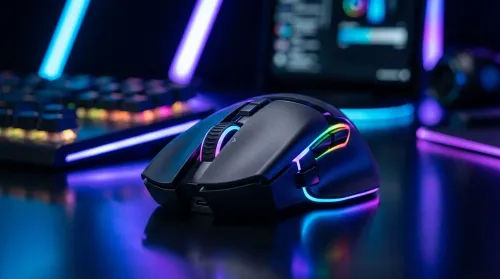
How to Personalize RGB Gaming Mouse Lighting for Your Setup
Learn how to personalize RGB gaming mouse lighting to match your rig. Discover the tech behind the LEDs and customize your performance with ease. 🖱️✨
Read moreGaming mouse sensor tracking explained: Decode IPS, acceleration, and polling rate to boost your aim. Learn how these specs impact your accuracy in-game! 🖱️🚀
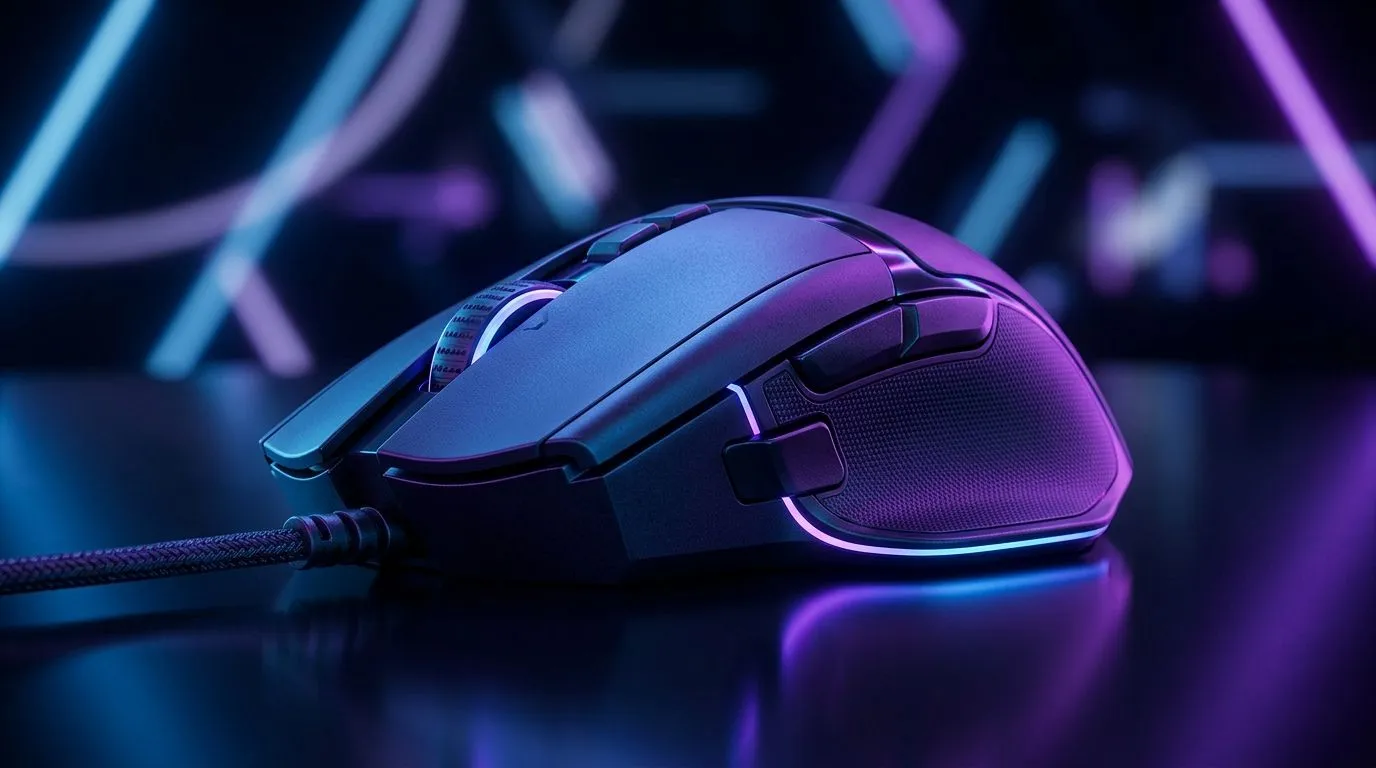
South African gamers know the feeling… shots land “late”, flicks wobble, and aim feels inconsistent. Usually it is not your sensitivity. It is the mouse’s sensor and how it tracks movement. Add acceleration quirks and the wrong polling rate, and you get stuttery inputs at the worst time. Let’s break down Gaming Mouse Sensor Tracking: IPS, Acceleration, and Polling Rate in plain terms, then help you choose a mouse that stays predictable on your desk. 🎮
IPS (Inches Per Second) is how fast a sensor can track movement without losing accuracy. In practice, you rarely hit max speed during normal play, but IPS matters if you do quick swipes, high-DPI flicks, or you lift and re-place your mouse during long sessions.
When IPS is too low for your movement, sensors can “drop” tracking during fast motions. The result is aim jump, micro-stutter, or inconsistent turns. That is why you should treat IPS as “headroom”. More headroom usually means fewer surprises, especially on high-sens or rapid crosshair sweeps.
If you want a solid baseline for your setup, start by picking a gaming mouse that matches the way you play (low-sens precision or high-sens flicking). Evetech keeps specs easy to compare on their gaming mouse listings, so you can cross-check advertised tracking features before you buy.
For browsing options that fit different styles, check out this curated range:
Mouse acceleration is when the cursor movement is not perfectly proportional to your hand movement. That can be caused by sensor algorithms, smoothing, or platform settings. Many gamers feel it as “my aim is drifting when I move fast”.
The key idea: acceleration breaks predictability. Competitive shooters generally reward consistent, linear input. So when reviewing a mouse, you want to confirm whether the sensor is designed for stable tracking and how it behaves across surfaces. If you are using software that applies additional acceleration or smoothing, test it and consider disabling it for competitive modes.
Because the best experience depends on your exact Windows setup and your mouse software, it’s worth buying a mouse you can test quickly and return if it does not match your feel. That is also why deal-first shopping can be risky… unless you know what to look for. 🔧
Polling rate is how often the mouse sends data to your computer. Common rates are 1000Hz (1ms polling), along with 500Hz and lower options.
Higher polling rate can reduce input latency and make movement feel tighter, especially when paired with:
But polling rate is not magic. If your PC is struggling, the overall experience will still be limited by frame time and input-to-photon delays.
Evetech’s mouse buying guides can help you choose wired vs wireless options based on your priorities:
Wireless mice have improved massively, but you still want to check advertised polling behaviour and whether the connection method is stable. If you play competitive FPS regularly, a wired mouse often stays the simplest path to consistent timing… especially if you hate any chance of wireless hiccups.
Still, if you want freedom of movement and clean cable management, wireless can be excellent, as long as the mouse is positioned correctly in your desk setup and you follow the pairing and charging guidance.
To compare wireless options:
Here is the quick checklist many top SA players use when choosing a mouse sensor setup:
="Setup Pro Tip 🔧" , On competitive builds, test your mouse in a simple Aim training routine on the exact mousepad you game on. Then change only one variable at a time: sensitivity, polling rate, and acceleration settings. This isolates what actually affects your tracking feel, so you do not chase phantom issues.
Loadshedding schedules can also affect your routine… but your settings should be stable when you sit down. After you reinstall Windows or update drivers, check:
If you change multiple things at once, you will never know what caused the aim feel shift.
Spec sheets only tell part of the story. The best value is the mouse that matches your grip, weight preference, and sensor behaviour… within your budget.
If you are hunting a deal, do it with intention. Look for strong tracking specs and user-friendly software, then compare options side-by-side.
Start here for current mouse deal browsing:
Even a great sensor can struggle if your surface is inconsistent. A reliable mousepad helps with tracking stability. Clean your feet, keep the pad free of dust, and avoid gritty desk surfaces.
For mouse accessories that support smoother movement:
If you are unsure, start with a mouse that clearly lists its tracking and performance expectations, then fine-tune your settings. You will get closer to “always the same” aim, which is the real win.
Ready to Find Your Perfect Match? The Mac vs Windows debate is complex, but for maximum power, choice, and value in South Africa, Windows is hard to beat. Explore our massive range of laptop specials and find the perfect machine to conquer your world.
IPS stands for Inches Per Second. It measures the maximum speed your mouse sensor can track before it starts losing accuracy or skipping during fast flicks.
Yes, a higher polling rate reduces input lag by sending more frequent updates to your PC, resulting in smoother cursor movement and faster response times.
Most competitive gamers disable mouse acceleration because it makes cursor distance inconsistent, making it harder to build consistent muscle memory.
While DPI affects sensitivity, very high DPI can introduce sensor jitter. Most pros prefer moderate DPI settings combined with high polling rates.
A polling rate of 1000Hz is standard for competitive gaming, though newer mice offer 4000Hz or 8000Hz for even lower latency.
You can use tools like Mouse Tester to graph your sensor data and check for issues like smoothing, jitter, or tracking speed limits.
Learn how to personalize RGB gaming mouse lighting to match your rig. Discover the tech behind the LEDs and customize your performance with ease. 🖱️✨
Read more
Choosing between wired vs wireless gaming mice for your setup? 🖱️ We break down latency, battery life, and sensor tech to help South African gamers find the perfect upgrade for their rig. Level up your precision today! 🚀
Read more
Wired gaming mice offer unmatched reliability and zero latency for South African gamers. Discover why a corded connection is still the smartest choice for competitive play and budget-conscious setups. 🖱️⚡
Read more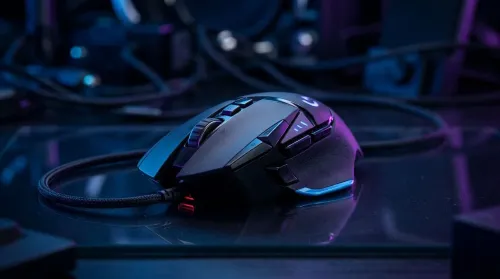
Demystify gaming mouse specs like DPI, sensor accuracy, and polling rate to find your perfect match. 🖱️ We break down every technical detail on the box so you can upgrade your setup with confidence. 🚀
Read more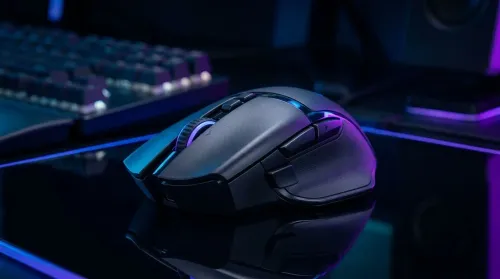
Gaming mouse macros with only 6 buttons can transform your gameplay. Learn how to map essential commands and boost your efficiency in competitive titles today! 🖱️🚀
Read more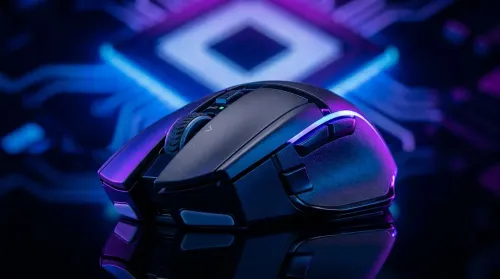
Choosing the best wireless gaming mouse in South Africa is easier than you think! 🖱️ We break down high-DPI myths and essential sensor specs to help you dominate your next match. Find your perfect peripheral at Evetech today. 🚀
Read more
Snapdragon X2 NPU Explained: How 80 TOPS Changes. Plain-English explanation of what it means, why it matters & how it affects your buying decisions in SA.

HBM? High Bandwidth Memory Used in GPUs and AI. Plain-English explanation of what it means, why it matters & how it affects your buying decisions in SA.

How much should you spend on sim racing accessories in South Africa for a realistic setup? We break down budgets by quality tiers, so you buy smart gear and avoid overspending 🎮💸

G-Sync and FreeSync? Variable Refresh Rate. Plain-English explanation of what it means, why it matters & how it affects your buying decisions in SA.

AMD Laptop: Value. SA-focused analysis with local pricing data, real-world insights & actionable buying advice.

How MacBook Neo Handles 30+ Chrome Tabs with Only. SA-focused analysis with local pricing data, real-world insights & actionable buying advice.

Why Apple Put 8GB RAM in MacBook Neo: The A18 Pro. SA-focused analysis with local pricing data, real-world insights & actionable buying advice.

Upgrade your work laptop with a New Motherboard. Step-by-step instructions with SA-specific tips, common pitfalls to avoid & expert recommendations.

Maintain wired headset — Checklist: • inspect cables • clean earpads • store properly 🔧🎧 Practical steps to preserve sound quality and avoid premature replacements.

Fix crackling headset fast: step-by-step checks for cables, connectors, drivers, and settings to remove static or distorted audio on wired headsets 🎧⚙️

Stereo vs mono headsets: learn which delivers clearer calls, better spatial music, or simpler mono voice performance — pick the right headset for meetings, music, or gaming 🎧💬

- Compare gaming headset vs studio headphones; - Assess comfort, mic and sound; - Recommend best daily picks. Gaming headset vs studio headphones: learn which suits work, music and casual gaming. 🎧⚖️