

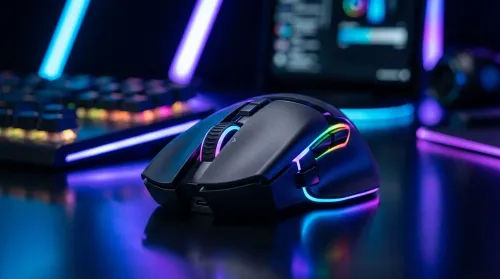
How to Personalize RGB Gaming Mouse Lighting for Your Setup
Learn how to personalize RGB gaming mouse lighting to match your rig. Discover the tech behind the LEDs and customize your performance with ease. 🖱️✨
Read moreDemystify gaming mouse specs like DPI, sensor accuracy, and polling rate to find your perfect match. 🖱️ We break down every technical detail on the box so you can upgrade your setup with confidence. 🚀
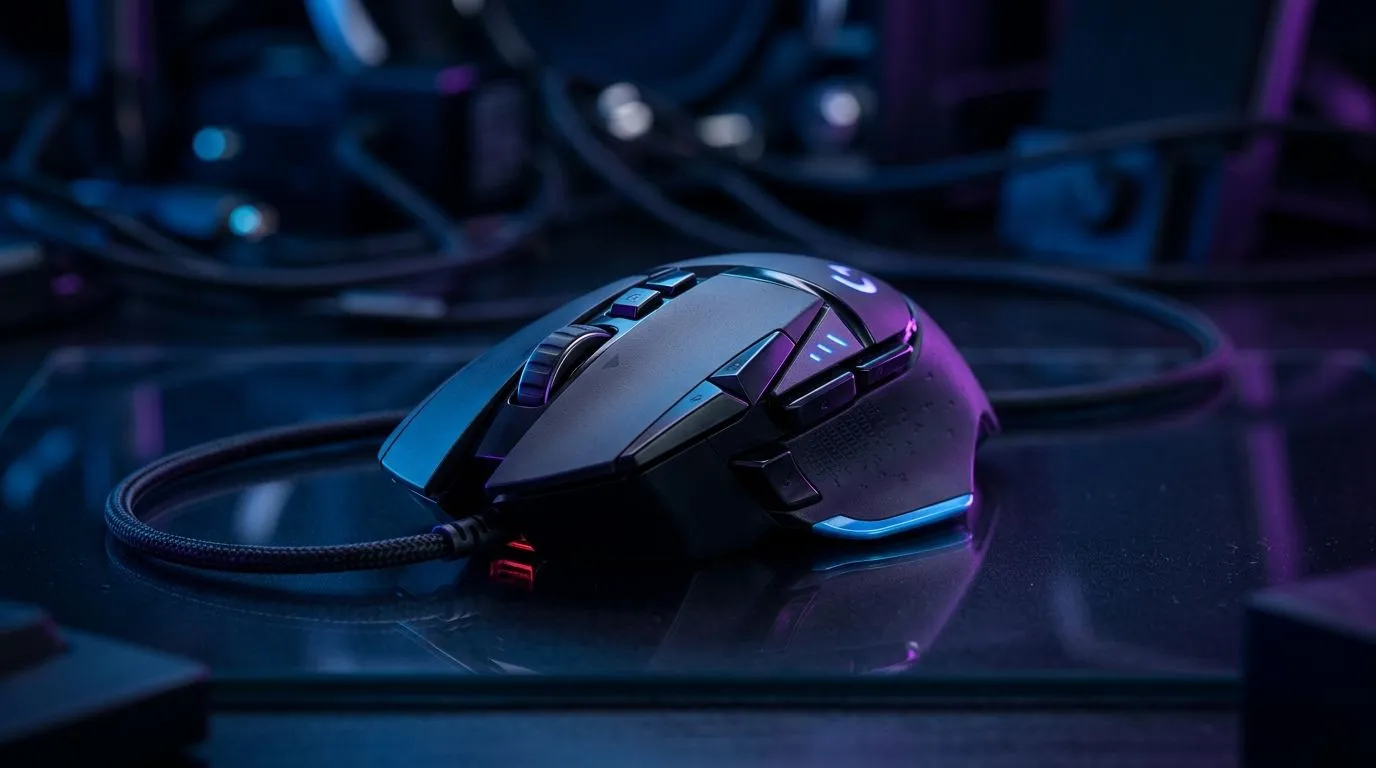
If your mouse feels “off” in CS2, Valorant, or Warzone, it’s rarely just bad aim. It’s often the specs… and how you set them. In South Africa, where you might game on everything from an entry-level desk setup to a full RGB battlestation, small details matter.
This guide explains the core specs in plain English: DPI, sensors, and polling rate. By the end, you’ll know what to prioritise, what to ignore, and how to avoid paying for numbers you cannot feel.
DPI (dots per inch) is how many sensor “steps” the mouse reports per inch of movement. Higher DPI can feel faster, but it does not automatically mean “better” for accuracy.
Here’s the practical takeaway:
What to look for when shopping:
For a shop-first starting point, browse Evetech’s selection of options here:
The sensor is the part that tracks movement and converts it into cursor motion. Two mice with similar DPI can feel very different if one sensor tracks inconsistently, especially on textured surfaces or inconsistent mousepad coverage.
When considering sensor quality, prioritise:
Even if you are upgrading for esports, you might not need the most expensive sensor on the shelf. You need the one that behaves reliably with your surface and grip.
Polling rate is how frequently the mouse reports position to your computer. Common rates are 125Hz (every 8ms), 250Hz (4ms), 500Hz (2ms), and 1000Hz (1ms).
What this means in real life:
In SA homes, it’s common to deal with load-shedding, intermittent networking, and power fluctuations. While that doesn’t directly change polling rate, it can affect system responsiveness and frame stability.
So before blaming the mouse:
On Windows, make sure your mouse polling settings (if supported by the software) match your expectations, then test using a consistent in-game sensitivity. Use a single aim routine for 10 to 15 minutes, switching only one variable at a time (DPI first, then polling). This avoids the classic “everything felt different” problem when tweaking multiple settings at once.
Wireless gaming mice have improved massively, but the buying checklist should still be intentional. Polling and latency behaviour can vary by model, connection mode, and battery performance.
If you’re deciding:
If you want wired options to match your current rig, start here:
If wireless is your thing (and many South African players are moving that way), you’ll want a model with a competitive wireless setup:
Not sure what matters most? Use this quick checklist when you’re comparing models in Evetech’s mouse deals:
Want deal-ready options for your next upgrade? Start here:
Even a top-tier sensor struggles if the surface is inconsistent. A quality mousepad helps you get predictable glide and stable tracking. Also, worn skates can add uneven friction that feels like “input inconsistency”.
If you’re tuning for competitive consistency, check mouse accessories here:
Once you buy, configure like this:
If your aim feels worse after changes, it usually means you changed DPI and in-game sensitivity at the same time. Keep changes incremental. Your hands remember patterns… not guesses.
Ready to Find Your Perfect Match? If you want a gaming mouse that matches your style, your desk setup, and your budget in South Africa, start with Evetech and narrow it down by the specs that matter. Explore our massive range of gaming mouse deals and accessories, then dial in DPI, sensor feel, and polling rate without overpaying.
DPI stands for Dots Per Inch. It measures how sensitive your mouse is; higher DPI means the cursor moves further on screen with less physical hand movement.
A polling rate of 1000Hz is standard for competitive gaming, as it reports your mouse position to the PC 1000 times per second, reducing input lag significantly.
Yes. Premium sensors offer better tracking accuracy, higher IPS (inches per second) ratings, and zero acceleration, ensuring your cursor matches your hand movement.
Not necessarily. Lightweight mice are excellent for fast-paced shooters, while heavier mice can provide more stability and control for tactical or precise gaming.
Lift-off distance is the height at which the sensor stops tracking when you lift the mouse off the pad. Low distance is preferred to prevent cursor jitter.
Mechanical switches use physical contacts, while optical switches use light beams to register clicks, offering faster response times and better durability.
Learn how to personalize RGB gaming mouse lighting to match your rig. Discover the tech behind the LEDs and customize your performance with ease. 🖱️✨
Read more
Choosing between wired vs wireless gaming mice for your setup? 🖱️ We break down latency, battery life, and sensor tech to help South African gamers find the perfect upgrade for their rig. Level up your precision today! 🚀
Read more
Wired gaming mice offer unmatched reliability and zero latency for South African gamers. Discover why a corded connection is still the smartest choice for competitive play and budget-conscious setups. 🖱️⚡
Read more
Gaming mouse sensor tracking explained: Decode IPS, acceleration, and polling rate to boost your aim. Learn how these specs impact your accuracy in-game! 🖱️🚀
Read more
Gaming mouse macros with only 6 buttons can transform your gameplay. Learn how to map essential commands and boost your efficiency in competitive titles today! 🖱️🚀
Read more
Choosing the best wireless gaming mouse in South Africa is easier than you think! 🖱️ We break down high-DPI myths and essential sensor specs to help you dominate your next match. Find your perfect peripheral at Evetech today. 🚀
Read more
Snapdragon X2 NPU Explained: How 80 TOPS Changes. Plain-English explanation of what it means, why it matters & how it affects your buying decisions in SA.

HBM? High Bandwidth Memory Used in GPUs and AI. Plain-English explanation of what it means, why it matters & how it affects your buying decisions in SA.

How much should you spend on sim racing accessories in South Africa for a realistic setup? We break down budgets by quality tiers, so you buy smart gear and avoid overspending 🎮💸

G-Sync and FreeSync? Variable Refresh Rate. Plain-English explanation of what it means, why it matters & how it affects your buying decisions in SA.

AMD Laptop: Value. SA-focused analysis with local pricing data, real-world insights & actionable buying advice.

How MacBook Neo Handles 30+ Chrome Tabs with Only. SA-focused analysis with local pricing data, real-world insights & actionable buying advice.

Why Apple Put 8GB RAM in MacBook Neo: The A18 Pro. SA-focused analysis with local pricing data, real-world insights & actionable buying advice.

Upgrade your work laptop with a New Motherboard. Step-by-step instructions with SA-specific tips, common pitfalls to avoid & expert recommendations.

Maintain wired headset — Checklist: • inspect cables • clean earpads • store properly 🔧🎧 Practical steps to preserve sound quality and avoid premature replacements.

Fix crackling headset fast: step-by-step checks for cables, connectors, drivers, and settings to remove static or distorted audio on wired headsets 🎧⚙️

Stereo vs mono headsets: learn which delivers clearer calls, better spatial music, or simpler mono voice performance — pick the right headset for meetings, music, or gaming 🎧💬

- Compare gaming headset vs studio headphones; - Assess comfort, mic and sound; - Recommend best daily picks. Gaming headset vs studio headphones: learn which suits work, music and casual gaming. 🎧⚖️