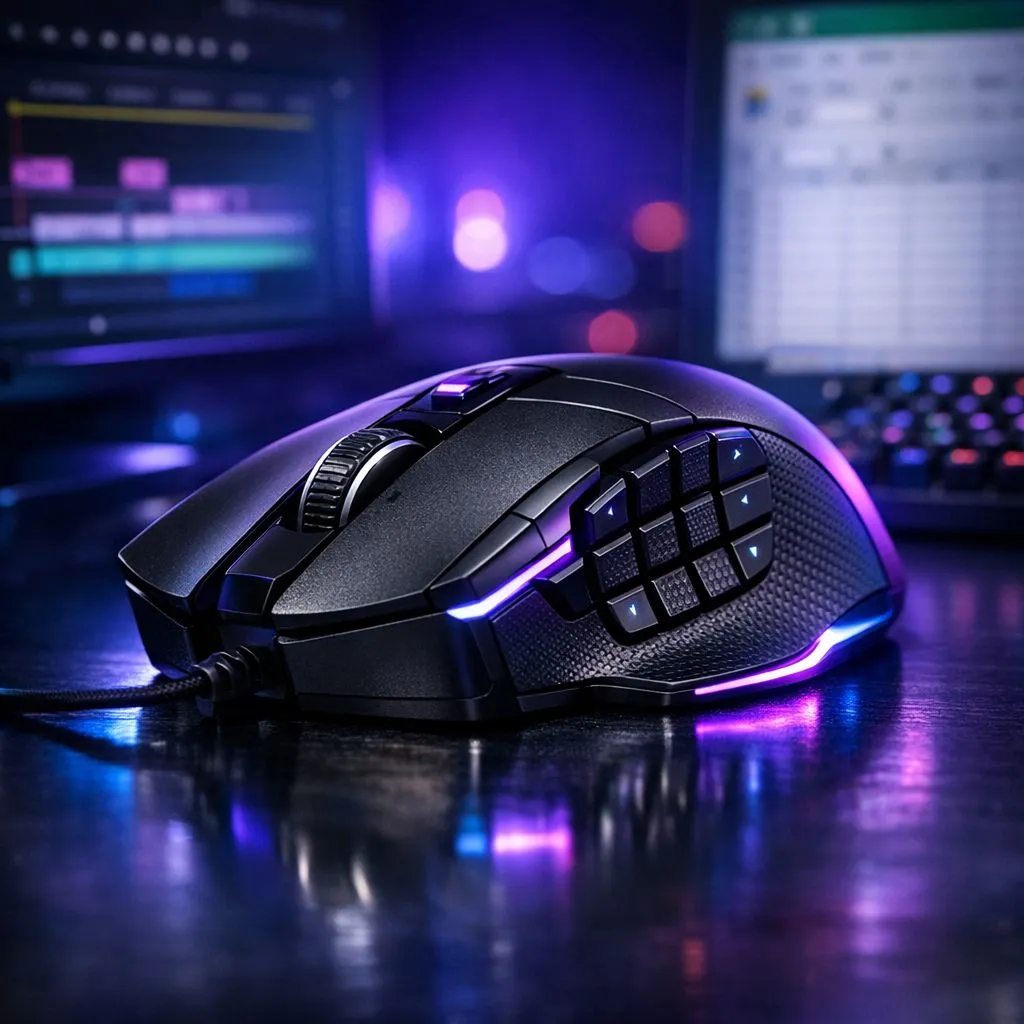
Most South African gamers spend thousands on a high-end mouse for the perfect flick shot in Valorant. But that precision tool sitting on your desk is capable of so much more than just gaming. If you are a video editor or a spreadsheet warrior, you can repurpose those extra buttons to shave hours off your work week. Let us dive into the world of mouse macros... ⚡
Why Your Gaming Mouse is a Secret Productivity Weapon
A high-quality mouse is not just about RGB lighting. It is about the software suite that comes with it. Whether you use Razer Synapse, Logitech G Hub, or SteelSeries GG, these tools allow you to remap buttons to complex keyboard shortcuts. When you invest in the latest gaming mouse range, you are buying back your time.
In South Africa, where many of us juggle side hustles and remote freelance work, efficiency is currency. Instead of hunting for the "Undo" or "Export" buttons, you can trigger them with a thumb click. This reduces hand fatigue and keeps your focus on the creative process. If you are looking to upgrade without breaking the bank, checking out the best gaming mouse deals can get you professional-grade hardware for fewer ZAR.
Optimising Video Editing with Mouse Macros
Video editing is a repetitive process of cutting, dragging, and zooming. By assigning gaming mouse macros for video editing and excel productivity to your side buttons, you can transform your workflow.
Imagine mapping "Ripple Delete" to your mouse. Instead of moving your left hand across the keyboard or right-clicking a gap in the timeline, one click clears the space and closes the gap. You can also map "Zoom to Sequence" or "Toggle Razor Tool" to your scroll wheel tilt. If you prefer a desk free of clutter, a high-performance wireless mouse provides the same macro capabilities with zero cable drag... perfect for those long nights in Premiere Pro or DaVinci Resolve.
Productivity Pro Tip ⚡
On Windows, use the PowerToys FancyZones utility to create custom snap layouts for your windows. It's a lifesaver for managing multiple apps on an ultrawide monitor, letting you organise your timeline, preview window, and asset folders perfectly for video editing.
Crushing Spreadsheets: Excel Macros for Power Users
Excel power users often rely on "Alt" codes or complex "Ctrl + Shift" combinations. This is where a reliable wired mouse with multiple side buttons becomes a data analyst's best friend.
You can create macros for:
- Inserting a new row or column instantly.
- Applying specific cell borders or colours.
- Toggling between worksheet tabs.
- Pasting values only (skipping the formatting).
By automating these micro-tasks, you maintain your flow state. Even small additions like essential mouse accessories, such as a high-quality mousepad, ensure that your cursor precision remains pixel-perfect when selecting tiny cells in a massive data set. 🔧
Choosing the Right Gear for Work and Play
The transition from a gaming session to a work session should be seamless. Modern software allows you to create "profiles" that automatically switch based on the application you have open. When you launch Excel, your mouse adopts your productivity macros. When you launch Apex Legends, it switches back to your tactical binds. 🚀
Investing in hardware that serves a dual purpose is the smartest way to spend your tech budget in South Africa. You get the durability of mechanical switches and the precision of high-DPI sensors, all while making your professional life significantly easier. ✨
Ready to Find Your Perfect Match?
The Mac vs Windows debate is complex, but for maximum power, choice, and value in South Africa, Windows is hard to beat. Explore our massive range of gaming mice and find the perfect machine to conquer your world.